banner 1 1
Flexible Page Builder
for Advanced Custom Fields Pro

Build pages 10x faster with reusable sections.

Basic styling included — YOUR design makes it shine.

banner 3
Beautiful, responsive hero sliders
Optimized images, smooth transitions, consistent branding

Drag, drop, reuse — build layouts lightning-fast. Basic styling + your creativity = pro results.

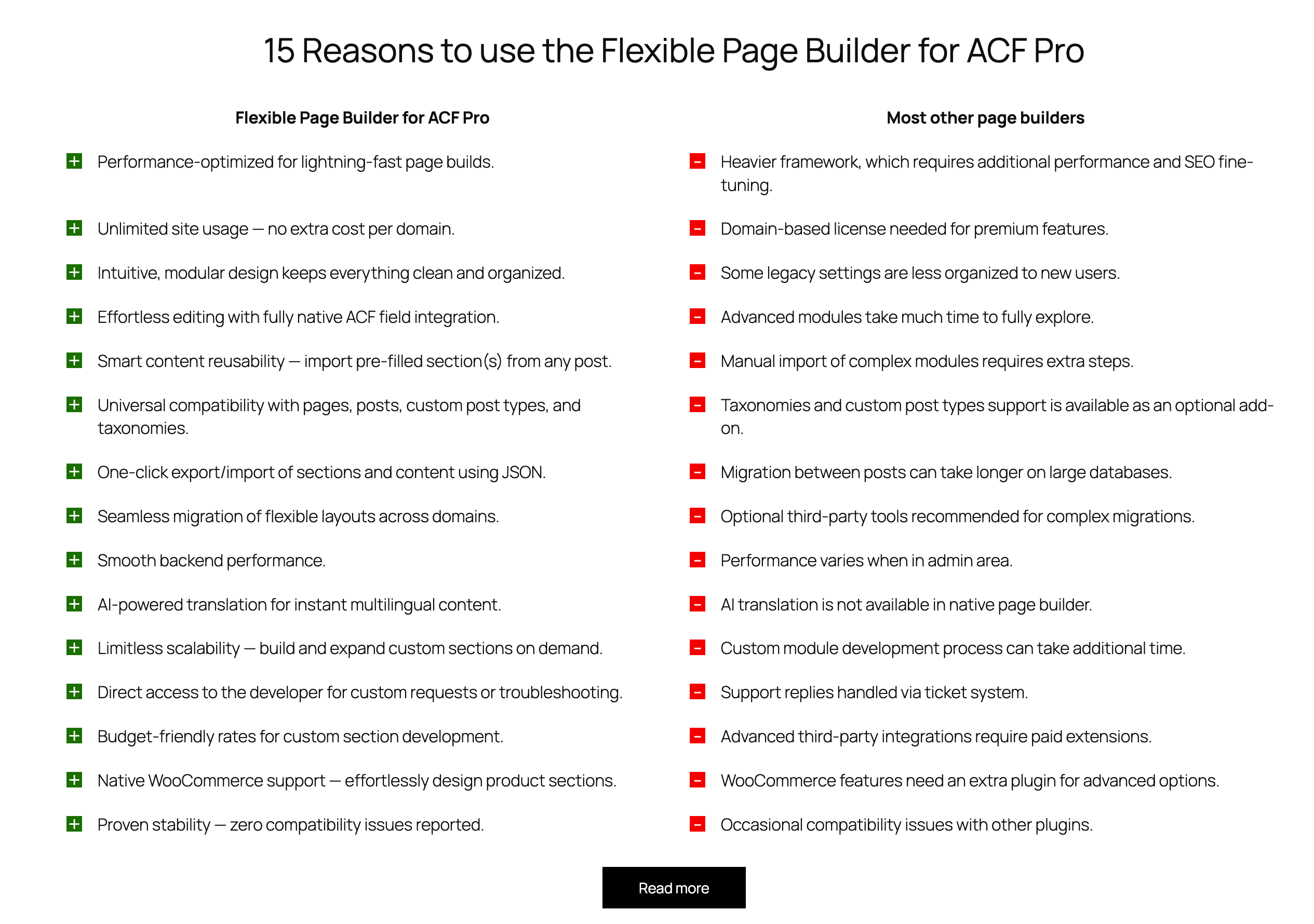
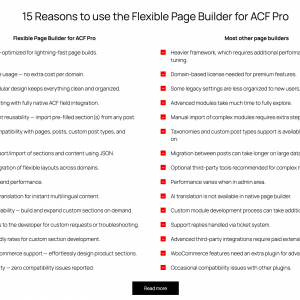
15 Reasons to use the Flexible Page Builder for ACF Pro

Pros and cons add-on. A perfect way to sow distinguishing features of your product.

Flexible Page Builder for ACF Pro
Most other page builders
Performance-optimized for lightning-fast page builds.
Heavier framework, which requires additional performance and SEO fine-tuning.
Unlimited site usage — no extra cost per domain.
Domain-based license needed for premium features.
Intuitive, modular design keeps everything clean and organized.
Some legacy settings are less organized to new users.
Effortless editing with fully native ACF field integration.
Advanced modules take much time to fully explore.
Smart content reusability — import pre-filled section(s) from any post.
Manual import of complex modules requires extra steps.
Universal compatibility with pages, posts, custom post types, and taxonomies.
Taxonomies and custom post types support is available as an optional add-on.
One-click export/import of sections and content using JSON.
Migration between posts can take longer on large databases.
Seamless migration of flexible layouts across domains.
Optional third-party tools recommended for complex migrations.
Smooth backend performance.
Performance varies when in admin area.
AI-powered translation for instant multilingual content.
AI translation is not available in native page builder.
Limitless scalability — build and expand custom sections on demand.
Custom module development process can take additional time.
Direct access to the developer for custom requests or troubleshooting.
Support replies handled via ticket system.
Budget-friendly rates for custom section development.
Advanced third-party integrations require paid extensions.
Native WooCommerce support — effortlessly design product sections.
WooCommerce features need an extra plugin for advanced options.
Proven stability — zero compatibility issues reported.
Occasional compatibility issues with other plugins.

See how we perform!

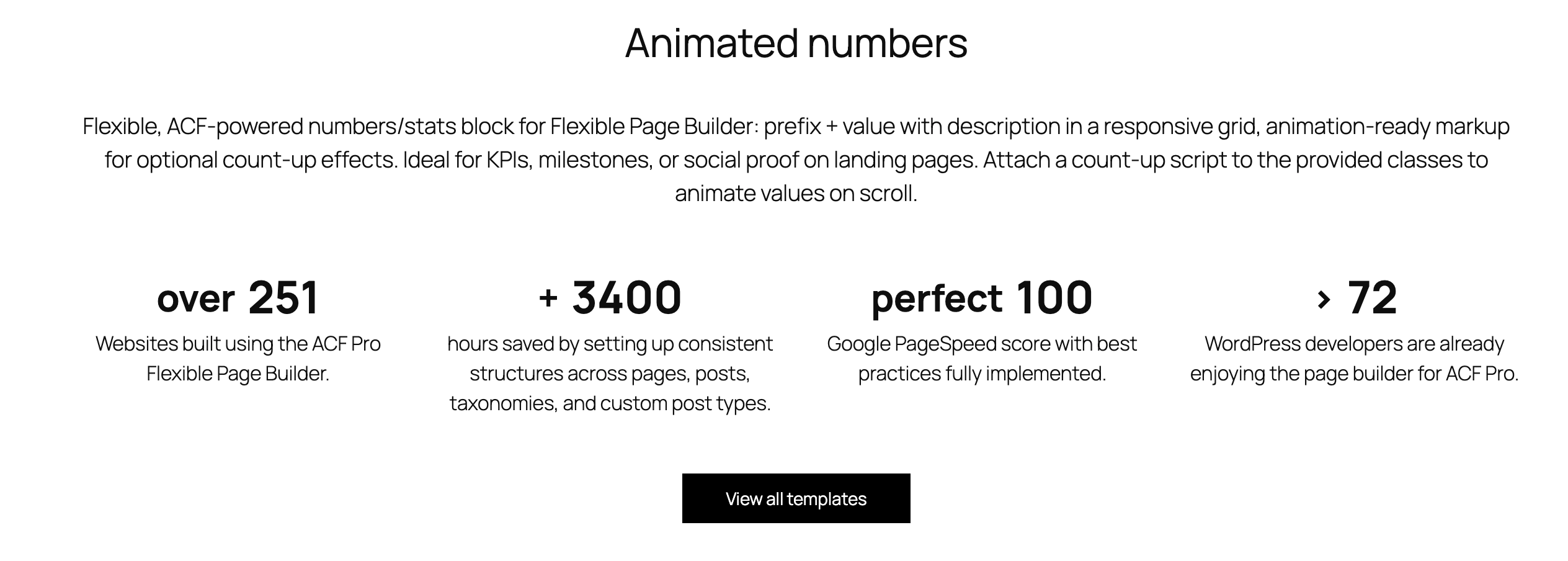
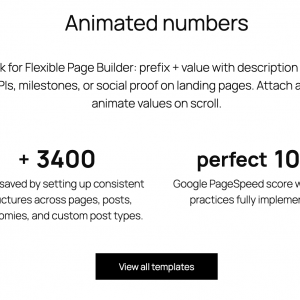
Flexible, ACF‑powered numbers/stats block for Flexible Page Builder: prefix + value with description in a responsive grid, animation‑ready markup for optional count‑up effects. Ideal for KPIs, milestones, or social proof on landing pages. Attach a count‑up script to the provided classes to animate values on scroll.

over
251

Websites built using the ACF Pro Flexible Page Builder.

+
3400

hours saved by setting up consistent structures across pages, posts, taxonomies, and custom post types.

perfect
100

Google PageSpeed score with best practices fully implemented.

>
72

WordPress developers are already enjoying the page builder for ACF Pro.

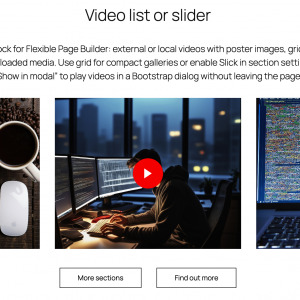
Detailed "how to" videos of the add-ons

Flexible, ACF‑powered video add-on for Flexible Page Builder: external or local videos with poster images, grid or Slick slider layout, optional Bootstrap modal playback, and lazy‑loaded media. Use grid for compact galleries or enable Slick in section settings to switch to a carousel. Turn on “Show in modal” to play videos in a Bootstrap dialog without leaving the page.

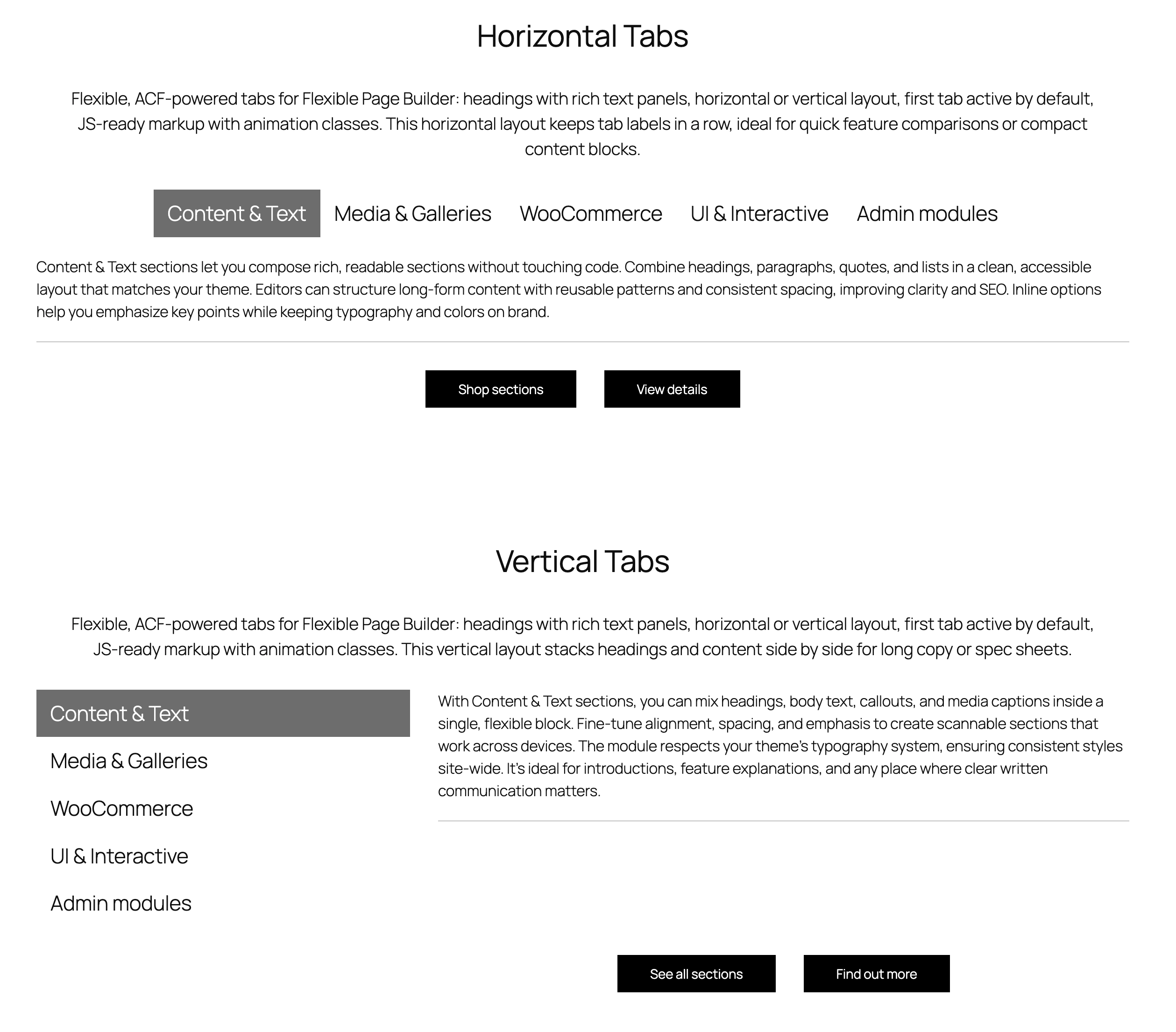
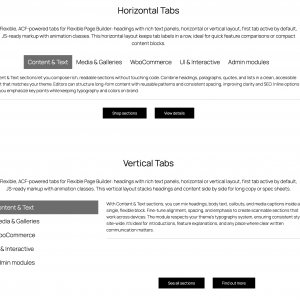
Flexible Page Builder Tabs

Flexible, ACF‑powered tabs for Flexible Page Builder: headings with rich text panels, horizontal or vertical layout, first tab active by default, JS‑ready markup with animation classes. This horizontal layout keeps tab labels in a row, ideal for quick feature comparisons or compact content blocks.

Content & Text
Media & Galleries
WooCommerce
UI & Interactive
Admin tools

Content & Text sections let you compose rich, readable sections without touching code. Combine headings, paragraphs, quotes, and lists in a clean, accessible layout that matches your theme. Editors can structure long‑form content with reusable patterns and consistent spacing, improving clarity and SEO. Inline options help you emphasize key points while keeping typography and colors on brand.

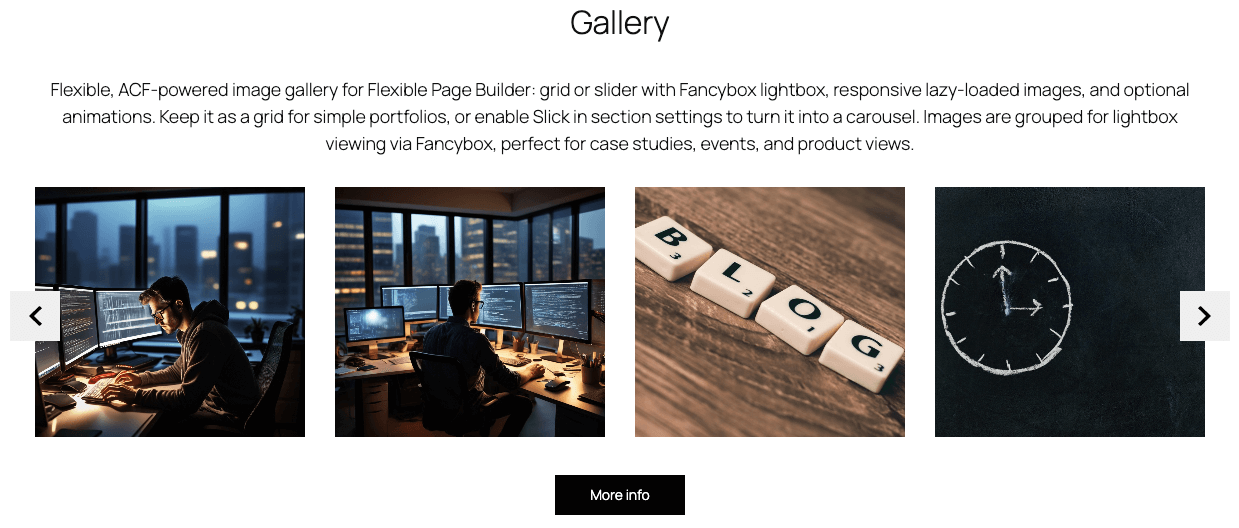
Use Media & Galleries to build case studies, portfolios, or press pages with curated visual narratives. Start with a hero grid for impact, then switch to a carousel to highlight details and behind‑the‑scenes shots. Add captions to convey context, credits, or calls to action without distracting from the imagery. Whether you’re showcasing products, events, or team culture, the module adapts to your layout and keeps the experience fast.

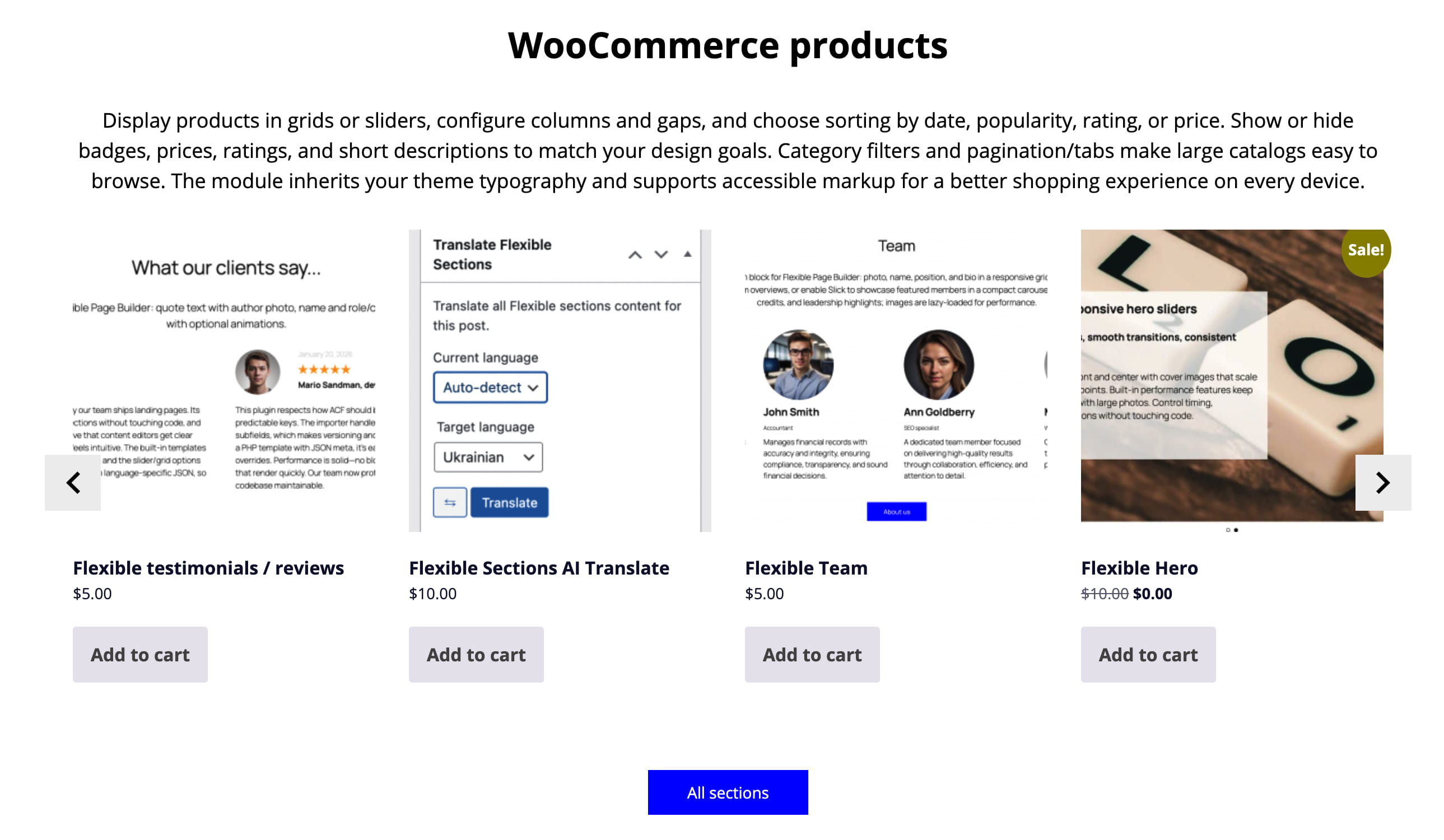
WooCommerce sections help you present products and offers in a fast, consistent layout that converts. Editors can curate collections, promotions, and featured items without custom code, keeping pages up to date in minutes. Performance‑minded defaults ensure quick loads and smooth interaction across devices. Consistent design and clear calls to action guide shoppers from discovery to checkout with less friction.

UI & Interactive sections add motion and feedback that guide users without overwhelming the design. Thoughtful animations, toggles, and reveal effects help people notice what’s important and understand what changed. Editors can enable interactivity with a few options, avoiding custom code and keeping layouts consistent. Accessibility and performance are built in, so interactions feel smooth on any device.

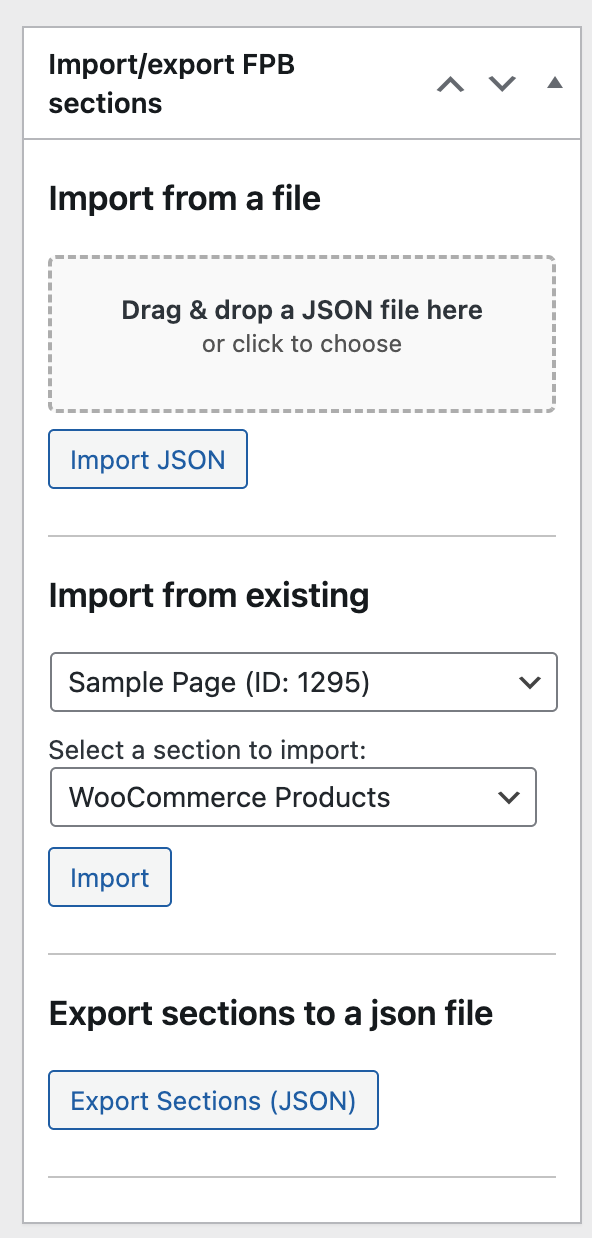
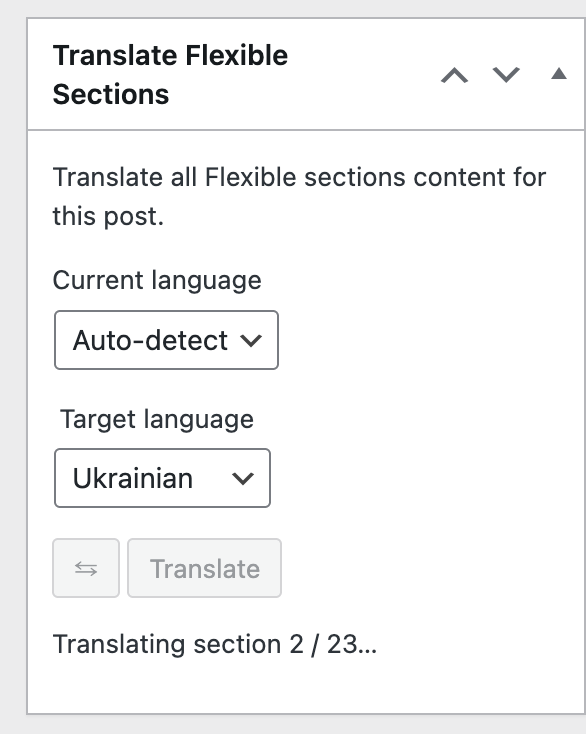
Admin modules streamline content operations for Flexible Page Builder by giving editors no‑code tools right inside WordPress. Use Export/Import to copy Flexible sections between posts/pages (and supported terms) or move them via JSON for backups, staging, and reuse. Use Translate to convert all Flexible sections’ text from one language to another with your OpenAI key while preserving layout structure. Together, these utilities speed up duplication, localization, and maintenance without touching ACF settings or theme code.

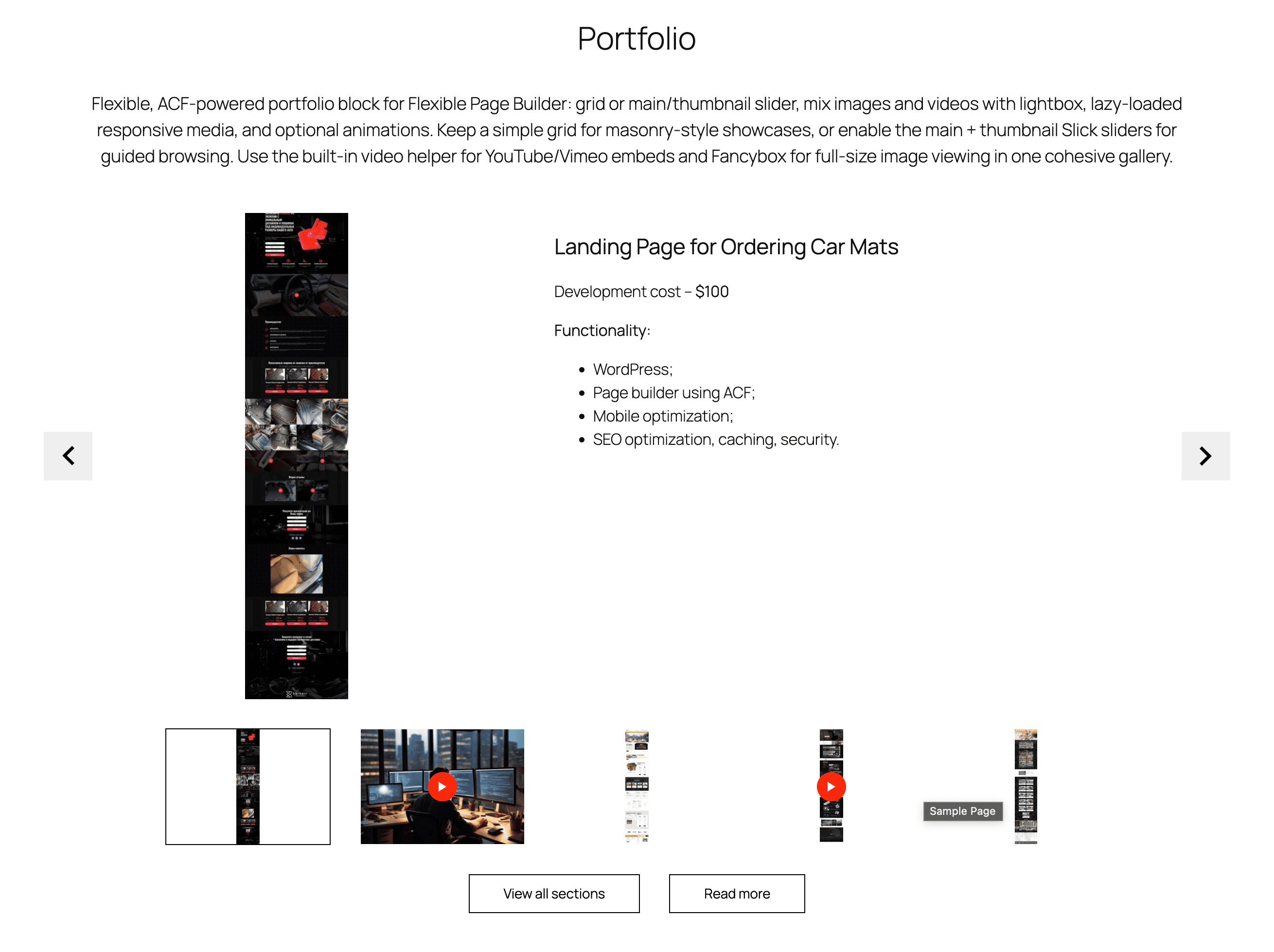
Portfolio

Flexible, ACF‑powered portfolio add-on for Flexible Page Builder: grid or main/thumbnail slider, mix images and videos with lightbox, lazy‑loaded responsive media, and optional animations. Keep a simple grid for masonry‑style showcases, or enable the main + thumbnail Slick sliders for guided browsing. Use the built‑in video helper for YouTube/Vimeo embeds and Fancybox for full‑size image viewing in one cohesive gallery.
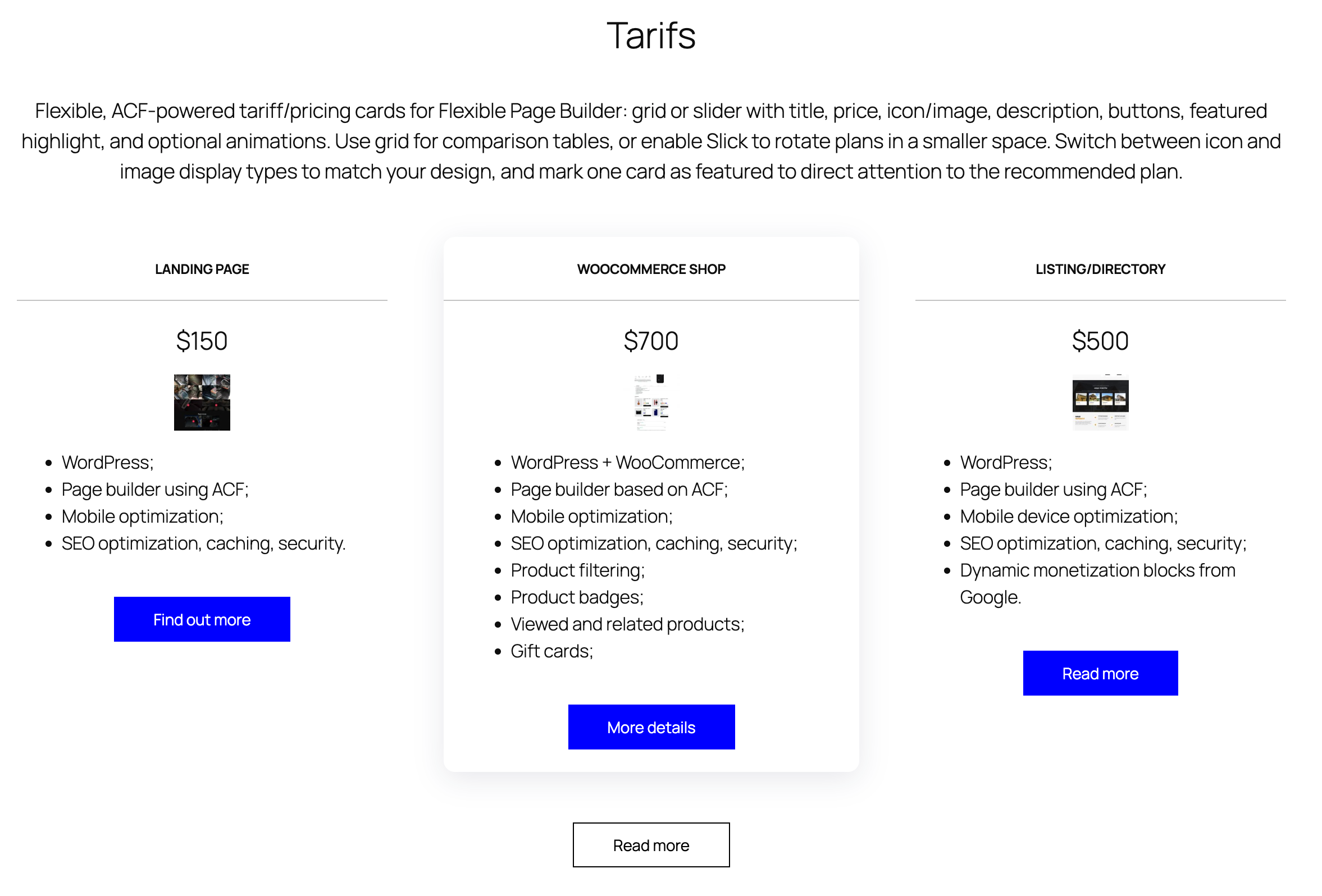
Flexible page builder for ACF Pro

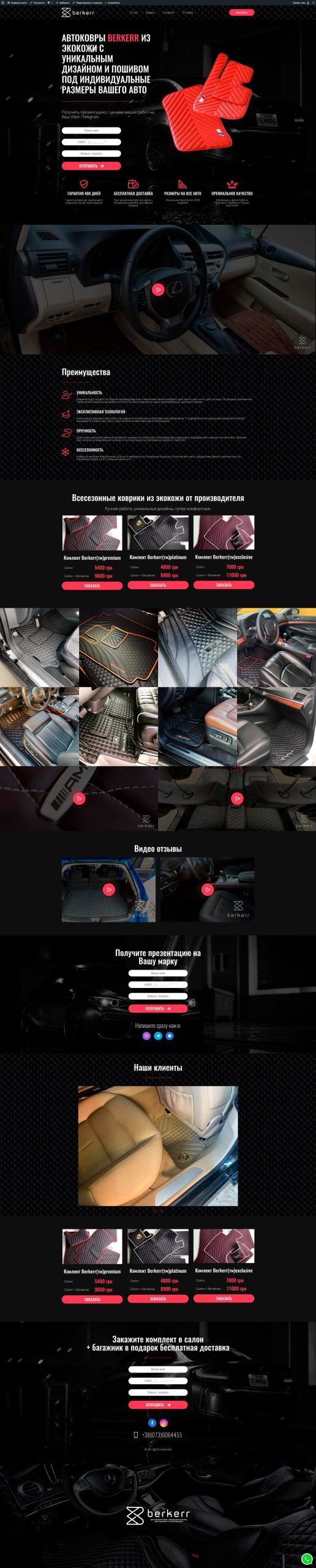
Landing Page for Ordering Car Mats

Development cost – $100

Functionality:

  • WordPress;
  • Page builder using ACF;
  • Mobile optimization;
  • SEO optimization, caching, security.
banner 2

Unique AI add-on for the Flexible Page Builder for ACF. Translate all your section with just one click.
Flexible page builder for ACF Pro

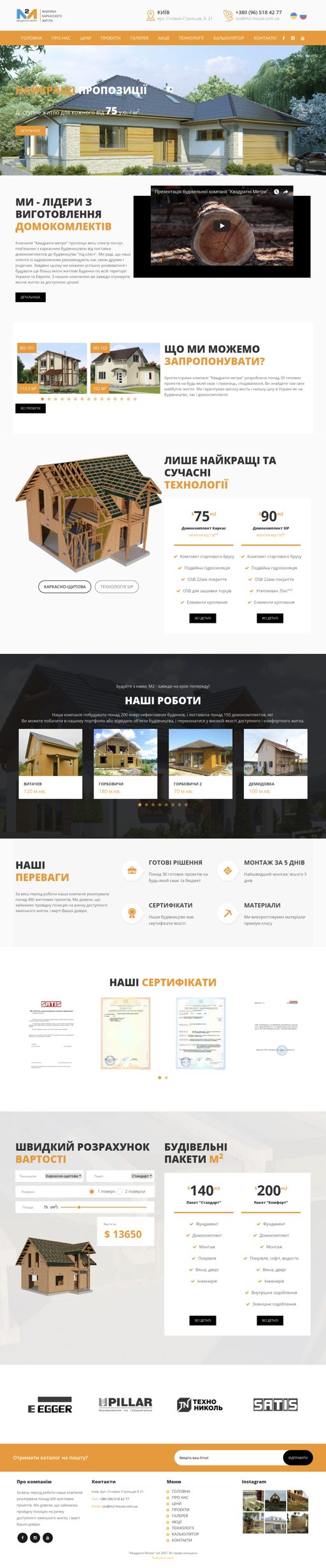
Landing Page for a Construction Company

Development cost – $170

Functionality:

WordPress;
Page builder using ACF;
Mobile optimization;
SEO optimization, caching, security.
Cost calculator.

image 1

No need to duplicate pages. Import a single section with content from any post or taxonomy built with the Flexible Page Builder for ACF.
Flexible page builder for ACF Pro

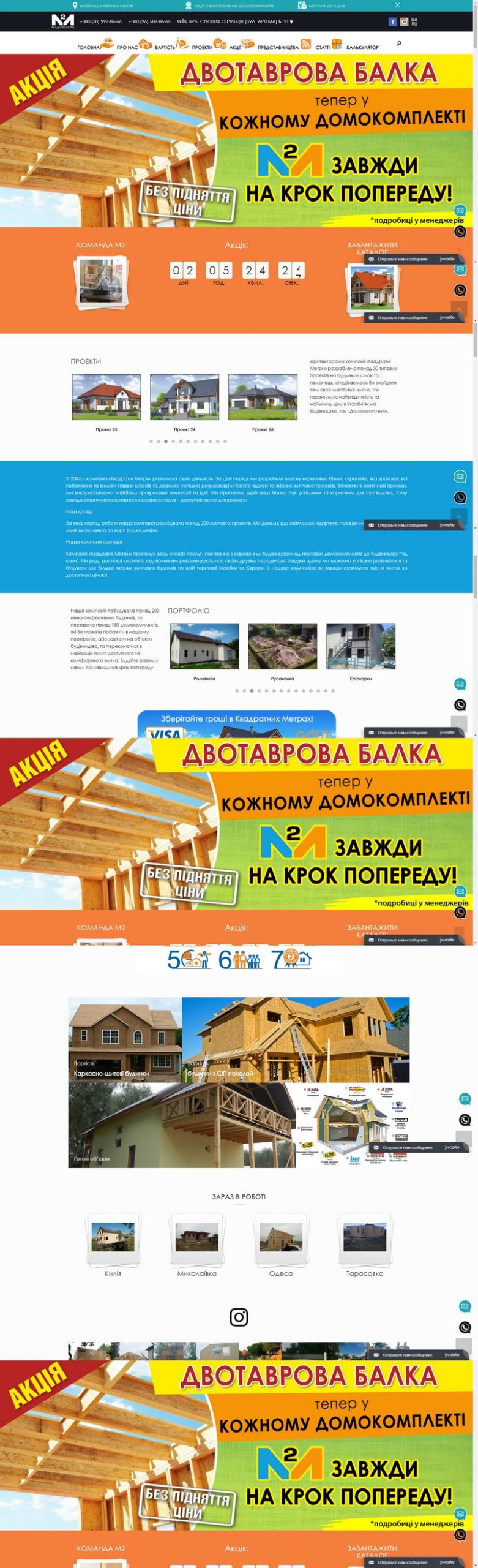
Landing Page for a Constructing Company

Development cost – $100

Functionality:

  • WordPress;
  • Page builder using ACF;
  • Mobile optimization;
  • SEO optimization, caching, security.
Flexible page builder for ACF Pro
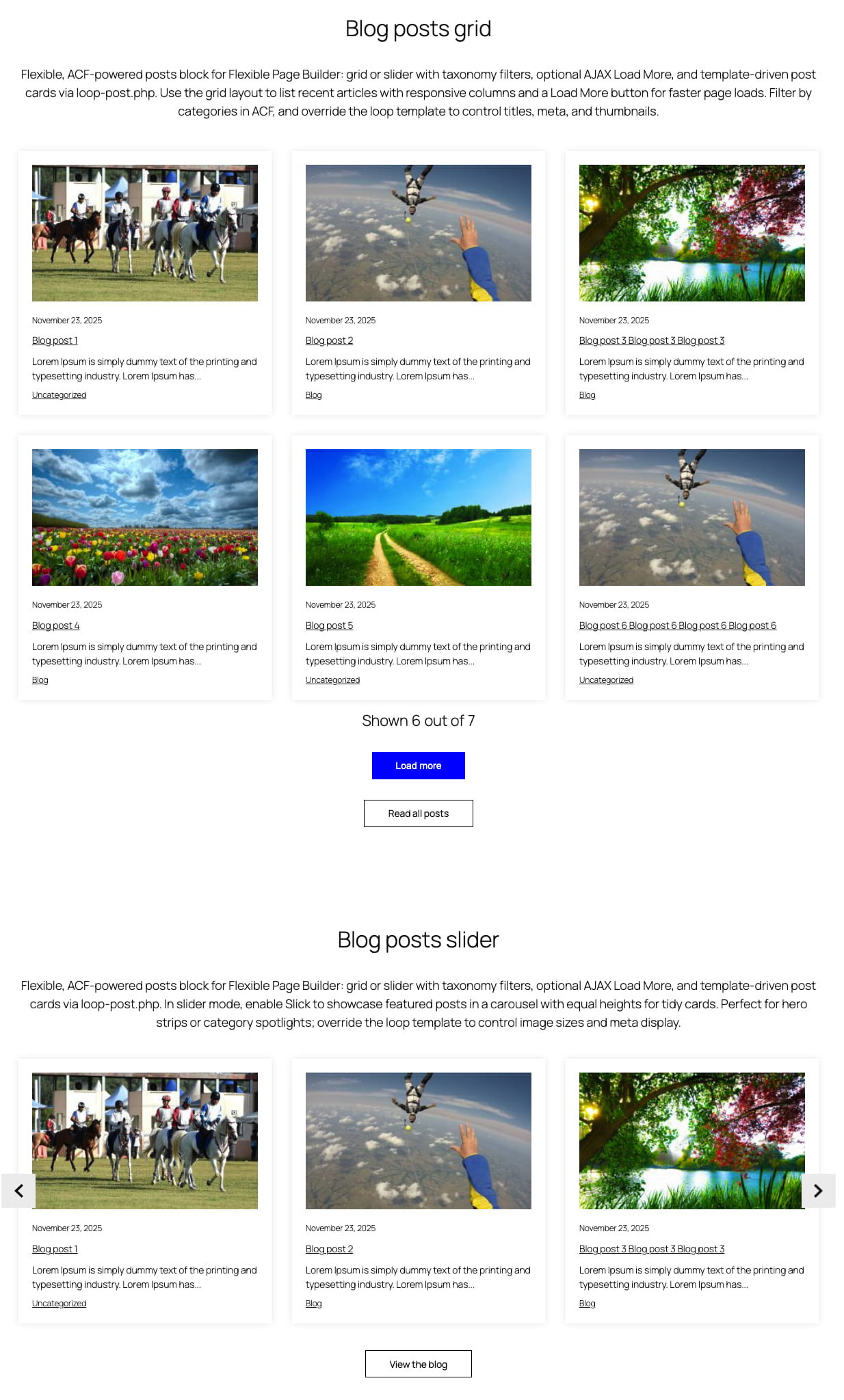
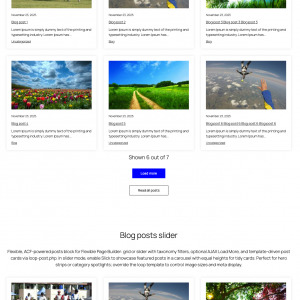
Our posts grid

Flexible, ACF‑powered posts add-on for Flexible Page Builder: grid or slider with taxonomy filters, optional AJAX Load More, and template‑driven post cards via loop‑post.php. Use the grid layout to list recent articles with responsive columns and a Load More button for faster page loads. Filter by categories in ACF, and override the loop template to control titles, meta, and thumbnails.

Flexible Google Map Locations Add‑on
26.01.2026
Flexible Google Map Locations Add‑on
Make it effortless for customers to find your branches, offices, or pickup points. The Flexible...
Flexible Testimonials Add‑on for the Flexible Page Builder
26.01.2026
Flexible Testimonials Add‑on for the Flexible Page Builder
Powerful social proof shouldn’t be slow or off‑brand. The Flexible Testimonials add‑on for the Flexible...
Flexible WooCommerce Products Tabs Add‑on for Flexible Page Builder
26.01.2026
Flexible WooCommerce Products Tabs Add‑on for Flexible Page Builder
Product discovery should feel instant. Flexible WooCommerce Products Tabs lets shoppers browse categories, collections, and...
Shown 3 out of 6

Search engines will love your fast sites

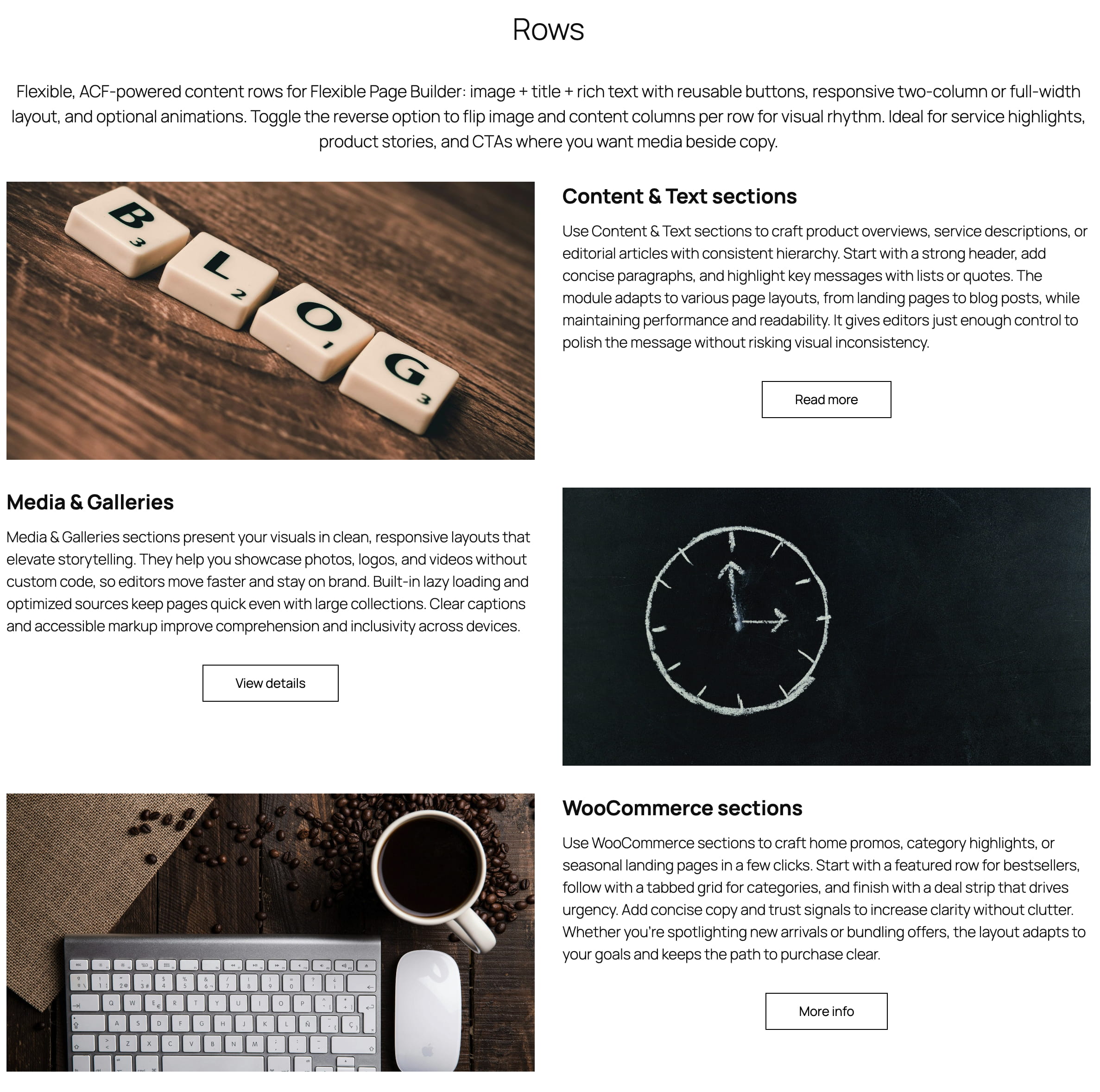
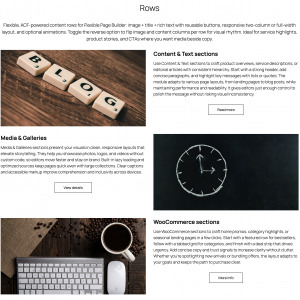
Flexible, ACF‑powered content rows for Flexible Page Builder: image + title + rich text with reusable buttons, responsive two‑column or full‑width layout, and optional animations. Toggle the reverse option to flip image and content columns per row for visual rhythm. Ideal for service highlights, product stories, and CTAs where you want media beside copy.

banner 3
Content & Text sections

Use Content & Text sections to craft product overviews, service descriptions, or editorial articles with consistent hierarchy. Start with a strong header, add concise paragraphs, and highlight key messages with lists or quotes. The module adapts to various page layouts, from landing pages to blog posts, while maintaining performance and readability. It gives editors just enough control to polish the message without risking visual inconsistency.

image 2
Media & Galleries

Media & Galleries sections present your visuals in clean, responsive layouts that elevate storytelling. They help you showcase photos, logos, and videos without custom code, so editors move faster and stay on brand. Built‑in lazy loading and optimized sources keep pages quick even with large collections. Clear captions and accessible markup improve comprehension and inclusivity across devices.

banner 4
WooCommerce sections

Use WooCommerce sections to craft home promos, category highlights, or seasonal landing pages in a few clicks. Start with a featured row for bestsellers, follow with a tabbed grid for categories, and finish with a deal strip that drives urgency. Add concise copy and trust signals to increase clarity without clutter. Whether you’re spotlighting new arrivals or bundling offers, the layout adapts to your goals and keeps the path to purchase clear.

banner 1 1
UI & Interactive sections

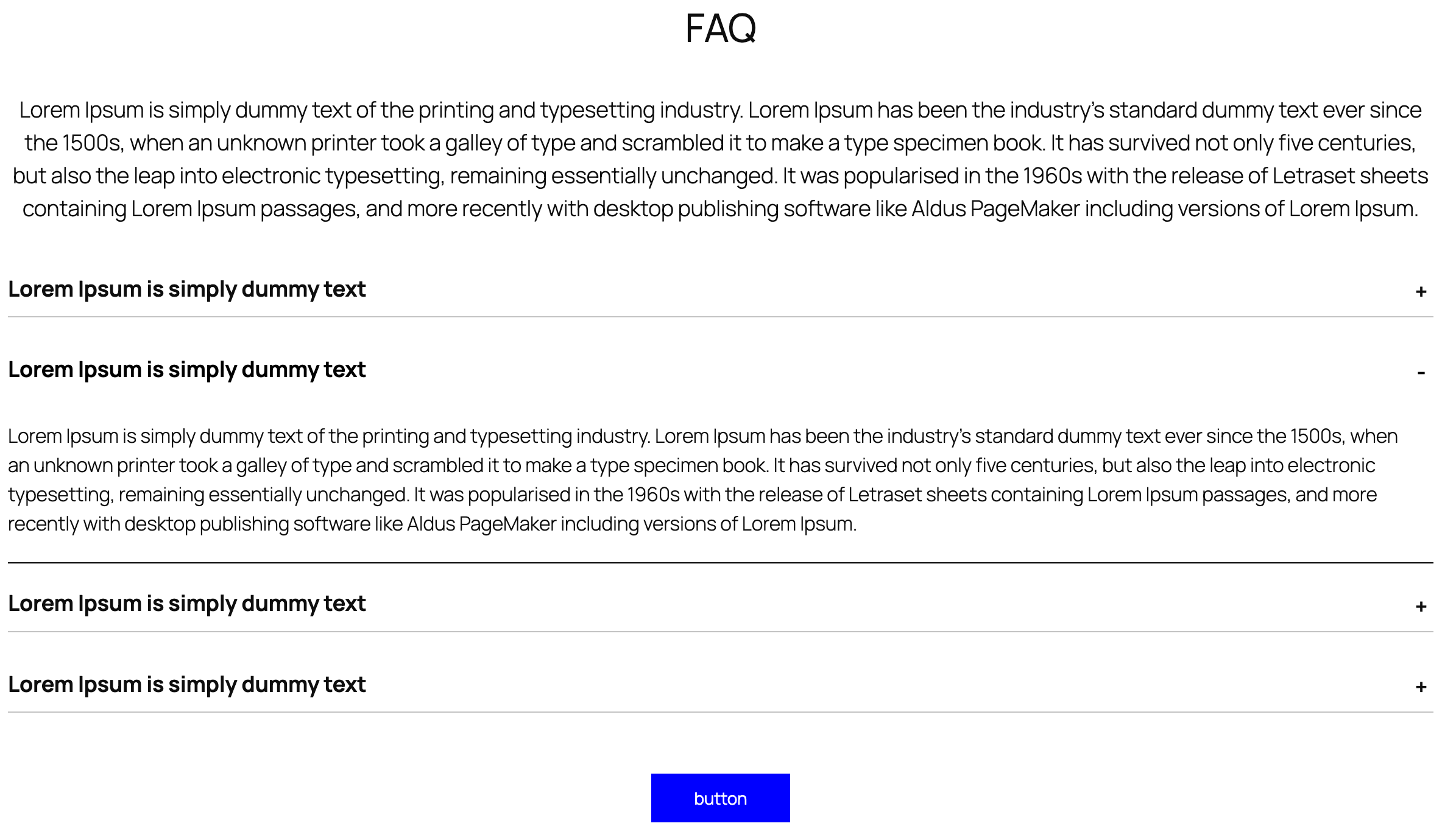
Use UI & Interactive sections to structure FAQs with accordions, highlight key stats with counters, or organize dense content with tabs. Animate elements on scroll to draw attention to calls to action and milestones without distracting from the message. Provide instant feedback on user actions—like expanding details or switching views—to increase clarity and engagement. The components adapt to your theme, so interactive sections feel native across the site.

banner 2
Admin modules

Admin add‑ons like Translate and Export/Import turn complex content operations into safe, repeatable workflows. Translate preserves field structure while localizing only user‑visible text, so teams ship multilingual pages faster without breaking layouts or SEO. Export/Import moves blocks, pages, and templates between staging and production with ID‑aware mapping and media relinking, eliminating copy/paste errors and saving hours. Together they raise editor velocity, reduce developer toil, and create governance you can trust—versioned, auditable, and consistent across sites. If you’re scaling content or operating multiple locales/environments, these add‑ons pay for themselves in reliability and time saved.

Flexible Page Builder for ACF Pro will save you tons of time

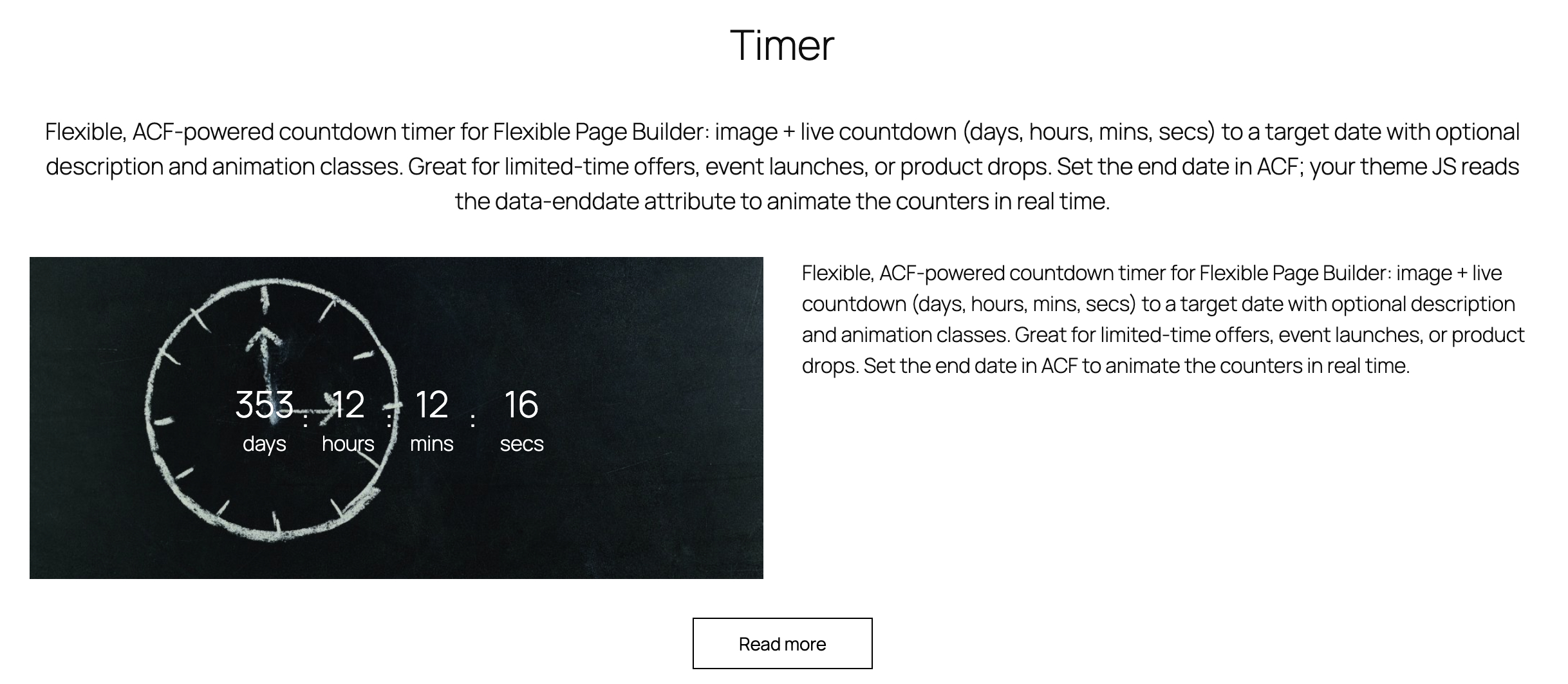
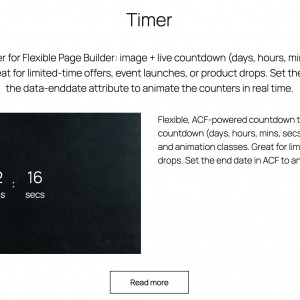
Flexible, ACF‑powered countdown timer add-on for Flexible Page Builder: image + live countdown (days, hours, mins, secs) to a target date with optional description and animation classes. Great for limited‑time offers, event launches, or product drops. Set the end date in ACF; your theme JS reads the data‑enddate attribute to animate the counters in real time.

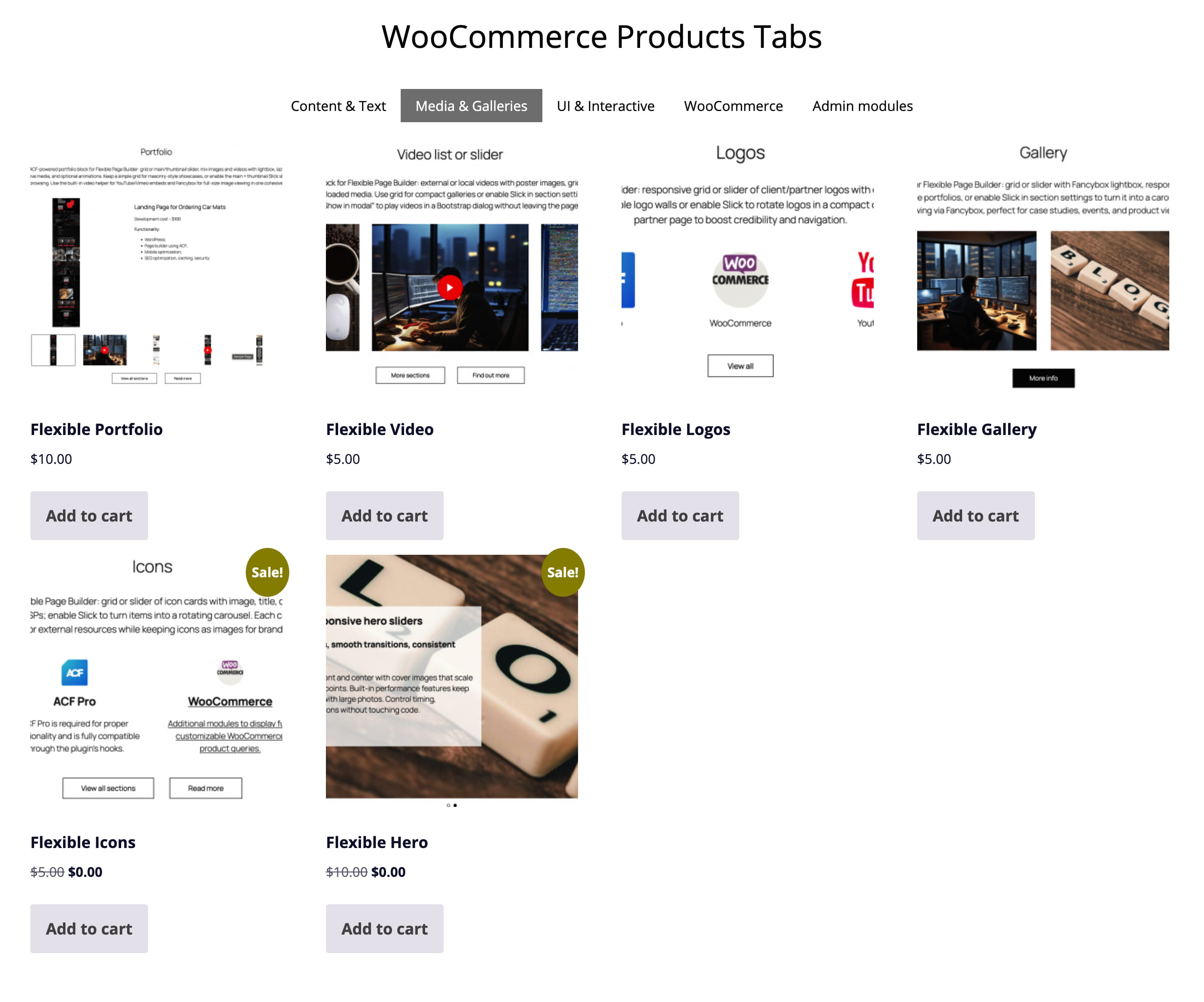
WooCommerce Products Tabs

Flexible Tabs Products lets you showcase WooCommerce products inside a tabbed interface in your Flexible Page Builder layouts. Each tab has a heading and a curated set of products. The first tab renders its products immediately; other tabs load products on demand via AJAX (theme/site JS hooks into the provided attributes) for faster initial page load.
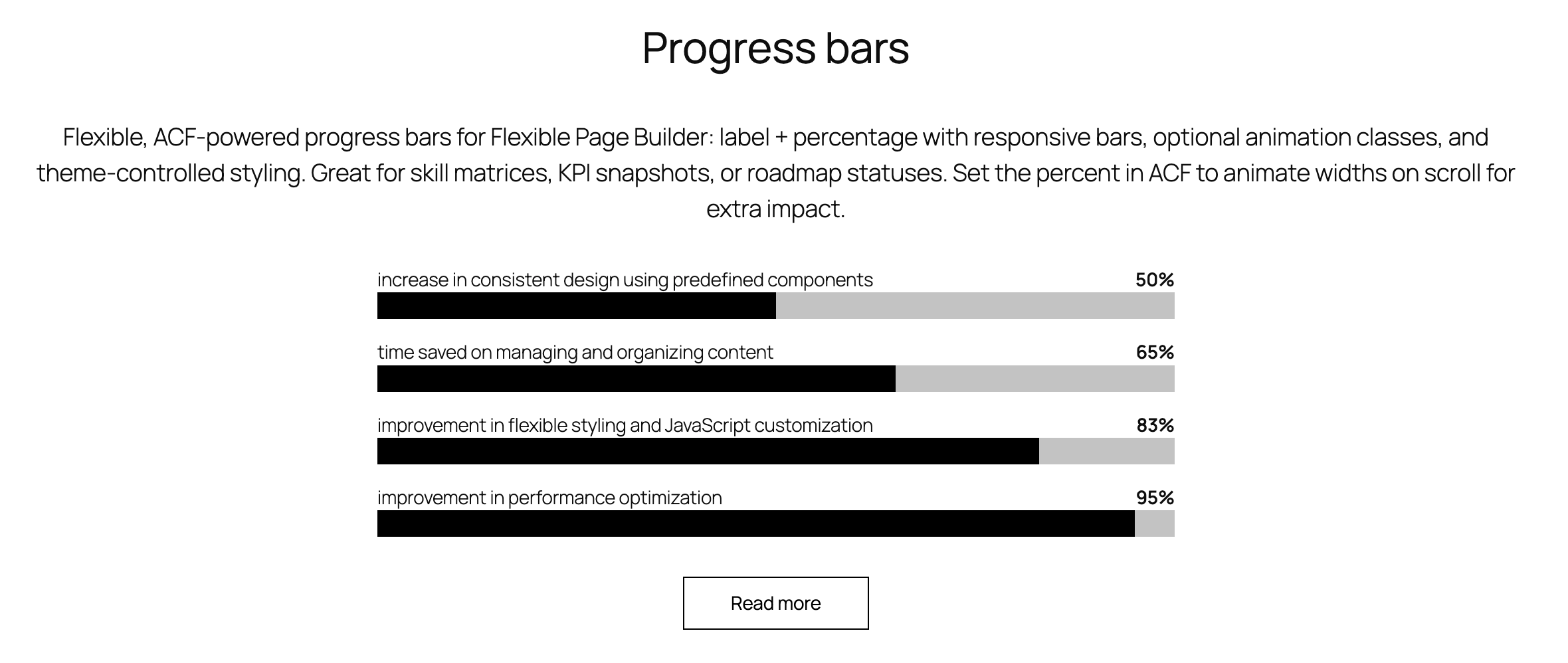
Progress bars

Flexible, ACF‑powered progress bars for Flexible Page Builder: label + percentage with responsive bars, optional animation classes, and theme‑controlled styling. Great for skill matrices, KPI snapshots, or roadmap statuses. Set the percent in ACF to animate widths on scroll for extra impact.

increase in consistent design using predefined components
50%
time saved on managing and organizing content
65%
improvement in flexible styling and JavaScript customization
83%
improvement in performance optimization
95%

Build your sites faster

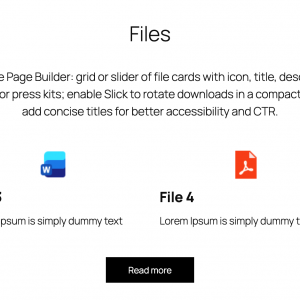
ACF‑powered icons/features add-on for Flexible Page Builder: grid or slider of icon cards with image, title, description, and optional link. Use the grid layout for feature highlights, services, or USPs; enable Slick to turn items into a rotating carousel. Each card can be fully clickable, driving traffic to service pages or external resources while keeping icons as images for brand consistency.

Flexible page builder for ACF Pro
ACF Pro

ACF Pro is required for proper functionality and is fully compatible through the plugin’s hooks.

Flexible page builder for ACF Pro
Basic styling

Ready for pixel-perfect project, with basic styling already included.

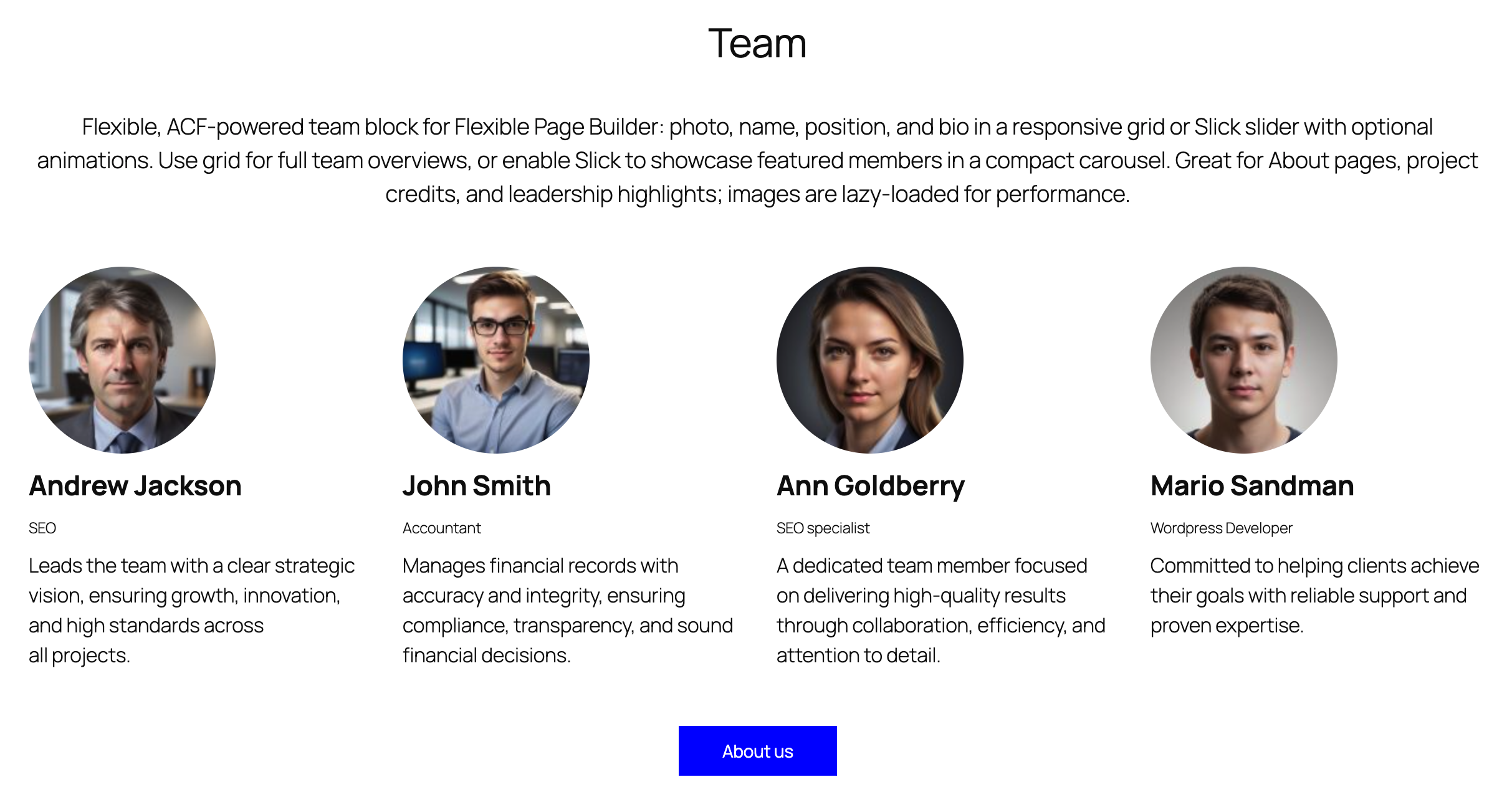
Our imaginary team

Flexible, ACF‑powered team add-on for Flexible Page Builder: photo, name, position, and bio in a responsive grid or Slick slider with optional animations. Use grid for full team overviews, or enable Slick to showcase featured members in a compact carousel. Great for About pages, project credits, and leadership highlights; images are lazy‑loaded for performance.

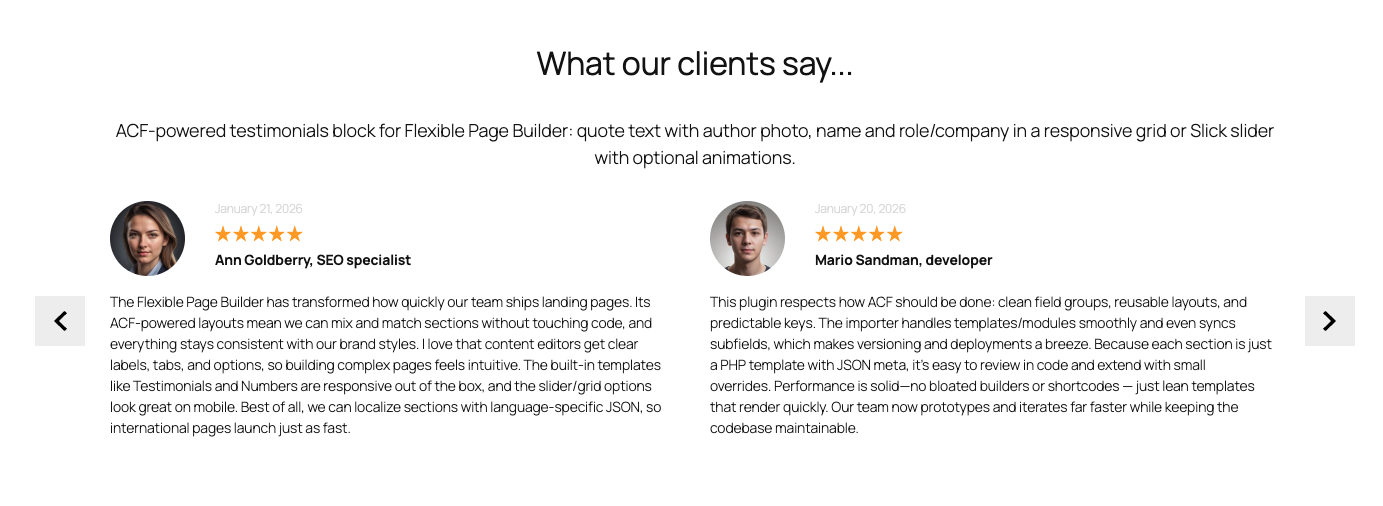
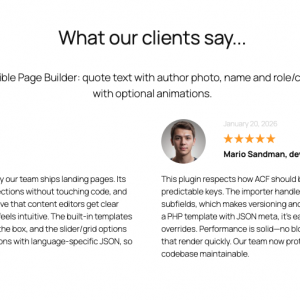
What our clients say...

ACF‑powered testimonials add-on for Flexible Page Builder: quote text with author photo, name and role/company in a responsive grid or Slick slider with optional animations.

Flexible page builder for ACF Pro
January 21, 2026
Ann Goldberry, SEO specialist

The Flexible Page Builder has transformed how quickly our team ships landing pages. Its ACF‑powered layouts mean we can mix and match sections without touching code, and everything stays consistent with our brand styles. I love that content editors get clear labels, tabs, and options, so building complex pages feels intuitive. The built‑in templates like Testimonials and Numbers are responsive out of the box, and the slider/grid options look great on mobile. Best of all, we can localize sections with language‑specific JSON, so international pages launch just as fast.

Flexible page builder for ACF Pro
January 20, 2026
Mario Sandman, developer

This plugin respects how ACF should be done: clean field groups, reusable layouts, and predictable keys. The importer handles templates/modules smoothly and even syncs subfields, which makes versioning and deployments a breeze. Because each section is just a PHP template with JSON meta, it’s easy to review in code and extend with small overrides. Performance is solid—no bloated builders or shortcodes — just lean templates that render quickly. Our team now prototypes and iterates far faster while keeping the codebase maintainable.

Flexible page builder for ACF Pro
January 22, 2026
Andrew Jackson, Business owner

We standardized new client builds on the Flexible Page Builder for Advanced Custom Fields and immediately saw gains in delivery time and quality. Editors get beautiful, ready‑made blocks (like Testimonials) that are actually flexible, while devs can add custom sections when needed. The import‑from‑archive workflow is perfect for sharing a curated library across projects. It plays nicely with multilingual setups and WooCommerce pages, which reduces edge cases. Overall, it’s the rare tool that improves both velocity and consistency across our entire agency.

Flexible page builder for ACF Pro
January 16, 2026
John Smith, content editor

I’m not technical, but this builder makes me feel confident creating complex pages. The options are thoughtful (backgrounds, animations, full‑width containers), and I can preview results that look exactly like the final page. The Testimonials block is my favorite: adding quotes, names, roles, and photos is straightforward, and the layout just works. I appreciate that everything is responsive without extra tweaking, so I can publish faster. It’s the most editor‑friendly way I’ve used to build flexible, on‑brand pages in WordPress.

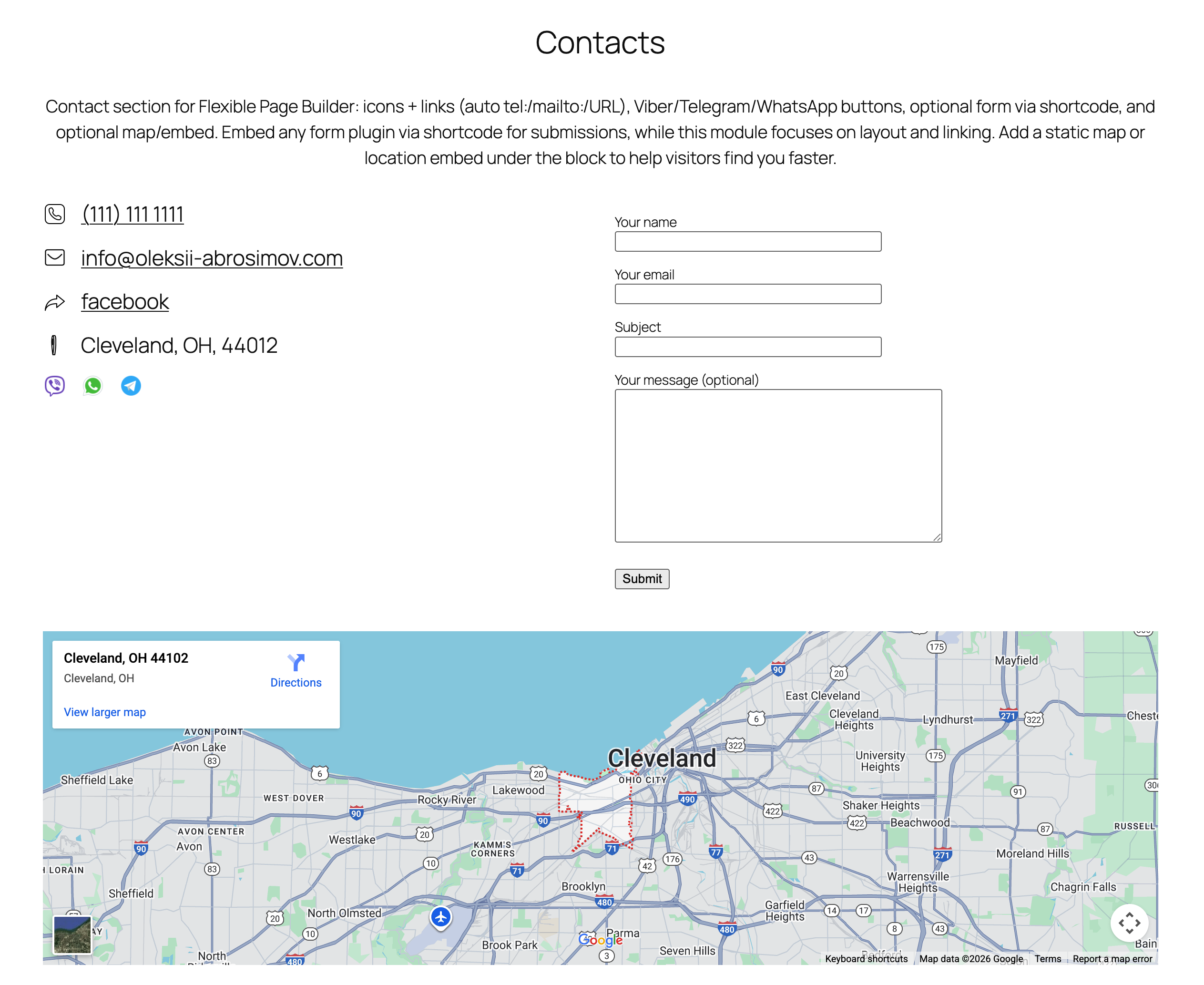
Contacts

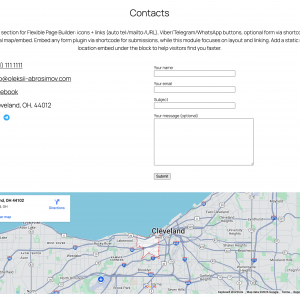
Contact add-on for Flexible Page Builder: icons + links (auto tel:/mailto:/URL), Viber/Telegram/WhatsApp buttons, optional form via shortcode, and optional map/embed. Embed any form plugin via shortcode for submissions, while this module focuses on layout and linking. Add a static map or location embed under the block to help visitors find you faster.

    FAQ

    FAQ about Flexible Page Builder for Advanced Custom Fields PRO.

    What is Flexible Page Builder for ACF?

    It’s a WordPress plugin that lets you build pages from a library of reusable sections powered by ACF Flexible Content. Editors stack sections to create pages; developers get clean, theme‑friendly markup and hooks.

    Do I need ACF Pro?

    Yes. The plugin relies on ACF 6 Pro features (including Flexible Content). Please install and activate ACF Pro.

    Will it work with my current theme or page builder?

    Yes. It’s theme‑agnostic and outputs semantic HTML. It works alongside the Block Editor (Gutenberg) and classic editors, and plays nicely with most themes that follow WordPress standards.

    Is this a replacement for Gutenberg, Elementor etc.?

    No – it’s complementary. You assemble pages from pre‑built, brand‑safe sections instead of freeform drag‑and‑drop, which keeps design consistent and performance strong.

    How are pages built?

    Pick the sections you need (hero, icons, posts, FAQs, etc.), fill in their fields, and drag to reorder. Each section has focused settings to keep editing simple and fool‑proof.

    • Intuitive editing: field‑based inputs for copy, media, icons, buttons, lists.
    • Flexible layout: drag‑reorder, duplicate, show/hide, column options, alignment.
    • Per‑section styling: container width, background color/image/video, section visibility, animation, grid settings, “load more” in/off, slider mode on/off.
    • Accessibility built‑in: proper heading levels, labels, aria attributes.
    • Performance: lean semantic HTML, conditional assets, responsive images, CLS‑safe.
    • Advanced workflows: Export/Import sections; one click AI Translate Flexible Page Builder content.
    🚀 How does the Export/Import module help my team ship faster?

    Export/Import moves Flexible Page Builder sections between posts, taxonomies or sites in seconds. Duplicate a winning layout, migrate from staging to production, or share a section library with your team – without rebuilding by hand.

    Choose what to move: import all sections or only specific one (e.g., just Flexible Icons)  from another post/taxonomy with filled content. Import a JSON file right inside the editor. It works across Posts, Pages, WooCommerce Products, Taxonomies, and custom post types – the same Flexible Page Builder and modules run everywhere. Fewer clicks, fewer mistakes, faster publishing. Get Export/Import Module Here.

    This is a Game Changer!

    🌍 What does the AI Translate module do?

    AI Translate adds a simple form to your editor that sends your Flexible Page Builder content to OpenAI for translation. Turn an English landing page into multiple languages in minutes – your layout stays intact, only the text changes.

    It works everywhere you build: Posts, Pages, WooCommerce Products, Taxonomies, and custom post types – all powered by the same Flexible Page Builder and modules. Translate, review, tweak copy, and publish fast. Get AI Translate Here.

    * Your OpenAI API key is required.

    Which sections are free and which are paid add‑ons?

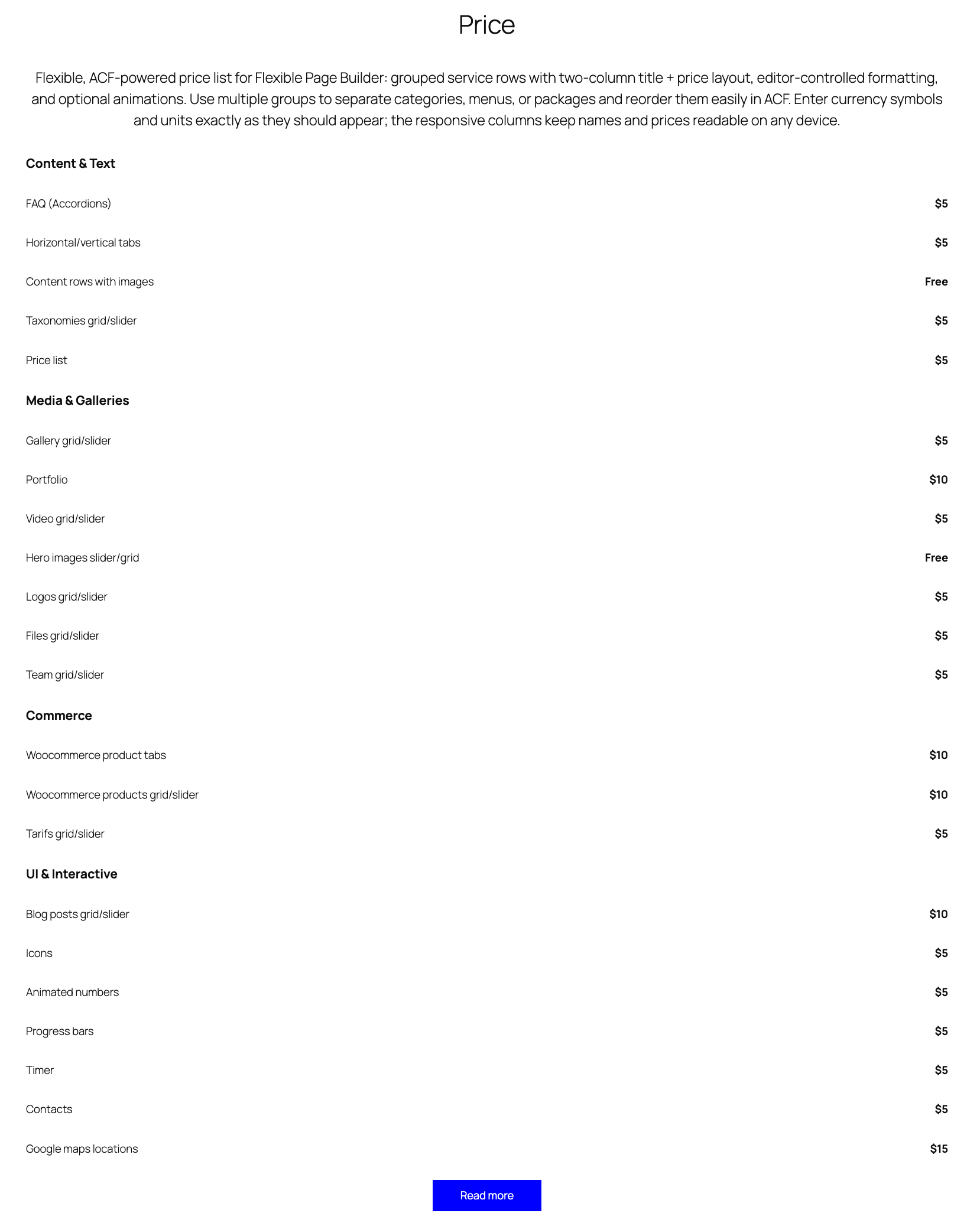
    The plugin includes three free sections out of the box: Rows, Icons, and Hero. Everything beyond those is a paid add‑on you can enable as needed. This keeps the core lean and lets you buy only what you’ll use. Add‑ons install like regular modules and integrate seamlessly with your existing sections. You may use any purchased add-ons on any of your sites. This is a onetime purchase.

    Can I create my own custom sections?

    Yes. Developers can duplicate any existing section in ACF, tweak the fields, and follow the plugin’s structure and conventions in your theme templates. It’s the quickest way to build bespoke layouts that still play nicely with the Flexible Page Builder.

    Is it fast? What about Core Web Vitals?

    Yes. Markup is lean, assets are conditionally loaded, and sections are optimized to avoid layout shift. Sites typically see solid CLS/LCP/INP scores, especially with caching and a CDN.

    Does it support responsive design and accessibility?

    Yes. Sections are responsive by default as the plugin provides basic styling. At the same time the final styling is expected to be handled by you.”

    Will this affect SEO?

    Positively, when used correctly. Clean HTML, logical heading structure, and fast load times help SEO. Keep using your SEO plugin (Yoast, RankMath, etc.) as usual.

    Does it work with custom post types and WooCommerce?

    Yes. It supports CPTs out of the box (just change the ACF group settings for a CPT) and is great for building marketing or landing pages for WooCommerce products and categories.

    What about translations and RTL?

    The plugin is translation‑ready (includes a .pot file) and works with WPML/Polylang. RTL is supported when your theme provides RTL styles; the markup is RTL‑safe.

    It is also worth mentioning about AI Translate add-on. Get AI Translate Module Here.

    Do editors need training?

    Very little. Sections have clear labels and helpful instructions. Most teams ship their first pages within minutes. Helpfull videos are available.

    Is there a money‑back policy or returns?

    We offer a 30‑day money‑back guarantee if there’s a confirmed, non‑trivial bug we can’t fix. In practice, we resolve issues quickly at no cost. As this is a digital product, please review screenshots and walkthrough videos before purchase. If you hit a snag, contact us directly and we’ll prioritize a fix.

    Is this a one‑time purchase? Can I use add‑ons on other domains?

    Yes – each add‑on is a one‑time purchase. There’s no license key or domain restriction, so you can use the modules on other domains without re‑activating or re‑purchasing. Install them wherever you run the Flexible Page Builder and you’re good to go.

    I don’t see the flexible fields in Posts / Products / Taxonomies.

    Edit the ACF field group named “Flexible Page Builder” and adjust its Location Rules to target the post types or taxonomies you need (e.g., Post Type equals Page/Product, or Taxonomy equals Category). Clear caches, and check Screen Options to confirm the meta box is visible. If you moved environments, sync/import the ACF JSON so the field group registers on this site.

    I created a new flexible fields group and it doesn’t work or won’t import.

    The plugin supports only the built‑in field group it ships with. Custom ACF groups aren’t recognized by the plugin’s render logic, so they may not load or display.