

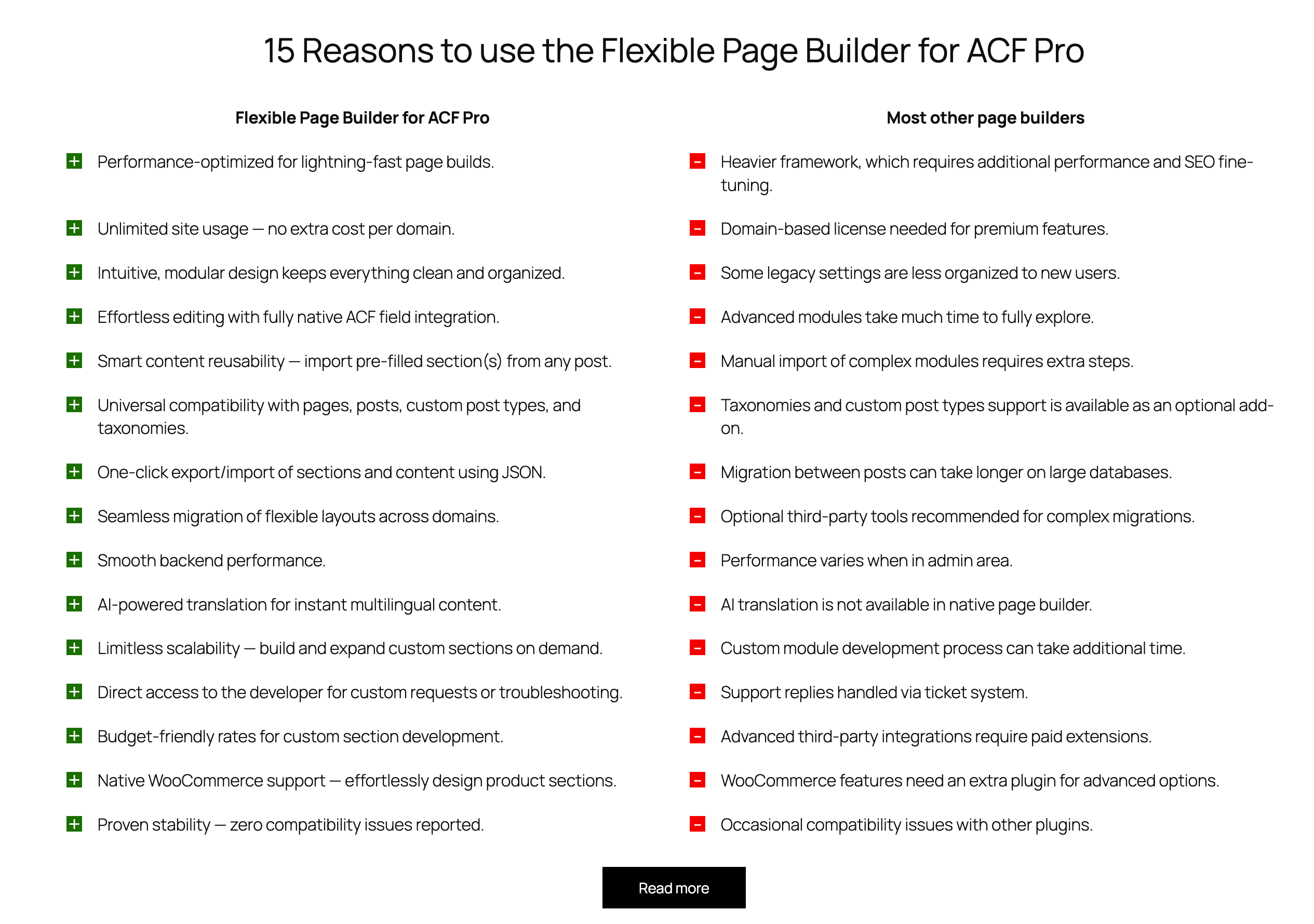
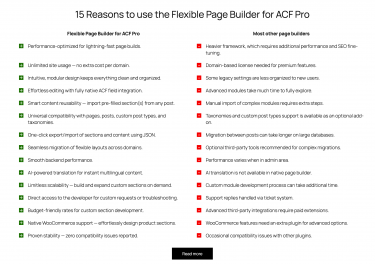
Flexible Pros & Cons outputs a clean two‑column comparison block for side‑by‑side lists such as Pros vs Cons, Strengths vs Weaknesses, or any two labels you provide. The first row can act as column headers; subsequent rows list paired items. The section also supports the builder’s shared header (title/intro) and optional buttons.
What you can show in the block
- Two columns with aligned rows for direct comparison.
- Header row (use the first row as column labels, e.g., “Pros” and “Cons”).
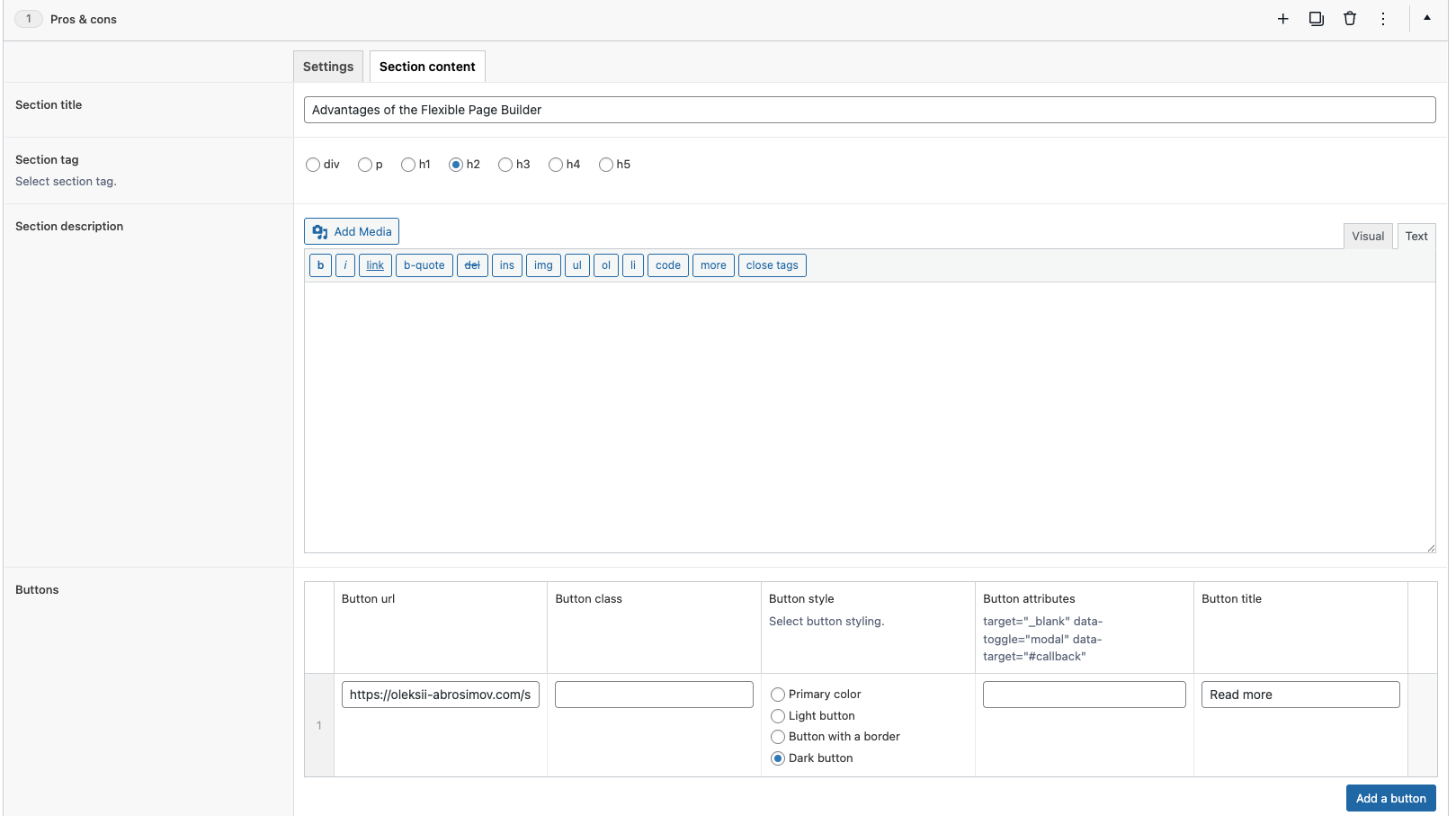
- Section title and intro text above the table using shared builder fields.
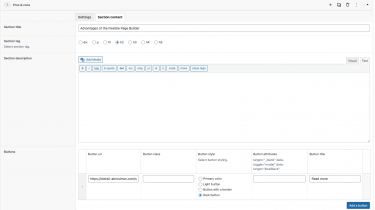
- Buttons (one or more) after the list, rendered via the shared button template.
Layout and presentation
- Responsive two‑column layout: the list displays in two equal columns on desktop and stacks vertically on mobile.
- Header styling: the first row receives a dedicated class so it can be styled as column headers.
- Clean markup: each row is a simple two‑cell structure for maximum readability and theme compatibility.
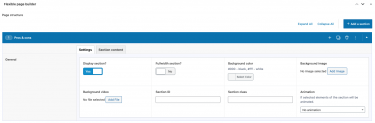
- Animation: optional animation classes can be applied to rows/items via section settings.
Editor experience
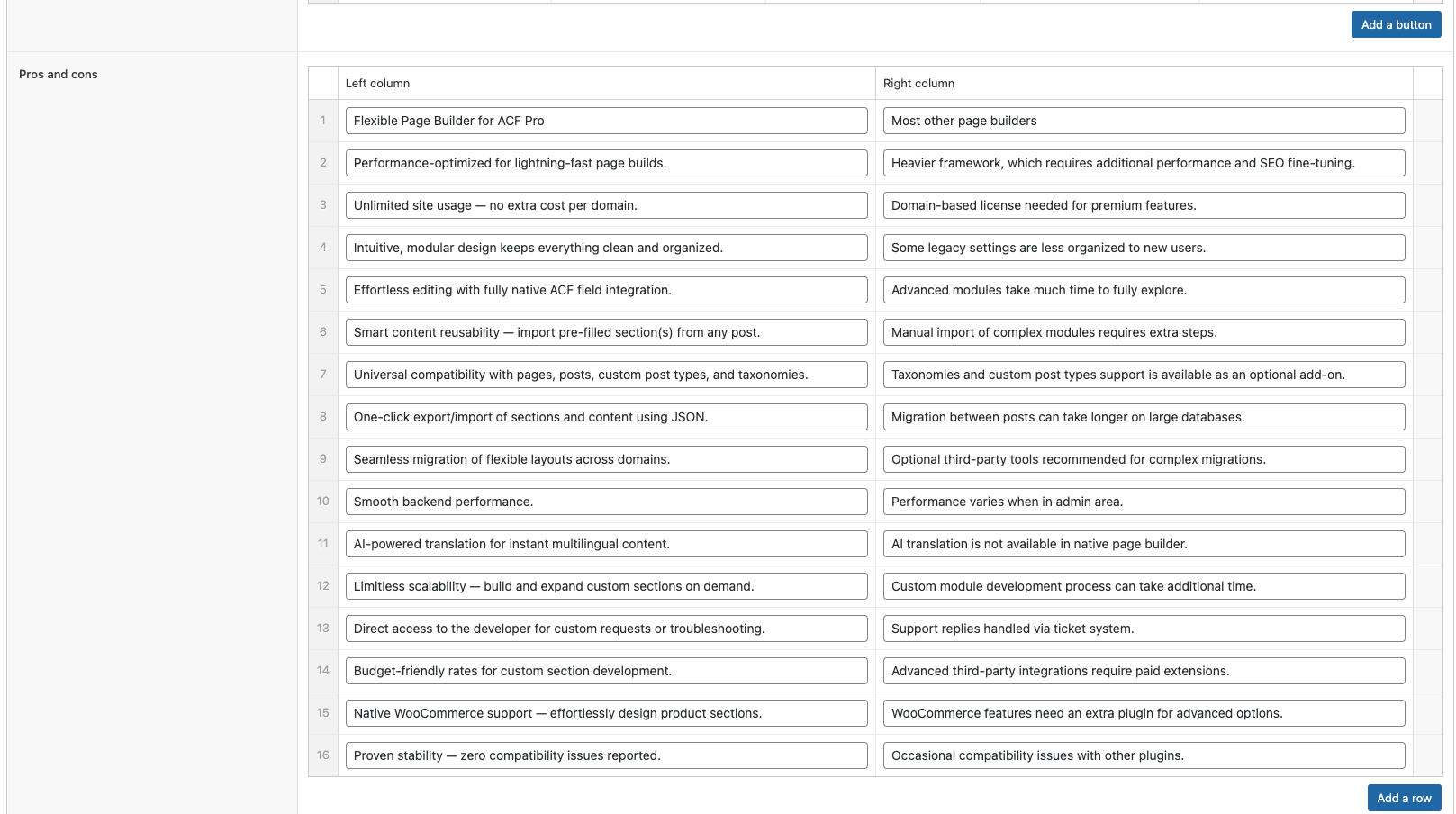
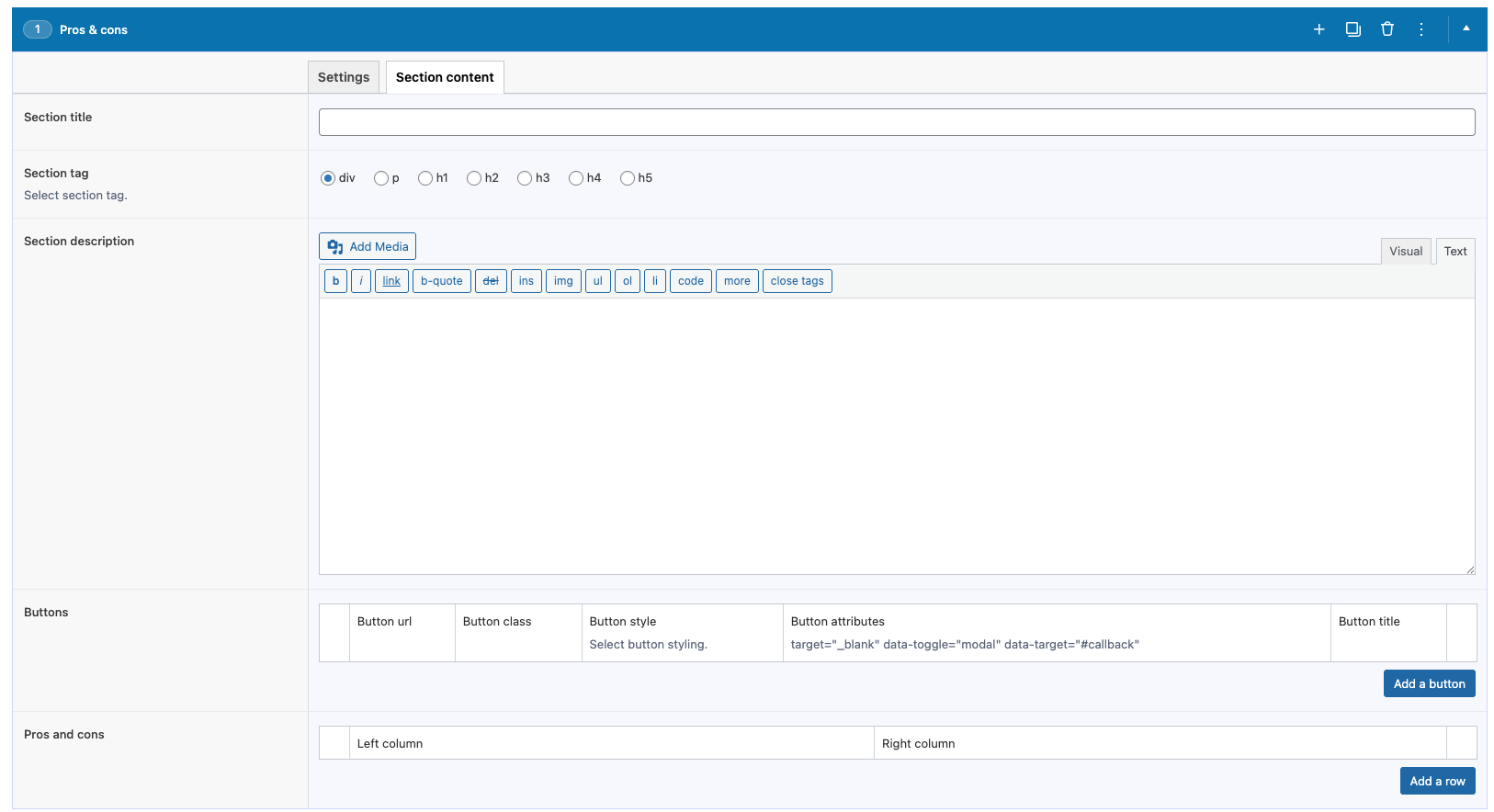
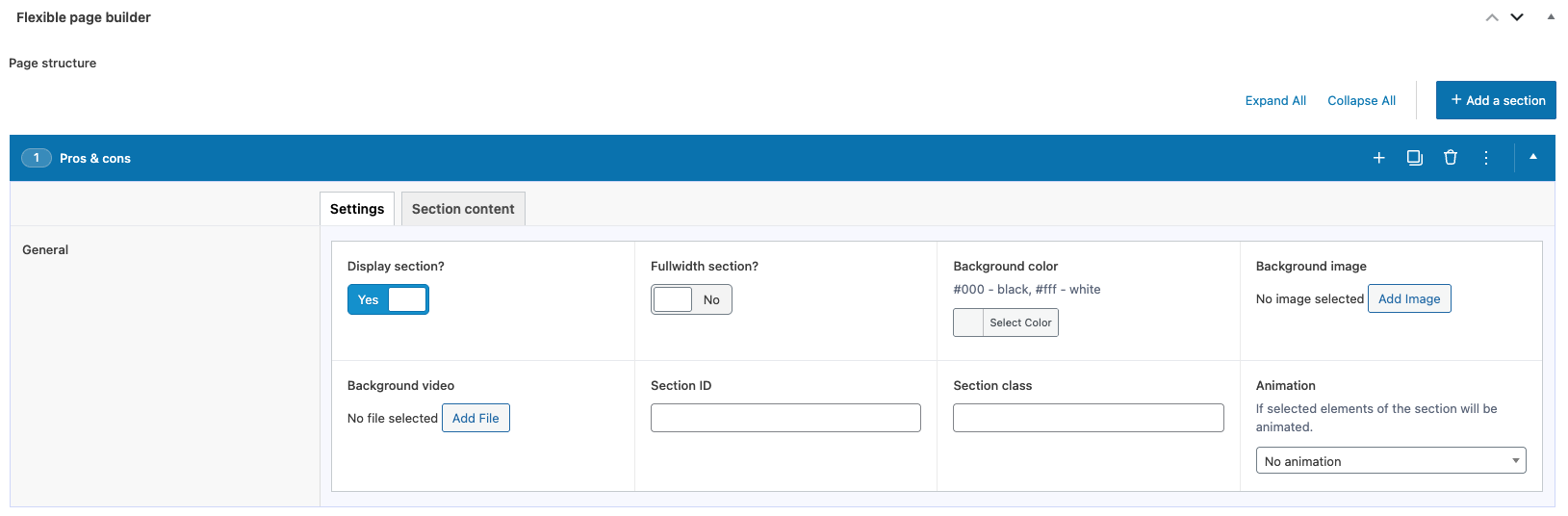
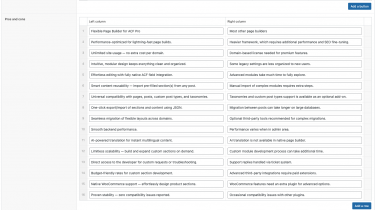
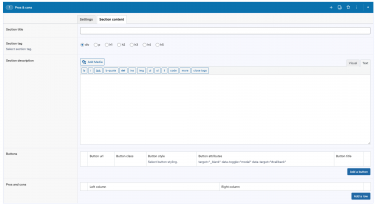
- Manage items via an ACF repeater: each row has a Left column and a Right column text field.
- First row as headers: enter your column labels (e.g., “Pros”, “Cons”) in the first row to create a titled header row.
- Reorder with drag‑and‑drop; add or remove rows without coding.
- Section header (title/intro) and buttons are configured via the builder’s shared content presets.
Typical use cases
- Pros & Cons lists for products, services, or plans.
- Feature comparisons (e.g., Option A vs Option B).
- Before/After benefits vs trade‑offs in case studies.
- Quick decision matrices with concise, scannable points.