
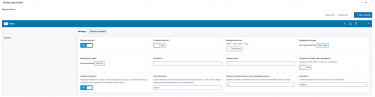
Flexible Posts add-on

$10.00
Category: Content & Text

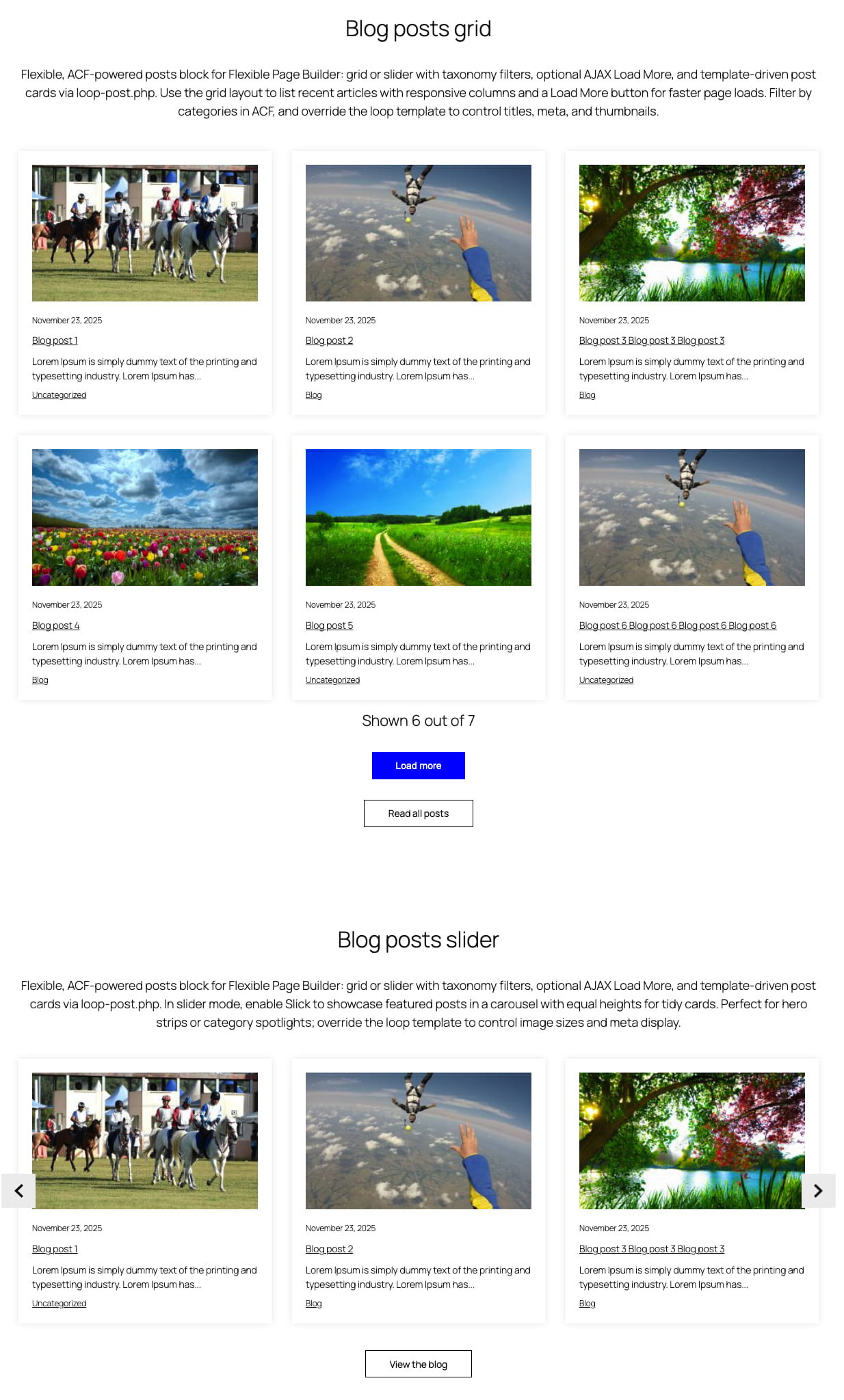
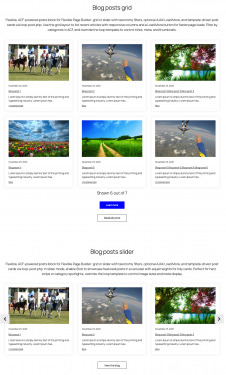
Flexible Posts displays a list, grid, or slider of WordPress posts inside your Flexible Page Builder layouts. You can surface specific posts, filter by taxonomy terms, switch between grid and slider, and optionally enable Load More pagination (AJAX) in grid mode. The module builds a native WP_Query using your ACF settings and renders each item via a dedicated loop template.

What you can show in the block

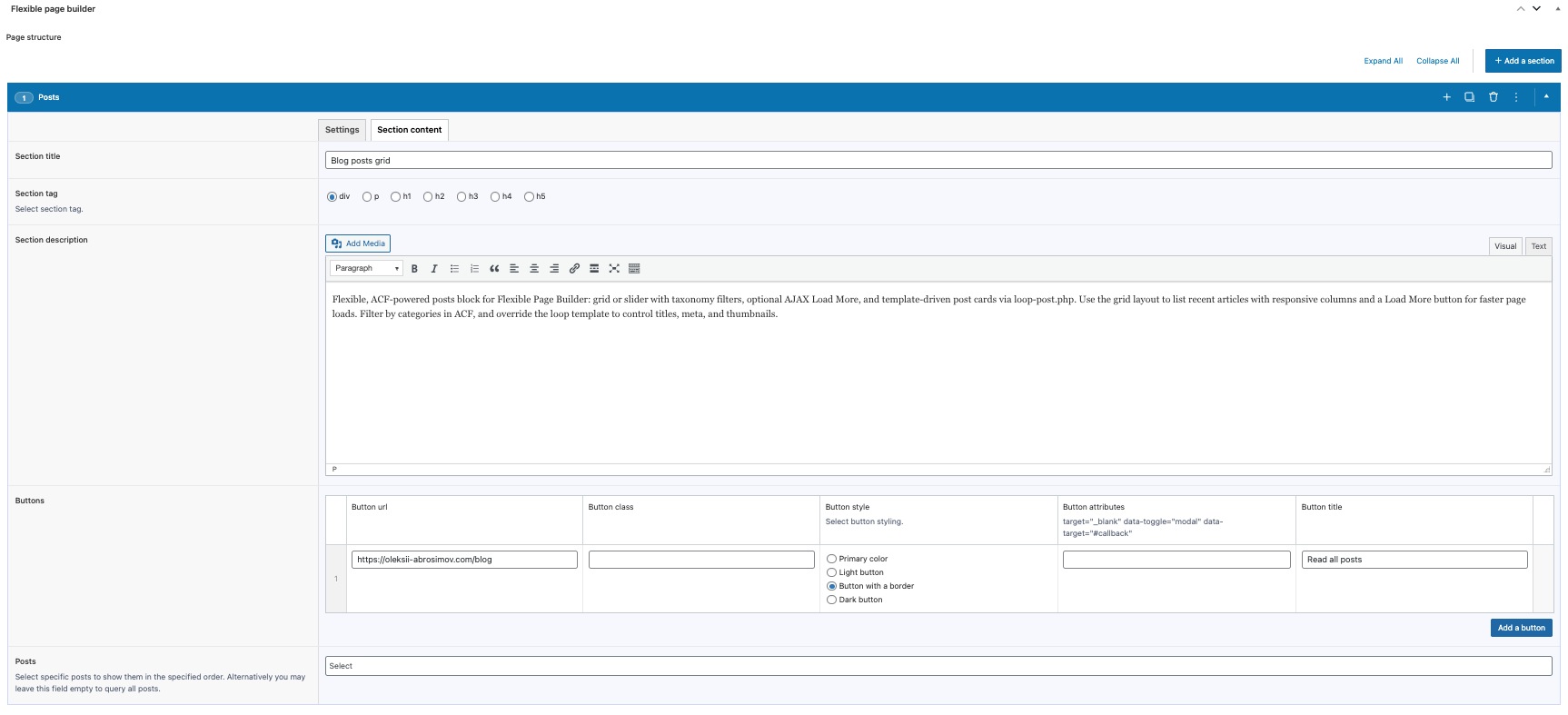
  • Posts selection: pick specific posts (preserves order) or let the query pull recent posts.
  • Taxonomy filter: filter posts by selected terms (uses an OR tax query across chosen terms of the same taxonomy).
  • Post card layout: each item is rendered by the included loop-post.php template (title, meta, excerpt, thumbnail, etc., depending on your theme/template).

Layout and presentation

  • Grid mode: responsive columns (e.g., col-12 col-sm-6 plus the per‑section item class) and standard spacing.
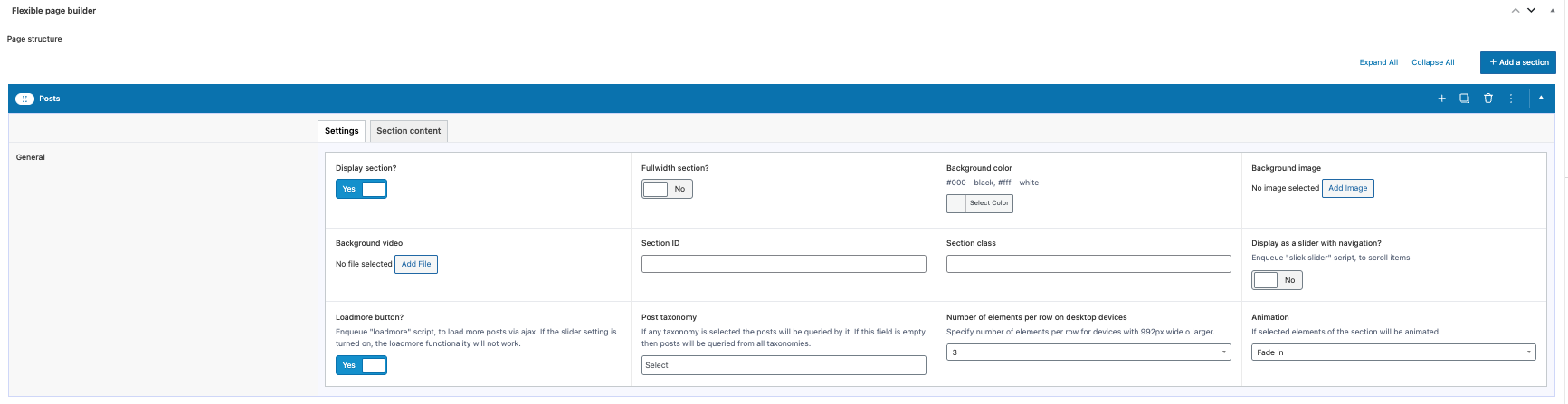
  • Slider mode: enabling the section’s Slick option items become slides.
  • Load More (AJAX): when enabled in grid mode, the wrapper gains ajax_archive_wr and a Load More button.
  • Animation: optional animation classes per item (e.g., animated_item + selected effect).

Editor experience

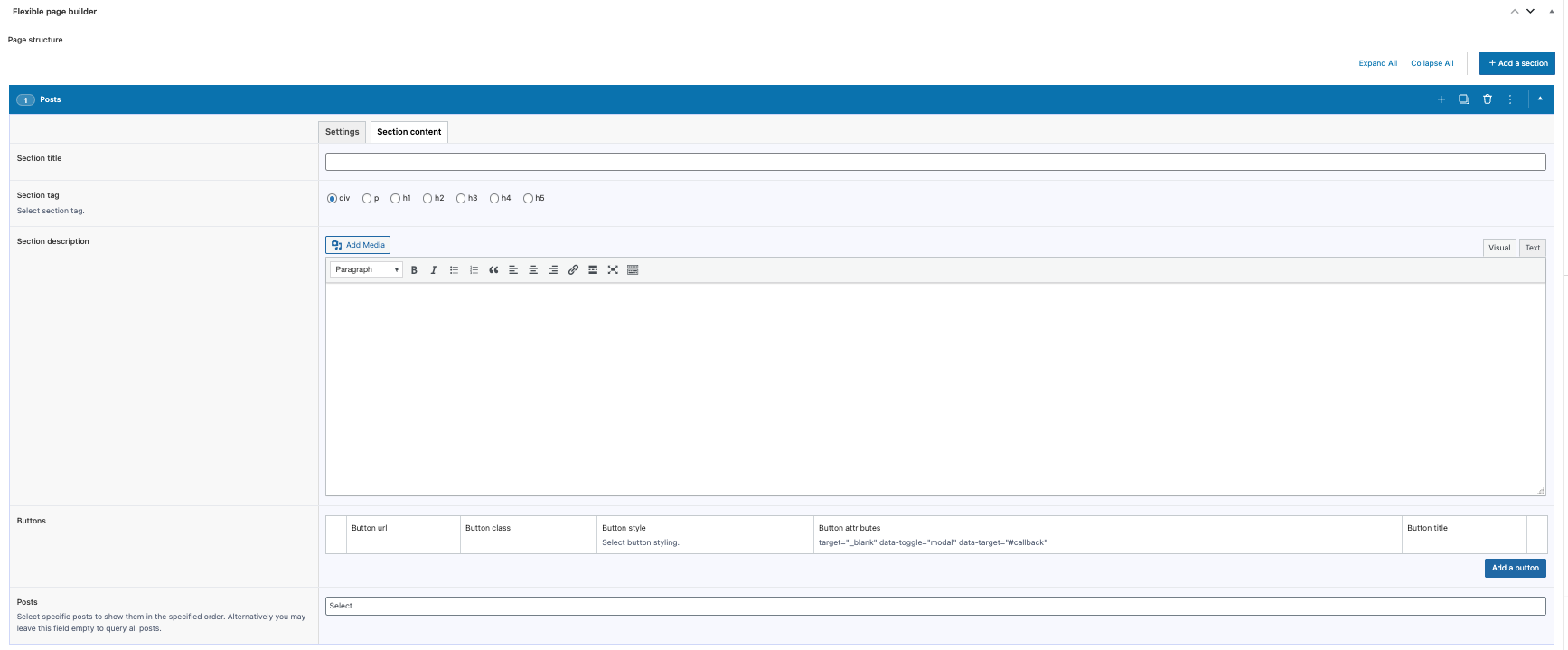
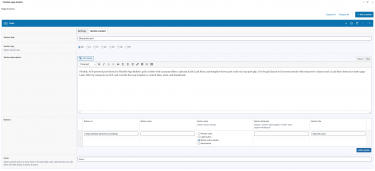
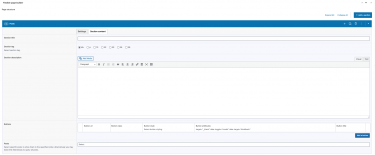
  • Configure via ACF: choose specific posts, pick taxonomy terms, set item columns, enable Slick (slider) and/or Load More (grid only).
  • Item markup is maintained in loop-post.php for easy template overrides and consistency.
  • Posts per page respects the site setting (posts_per_page option) unless the query is constrained by selected posts.

Typical use cases

  • Latest blog posts grid with optional Load More.
  • Category‑focused sliders (e.g., “News”, “Case Studies”).
  • Hand‑picked featured posts in a custom order.

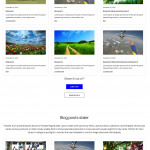
Sample posts slider

Flexible, ACF‑powered posts add-on for Flexible Page Builder: grid or slider with taxonomy filters, optional AJAX Load More, and template‑driven post cards via loop‑post.php. Use the grid layout to list recent articles with responsive columns and a Load More button for faster page loads. Filter by categories in ACF, and override the loop template to control titles, meta, and thumbnails.

Flexible Google Map Locations Add‑on
26.01.2026
Flexible Google Map Locations Add‑on
Make it effortless for customers to find your branches, offices, or pickup points. The Flexible...
Flexible Testimonials Add‑on for the Flexible Page Builder
26.01.2026
Flexible Testimonials Add‑on for the Flexible Page Builder
Powerful social proof shouldn’t be slow or off‑brand. The Flexible Testimonials add‑on for the Flexible...
Flexible WooCommerce Products Tabs Add‑on for Flexible Page Builder
26.01.2026
Flexible WooCommerce Products Tabs Add‑on for Flexible Page Builder
Product discovery should feel instant. Flexible WooCommerce Products Tabs lets shoppers browse categories, collections, and...

Sample posts grid with Load more button

Flexible Google Map Locations Add‑on
26.01.2026
Flexible Google Map Locations Add‑on
Make it effortless for customers to find your branches, offices, or pickup points. The Flexible...
Flexible Testimonials Add‑on for the Flexible Page Builder
26.01.2026
Flexible Testimonials Add‑on for the Flexible Page Builder
Powerful social proof shouldn’t be slow or off‑brand. The Flexible Testimonials add‑on for the Flexible...
Flexible WooCommerce Products Tabs Add‑on for Flexible Page Builder
26.01.2026
Flexible WooCommerce Products Tabs Add‑on for Flexible Page Builder
Product discovery should feel instant. Flexible WooCommerce Products Tabs lets shoppers browse categories, collections, and...
Shown 3 out of 6

FAQ

FAQ about Flexible Page Builder for Advanced Custom Fields PRO.

What is Flexible Page Builder for ACF?

It’s a WordPress plugin that lets you build pages from a library of reusable sections powered by ACF Flexible Content. Editors stack sections to create pages; developers get clean, theme‑friendly markup and hooks.

Do I need ACF Pro?

Yes. The plugin relies on ACF 6 Pro features (including Flexible Content). Please install and activate ACF Pro.

Will it work with my current theme or page builder?

Yes. It’s theme‑agnostic and outputs semantic HTML. It works alongside the Block Editor (Gutenberg) and classic editors, and plays nicely with most themes that follow WordPress standards.

Is this a replacement for Gutenberg, Elementor etc.?

No – it’s complementary. You assemble pages from pre‑built, brand‑safe sections instead of freeform drag‑and‑drop, which keeps design consistent and performance strong.

How are pages built?

Pick the sections you need (hero, icons, posts, FAQs, etc.), fill in their fields, and drag to reorder. Each section has focused settings to keep editing simple and fool‑proof.

  • Intuitive editing: field‑based inputs for copy, media, icons, buttons, lists.
  • Flexible layout: drag‑reorder, duplicate, show/hide, column options, alignment.
  • Per‑section styling: container width, background color/image/video, section visibility, animation, grid settings, “load more” in/off, slider mode on/off.
  • Accessibility built‑in: proper heading levels, labels, aria attributes.
  • Performance: lean semantic HTML, conditional assets, responsive images, CLS‑safe.
  • Advanced workflows: Export/Import sections; one click AI Translate Flexible Page Builder content.
🚀 How does the Export/Import module help my team ship faster?

Export/Import moves Flexible Page Builder sections between posts, taxonomies or sites in seconds. Duplicate a winning layout, migrate from staging to production, or share a section library with your team – without rebuilding by hand.

Choose what to move: import all sections or only specific one (e.g., just Flexible Icons)  from another post/taxonomy with filled content. Import a JSON file right inside the editor. It works across Posts, Pages, WooCommerce Products, Taxonomies, and custom post types – the same Flexible Page Builder and modules run everywhere. Fewer clicks, fewer mistakes, faster publishing. Get Export/Import Module Here.

This is a Game Changer!

🌍 What does the AI Translate module do?

AI Translate adds a simple form to your editor that sends your Flexible Page Builder content to OpenAI for translation. Turn an English landing page into multiple languages in minutes – your layout stays intact, only the text changes.

It works everywhere you build: Posts, Pages, WooCommerce Products, Taxonomies, and custom post types – all powered by the same Flexible Page Builder and modules. Translate, review, tweak copy, and publish fast. Get AI Translate Here.

* Your OpenAI API key is required.

Which sections are free and which are paid add‑ons?

The plugin includes three free sections out of the box: Rows, Icons, and Hero. Everything beyond those is a paid add‑on you can enable as needed. This keeps the core lean and lets you buy only what you’ll use. Add‑ons install like regular modules and integrate seamlessly with your existing sections. You may use any purchased add-ons on any of your sites. This is a onetime purchase.

Can I create my own custom sections?

Yes. Developers can duplicate any existing section in ACF, tweak the fields, and follow the plugin’s structure and conventions in your theme templates. It’s the quickest way to build bespoke layouts that still play nicely with the Flexible Page Builder.

Is it fast? What about Core Web Vitals?

Yes. Markup is lean, assets are conditionally loaded, and sections are optimized to avoid layout shift. Sites typically see solid CLS/LCP/INP scores, especially with caching and a CDN.

Does it support responsive design and accessibility?

Yes. Sections are responsive by default as the plugin provides basic styling. At the same time the final styling is expected to be handled by you.”

Will this affect SEO?

Positively, when used correctly. Clean HTML, logical heading structure, and fast load times help SEO. Keep using your SEO plugin (Yoast, RankMath, etc.) as usual.

Does it work with custom post types and WooCommerce?

Yes. It supports CPTs out of the box (just change the ACF group settings for a CPT) and is great for building marketing or landing pages for WooCommerce products and categories.

What about translations and RTL?

The plugin is translation‑ready (includes a .pot file) and works with WPML/Polylang. RTL is supported when your theme provides RTL styles; the markup is RTL‑safe.

It is also worth mentioning about AI Translate add-on. Get AI Translate Module Here.

Do editors need training?

Very little. Sections have clear labels and helpful instructions. Most teams ship their first pages within minutes. Helpfull videos are available.

Is there a money‑back policy or returns?

We offer a 30‑day money‑back guarantee if there’s a confirmed, non‑trivial bug we can’t fix. In practice, we resolve issues quickly at no cost. As this is a digital product, please review screenshots and walkthrough videos before purchase. If you hit a snag, contact us directly and we’ll prioritize a fix.

Is this a one‑time purchase? Can I use add‑ons on other domains?

Yes – each add‑on is a one‑time purchase. There’s no license key or domain restriction, so you can use the modules on other domains without re‑activating or re‑purchasing. Install them wherever you run the Flexible Page Builder and you’re good to go.

I don’t see the flexible fields in Posts / Products / Taxonomies.

Edit the ACF field group named “Flexible Page Builder” and adjust its Location Rules to target the post types or taxonomies you need (e.g., Post Type equals Page/Product, or Taxonomy equals Category). Clear caches, and check Screen Options to confirm the meta box is visible. If you moved environments, sync/import the ACF JSON so the field group registers on this site.

I created a new flexible fields group and it doesn’t work or won’t import.

The plugin supports only the built‑in field group it ships with. Custom ACF groups aren’t recognized by the plugin’s render logic, so they may not load or display.