

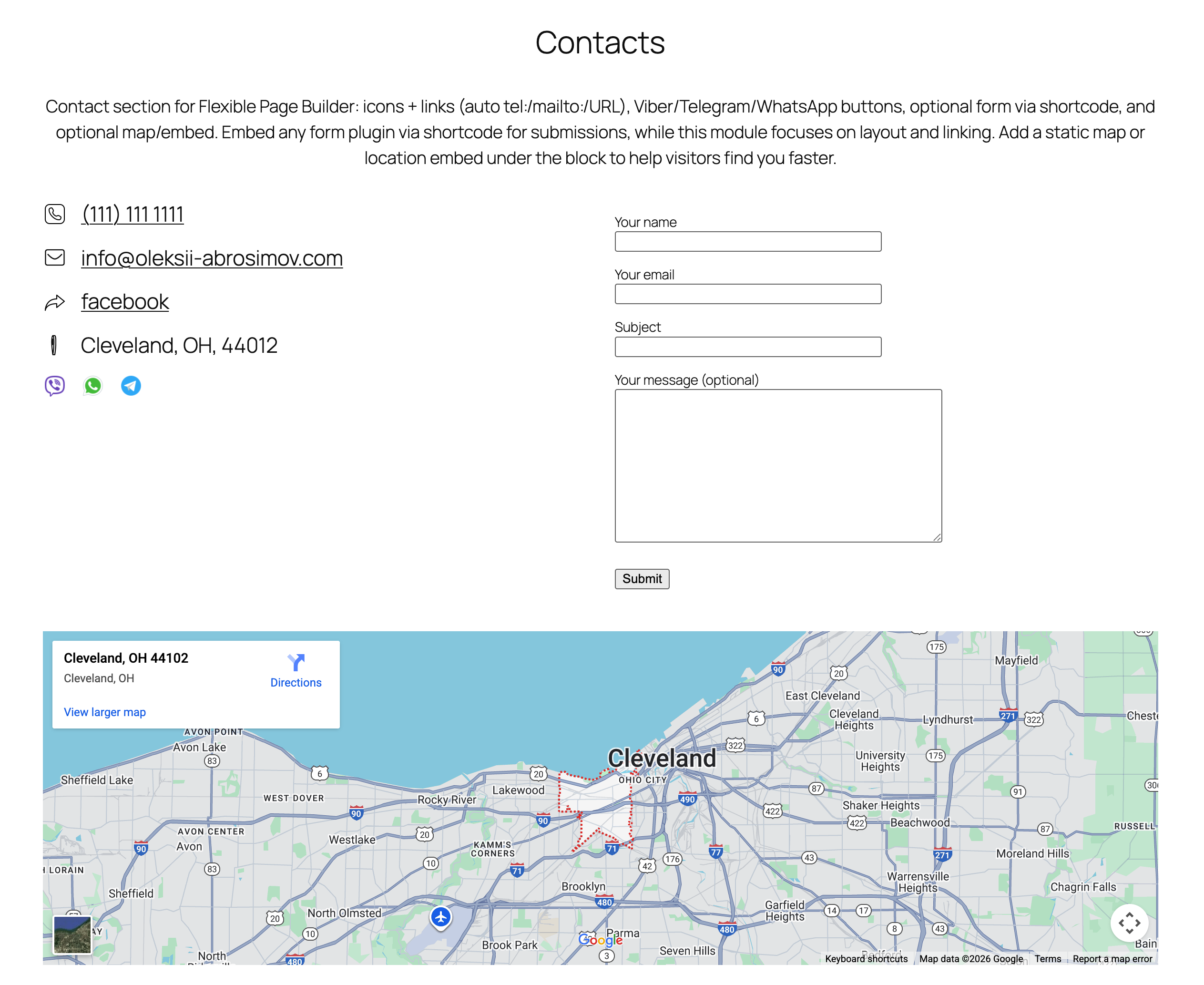
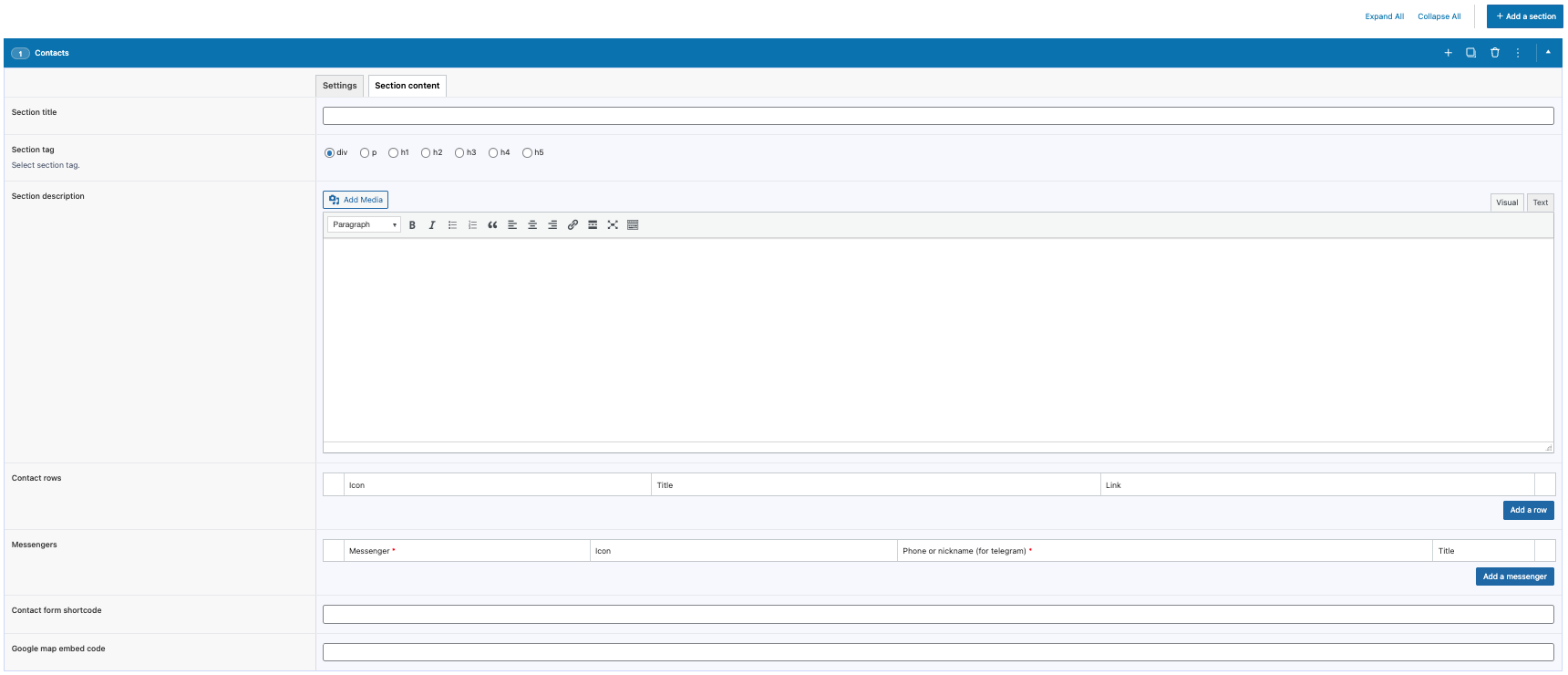
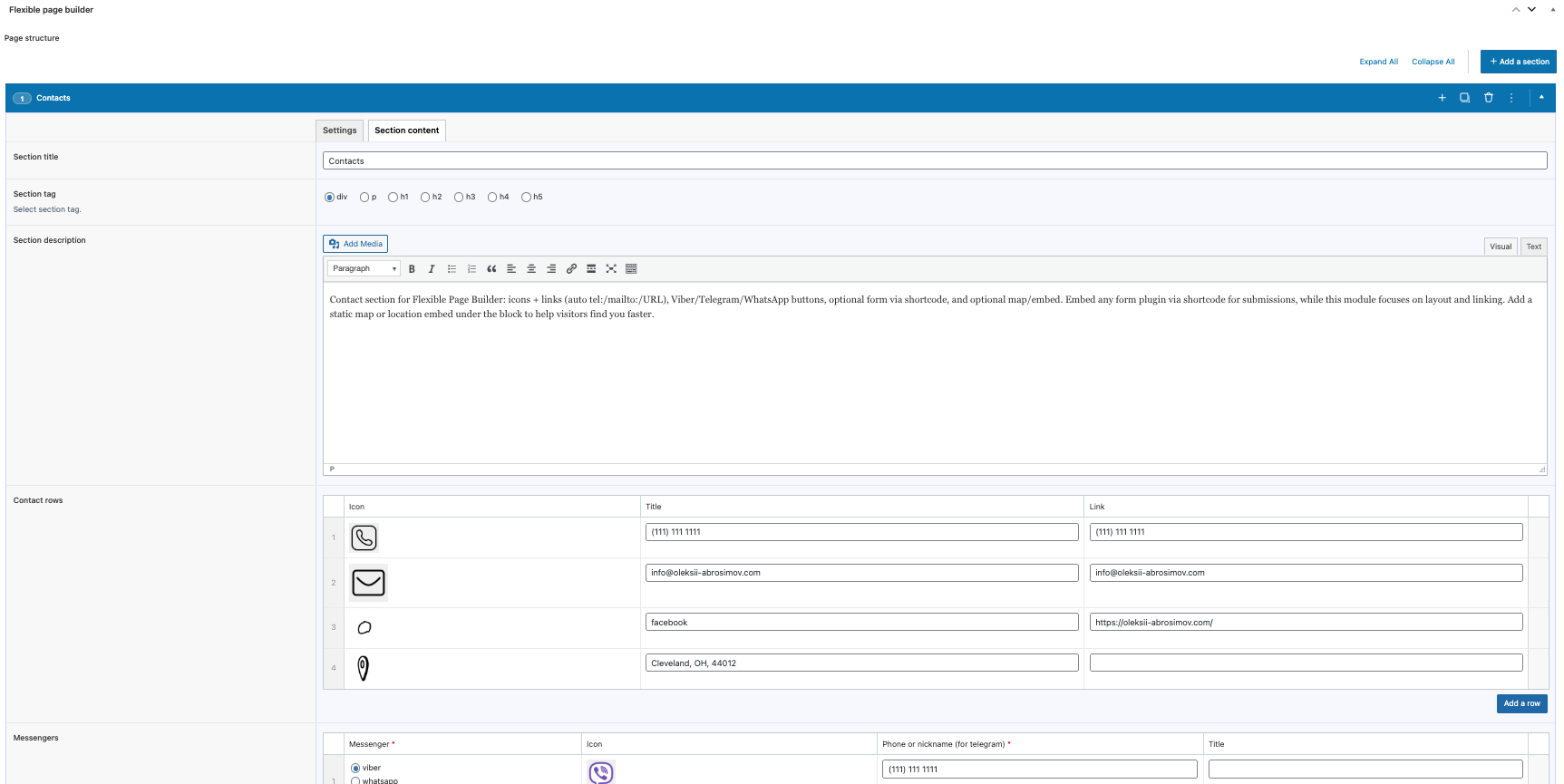
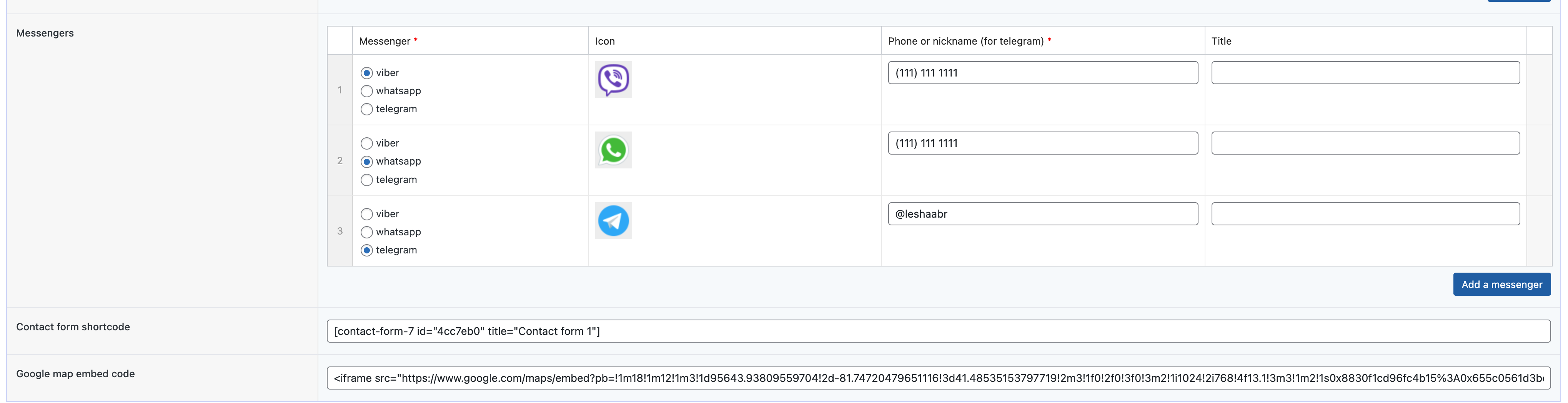
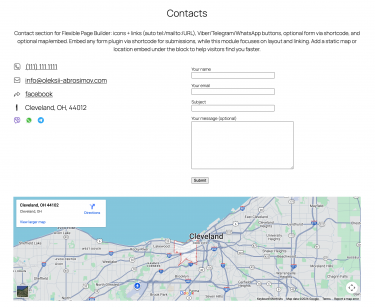
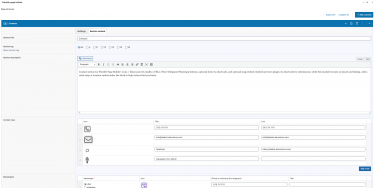
Flexible Contact adds a ready-made contact section to your Flexible Page Builder layouts. Editors can display contact methods, messenger buttons (Viber, Telegram, WhatsApp), an optional embedded map, and an optional contact form via shortcode.
The module focuses on layout and linking; form processing, validation, and spam protection are handled by your chosen form plugin.
What you can show in the block
- Contact methods list (with icons)
- Each item can have an icon, a label, and a link.
- Links are auto-formatted as:
tel:+...for phone numbersmailto:...for emails- Regular URLs for websites or pages
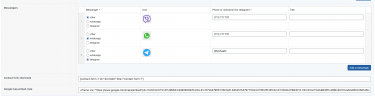
- Messenger buttons (Viber, Telegram, WhatsApp)
- Per-button icon, label, and target.
- Deep links are generated automatically based on the selected messenger type:
- Viber:
viber://add?number=...on mobile,viber://chat?number=...on desktop - Telegram:
tg://resolve?domain=... - WhatsApp:
https://wa.me/...
- Viber:
- Contact form (external shortcode)
- Paste any form shortcode (e.g., Contact Form 7, Gravity Forms, WPForms).
- Rendering is handled by the shortcode provider; this module does not add its own form fields or email sending.
- Map/embed block
- Paste map HTML (e.g., Google Maps, OpenStreetMap). The module outputs it inside an
.acf_mapwrapper.
- Paste map HTML (e.g., Google Maps, OpenStreetMap). The module outputs it inside an
Layout and presentation
- Two‑column layout when both sides are used: contact methods/messengers on the left, form on the right (on mobile, they stack).
- The map (if provided) is displayed full width below the columns.
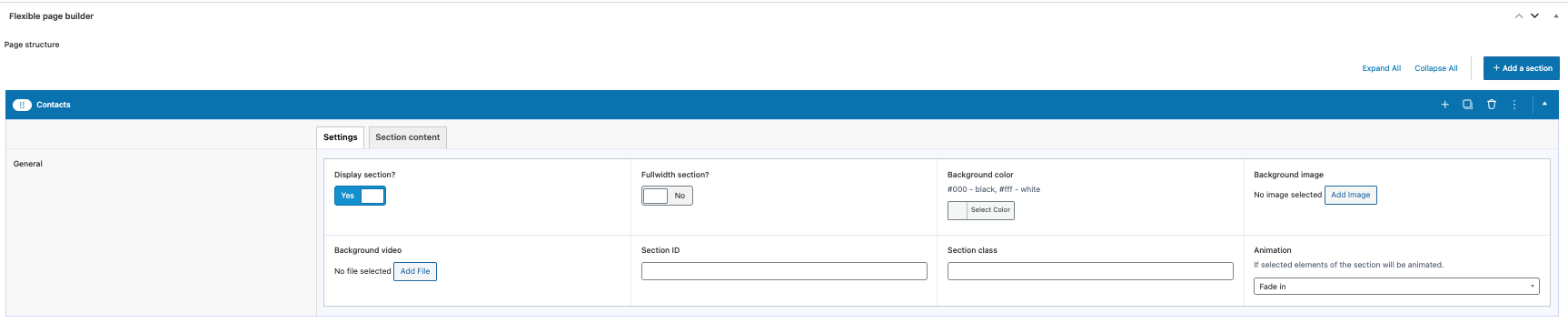
- Optional animation classes can be applied to items (based on the section’s animation setting).
- Icons use responsive
<picture>markup with lazy loading for better performance.
Editor experience
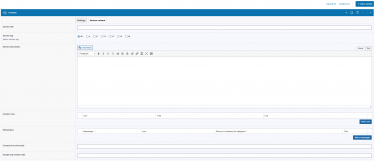
- All content is managed via ACF fields in the Flexible Page Builder layout.
- Add, remove, and reorder contact items and messenger buttons easily.
- Use your existing form solution by inserting its shortcode – no extra configuration in this module.
Compatibility and requirements
- WordPress + Advanced Custom Fields (ACF).
- Works with popular form plugins through shortcode output.
- No additional JS libraries are required by this module for forms or maps; any required assets come from your form provider or embedded map.
What this module does not do
- It does not send emails, validate inputs, or provide anti‑spam. Those are handled by the form plugin you embed via shortcode.
- It does not provide a built‑in AJAX form or reCAPTCHA integration.
- It does not fetch or geocode maps; it only displays the HTML you supply.
Typical use cases
- “Contact us” sections with phone/email links and quick messenger buttons.
- Location pages mixing contact methods with an embedded map and a form.
- Landing pages that reuse the same contact block but switch the form shortcode per campaign.


