

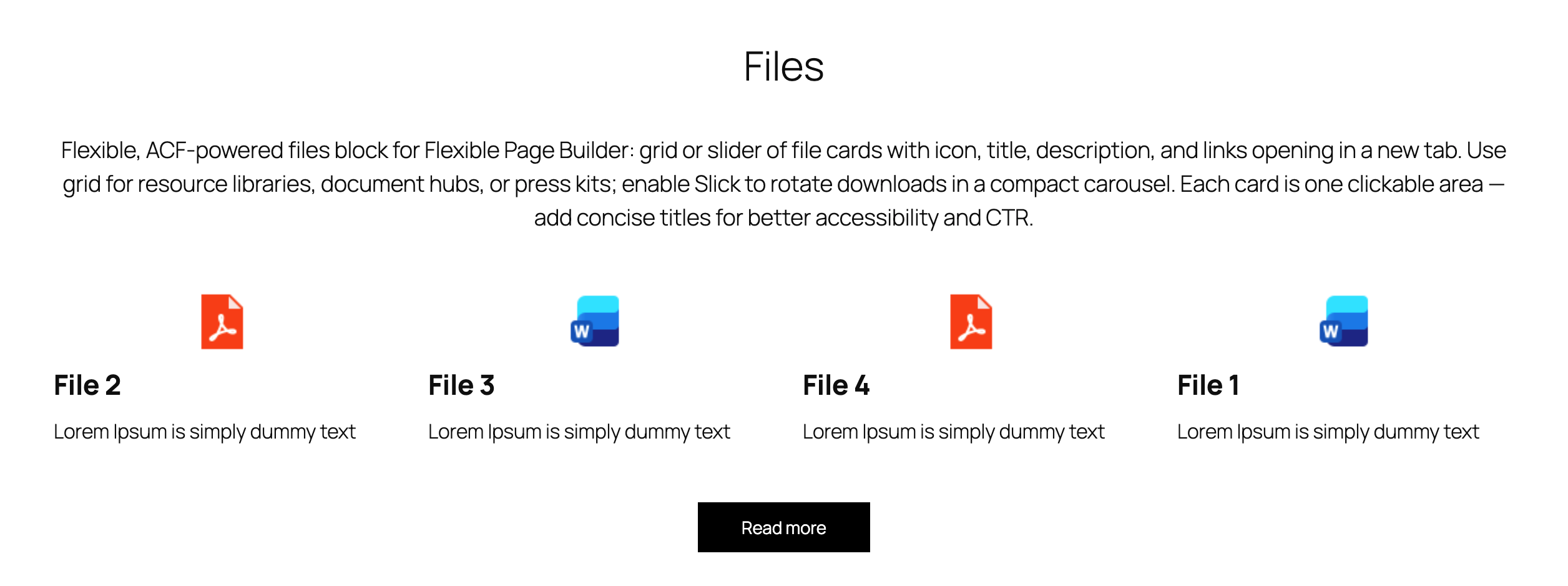
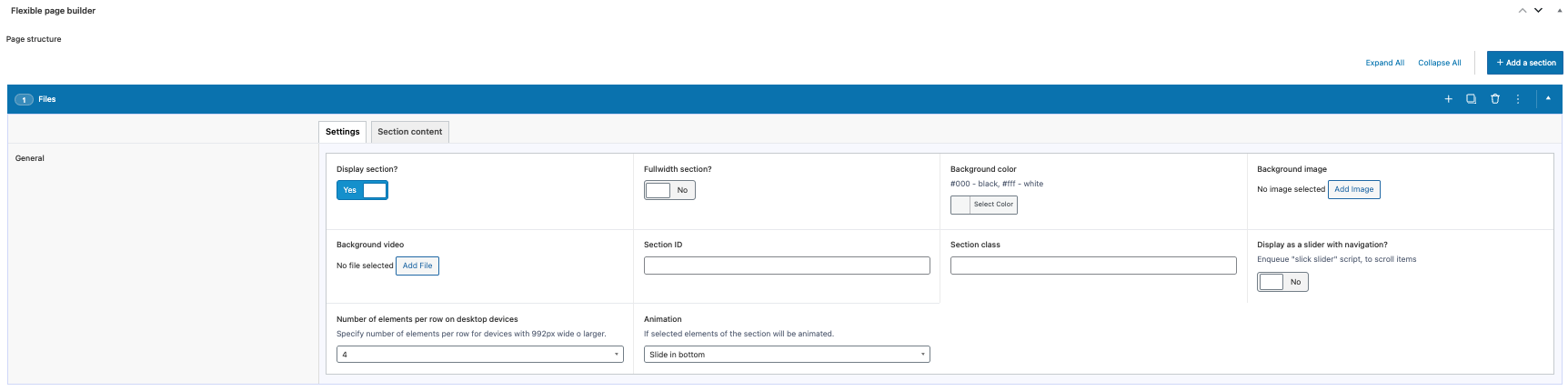
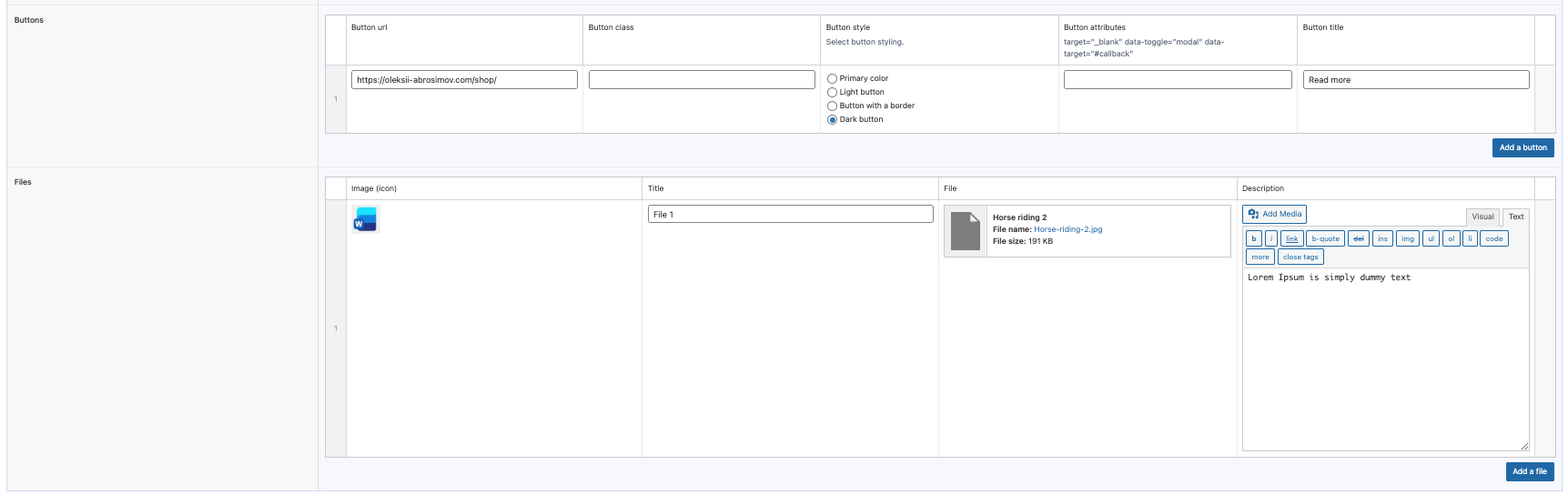
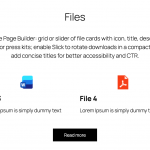
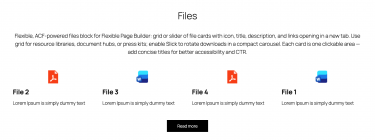
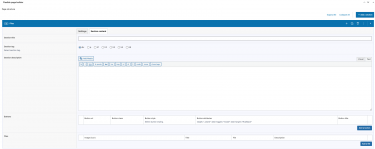
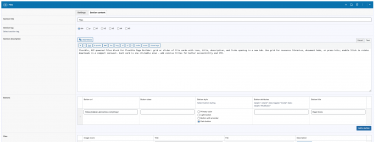
Flexible Files outputs a grid or slider of file “cards” inside your Flexible Page Builder layouts. Each card can show a file icon/image, a file name, a short description, and a clickable link that opens in a new tab. The module focuses on presentation and linking; it does not handle file uploads or downloads accounting. Slider behavior is enabled when the section’s Slick option is turned on; otherwise items render as a responsive grid.
What you can show in the block
- File icon/image (thumbnail) with lazy loading for performance.
- File name/title (headline) per item.
- Short description (rich text allowed) under the title.
- Link target (URL) that opens in a new tab; the anchor’s
titleattribute is taken from the link meta.
Layout and presentation
- Grid mode: items use a responsive layout (e.g.,
col-6 col-sm-4) with configurable extra item class and spacing. - Slider mode: when the section’s Slick option is enabled, the wrapper receives
slick_wrandspace_between_slidesclasses and a[prefix]_slider_wrnamespace; item cards become slides. - Optional animation classes per item (e.g.,
animated_itemplus the selected animation) to match site‑wide motion patterns. - Each card is a single clickable area wrapping the image, title, and description.
Editor experience
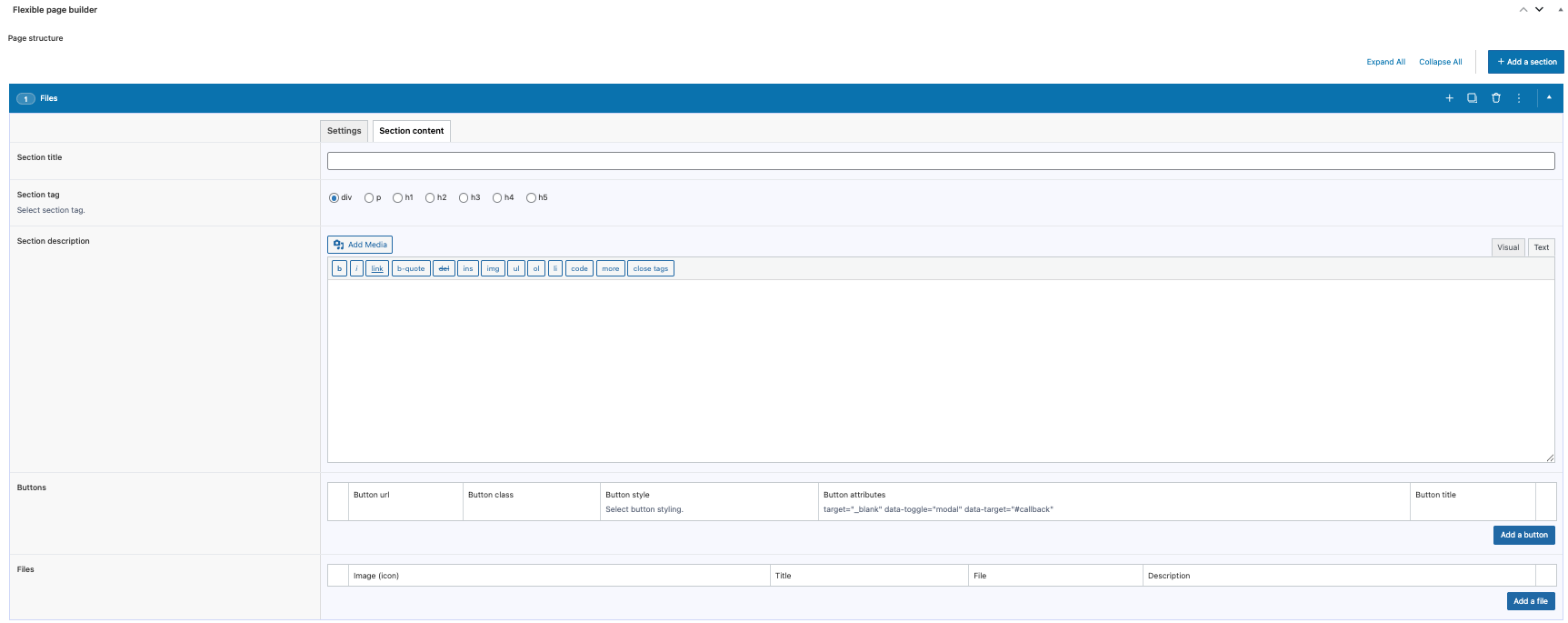
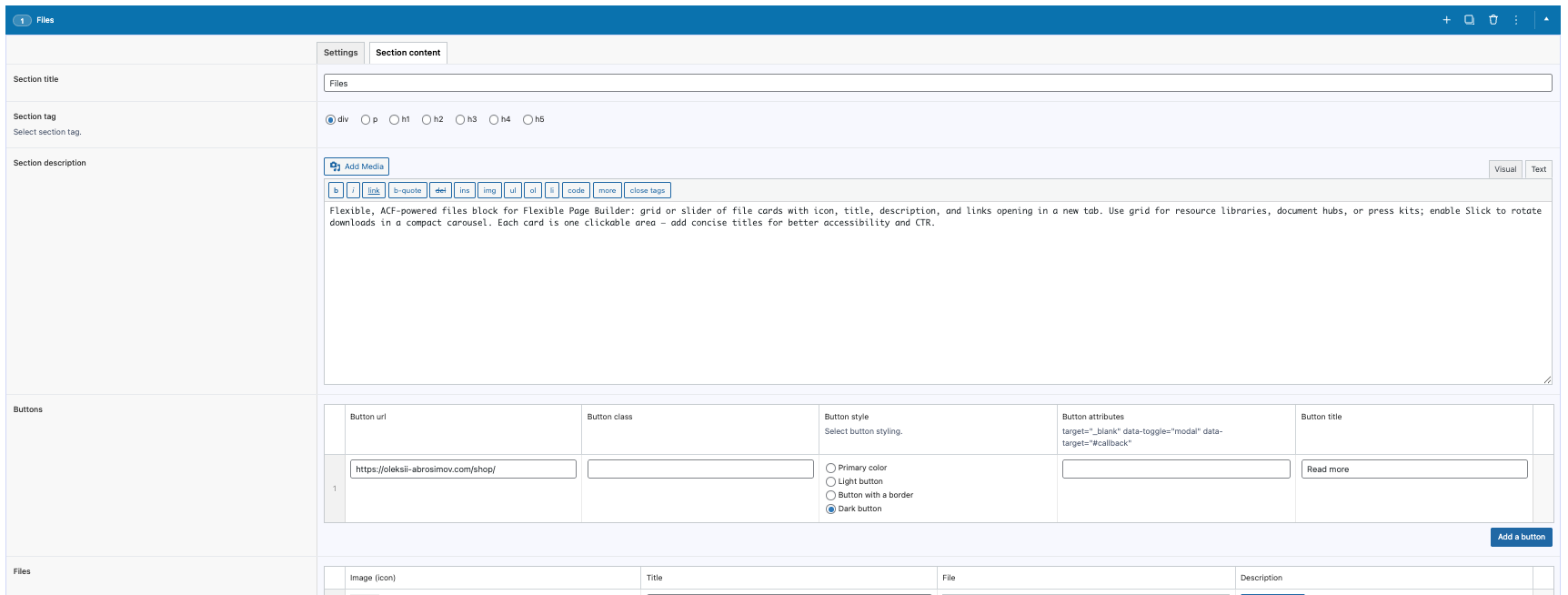
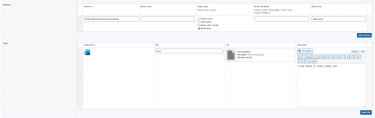
- Manage all files via ACF repeater fields: icon/image, name, description, and link.
- Reorder items via drag‑and‑drop; add or remove items without coding.
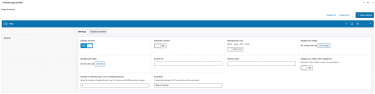
- Choose between grid or slider by toggling the section’s Slick setting; optional per‑item extra class via ACF setting.
What this module does not do
- Does not display file size/type automatically (you can include that info in the description if needed).
- Does not track downloads or provide analytics.
Typical use cases
- Resource lists: PDFs, brochures, price lists, whitepapers.
- Document hubs with quick descriptions and external file links.
- Promo sliders of downloadable assets.

