
Flexible Video add-on

$5.00

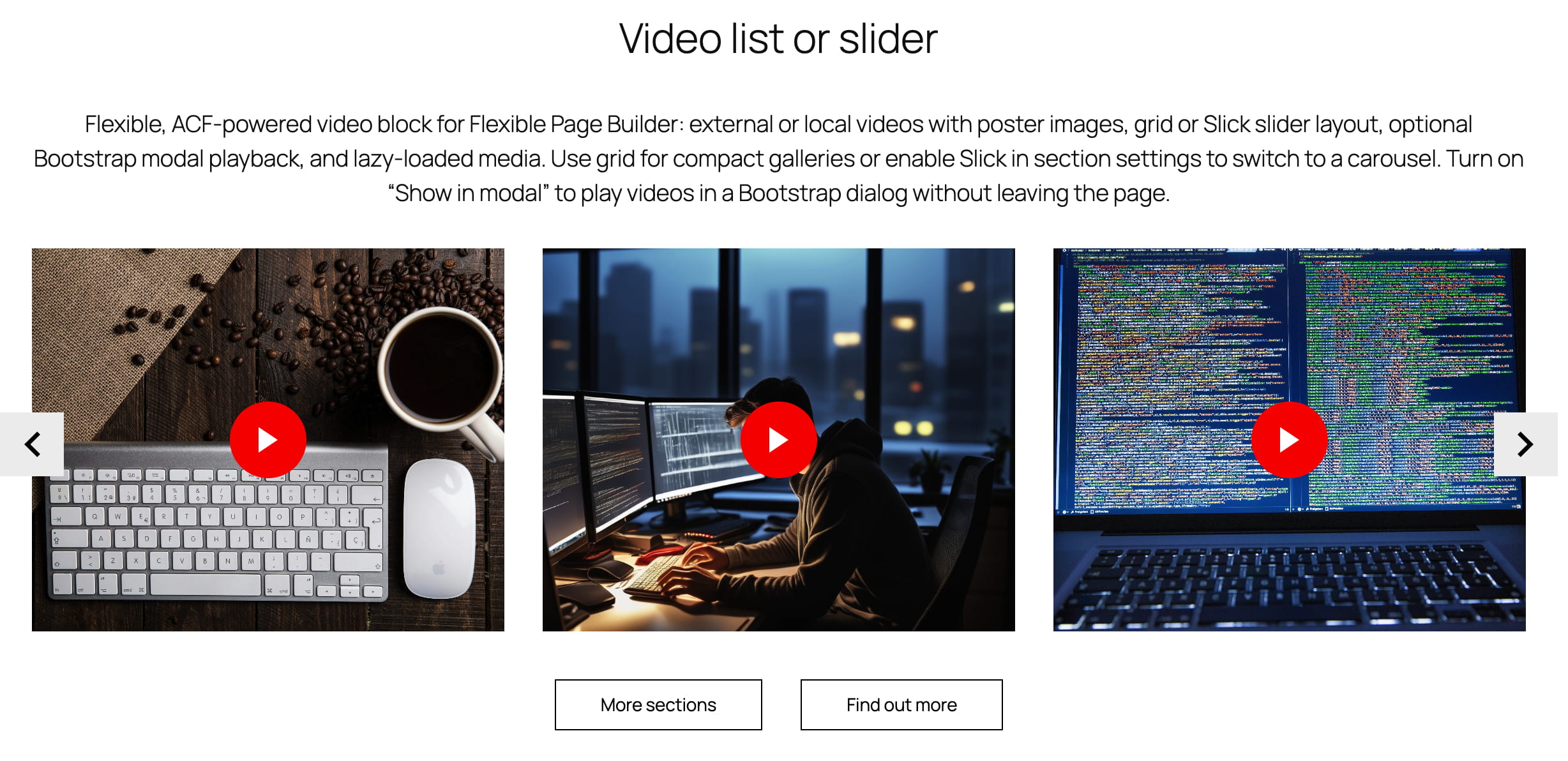
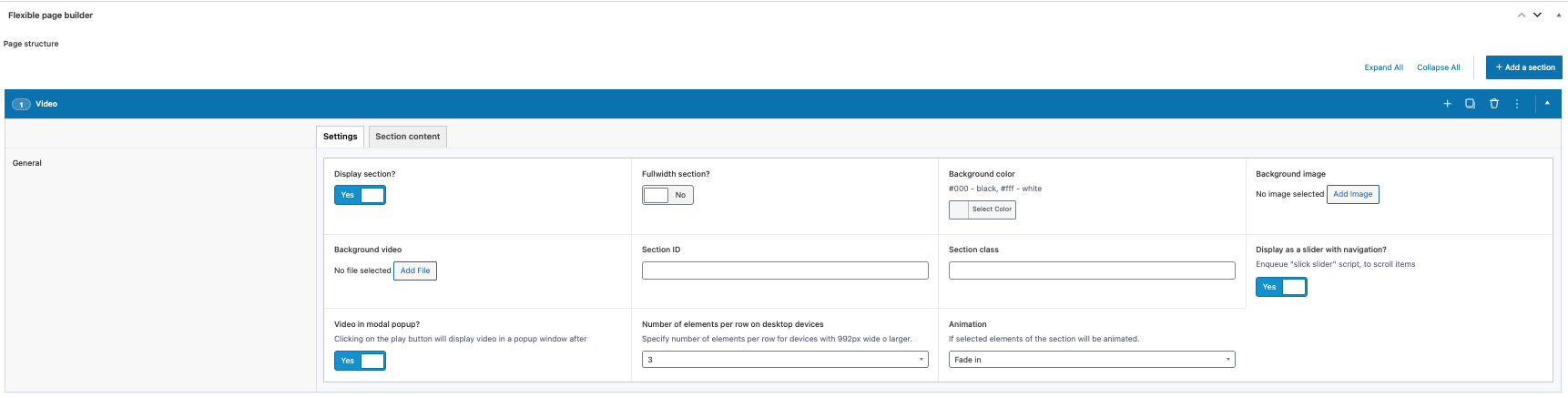
Flexible Video embeds external (YouTube/Vimeo) or local videos inside your Flexible Page Builder layouts. Each item supports a poster image with a play overlay and can open inline or in a modal (Bootstrap‑powered) when the corresponding option is enabled. The section renders as a responsive grid or switches to a slider when Slick is enabled.

What you can show in the block

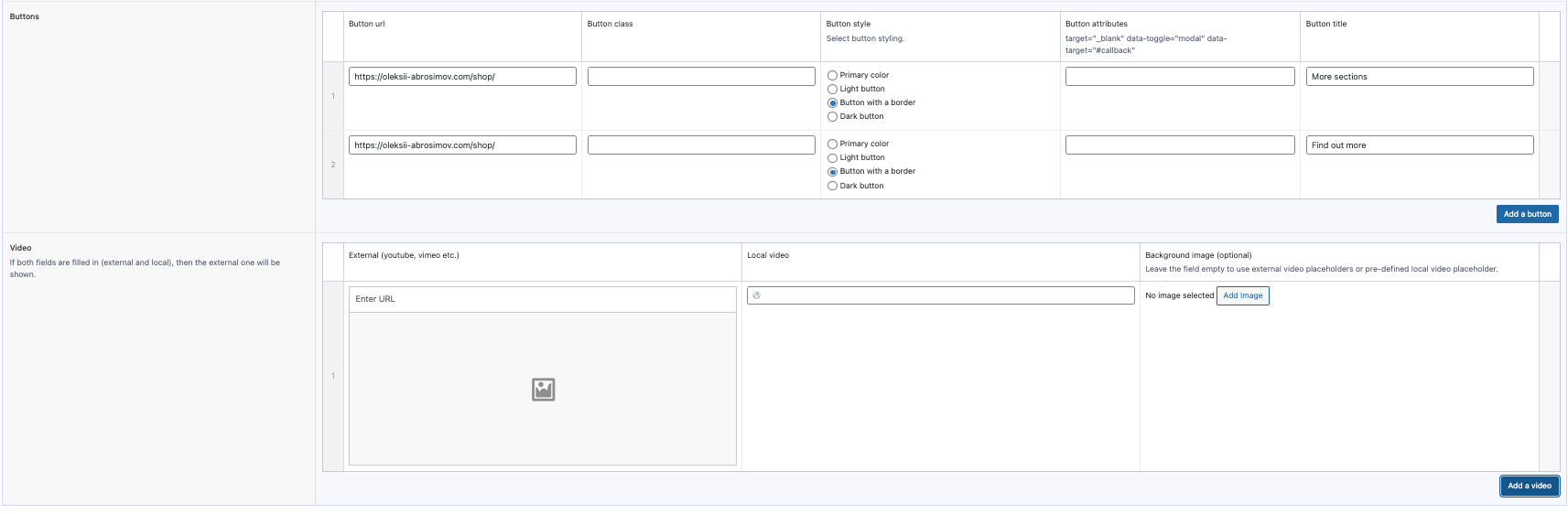
  • External video via URL (e.g., YouTube or Vimeo) with an optional poster image.
  • Local video file URL with an optional poster image.
  • Play behaviour: inline player or open in a modal dialog (when the “show in modal” setting is on).

Layout and presentation

  • Grid mode: responsive columns based on the section’s item class (e.g., col‑based grid on desktop; stacks on mobile).
  • Slider mode: enabling the section’s Slick option items become slides.
  • Poster images: rendered via the plugin’s helper as responsive <picture> with lazy loading. If no placeholder image is specified by user, then native youtube/vimeo placeholder will be used.
  • Player class: each item receives external_video or local_video for styling/JS targeting.

Editor experience

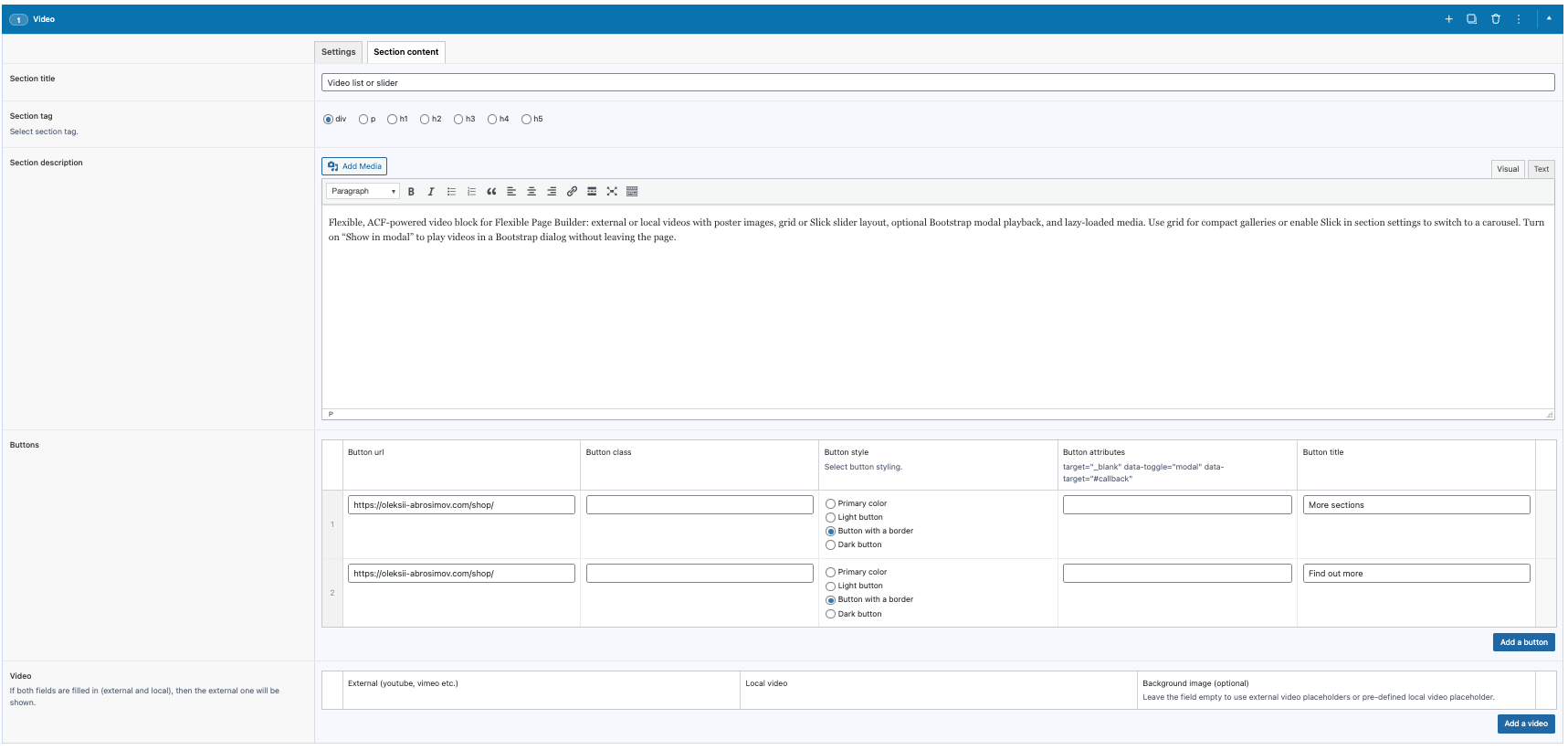
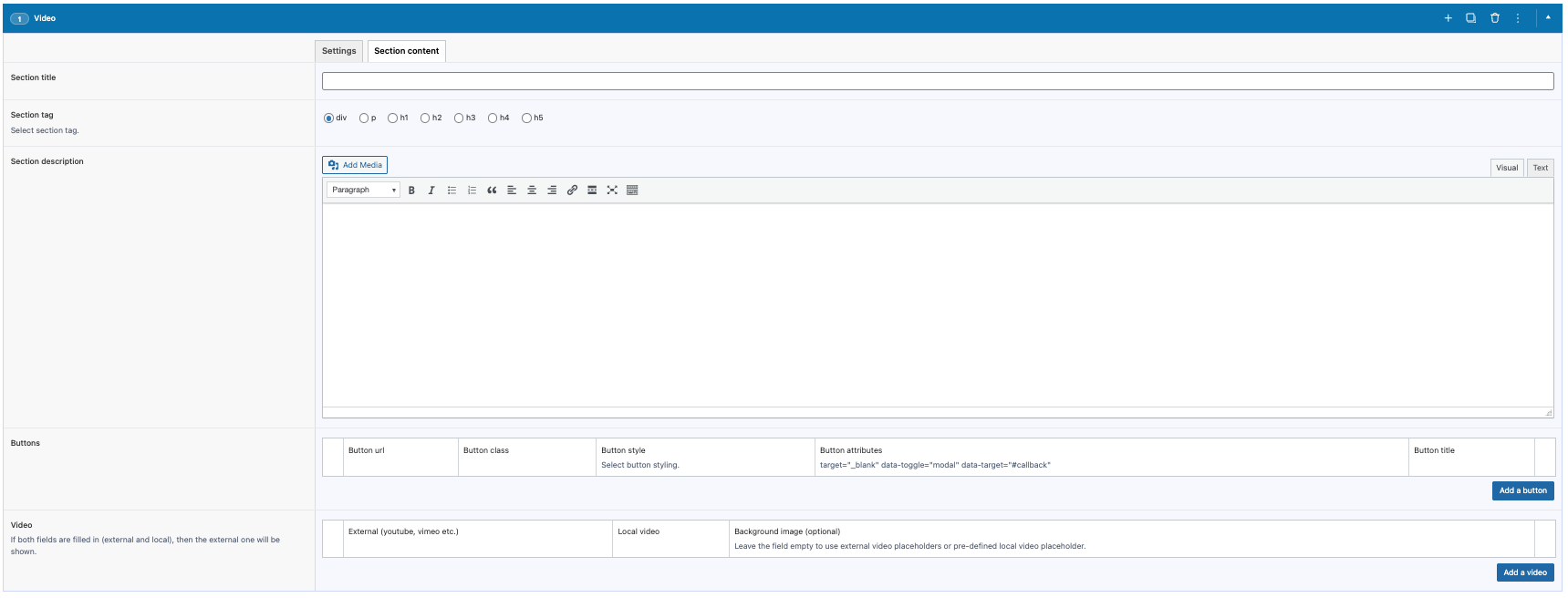
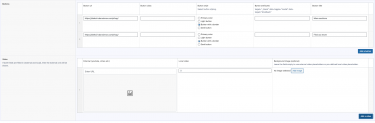
  • Manage items via an ACF repeater: provide an external video link or a local file link, and set a poster image.
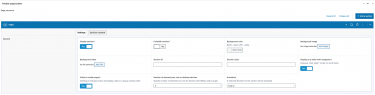
  • Toggle Show in modal in the section settings to open videos inside a Bootstrap modal.
  • Switch between grid and slider by toggling the section’s Slick setting; adjust columns with the item class option.

Typical use cases

  • Hero or content sections with playable video teasers.
  • Tutorial or promo video grids that can switch to a slider on mobile.
  • Case study pages embedding product or feature walk‑throughs.

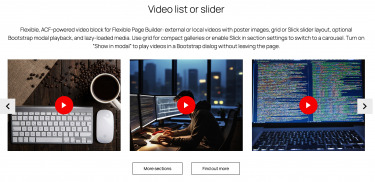
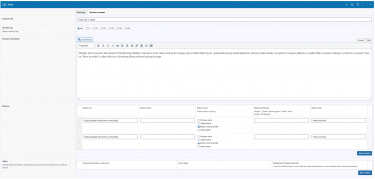
Video slider layout, video in modal

Flexible, ACF‑powered video block for Flexible Page Builder: external or local videos with poster images, grid or Slick slider layout, optional Bootstrap modal playback, and lazy‑loaded media. Use grid for compact galleries or enable Slick in section settings to switch to a carousel. Turn on “Show in modal” to play videos in a Bootstrap dialog without leaving the page.

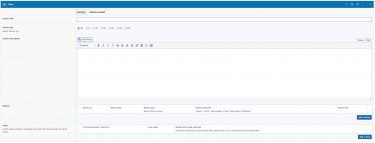
Video grid layout, video inlined

Flexible, ACF‑powered video block for Flexible Page Builder: external or local videos with poster images, grid or Slick slider layout, optional Bootstrap modal playback, and lazy‑loaded media. Use grid for compact galleries or enable Slick in section settings to switch to a carousel. Turn on “Show in modal” to play videos in a Bootstrap dialog without leaving the page.

FAQ

FAQ about Flexible Page Builder for Advanced Custom Fields PRO.

What is Flexible Page Builder for ACF?

It’s a WordPress plugin that lets you build pages from a library of reusable sections powered by ACF Flexible Content. Editors stack sections to create pages; developers get clean, theme‑friendly markup and hooks.

Do I need ACF Pro?

Yes. The plugin relies on ACF 6 Pro features (including Flexible Content). Please install and activate ACF Pro.

Will it work with my current theme or page builder?

Yes. It’s theme‑agnostic and outputs semantic HTML. It works alongside the Block Editor (Gutenberg) and classic editors, and plays nicely with most themes that follow WordPress standards.

Is this a replacement for Gutenberg, Elementor etc.?

No – it’s complementary. You assemble pages from pre‑built, brand‑safe sections instead of freeform drag‑and‑drop, which keeps design consistent and performance strong.

How are pages built?

Pick the sections you need (hero, icons, posts, FAQs, etc.), fill in their fields, and drag to reorder. Each section has focused settings to keep editing simple and fool‑proof.

  • Intuitive editing: field‑based inputs for copy, media, icons, buttons, lists.
  • Flexible layout: drag‑reorder, duplicate, show/hide, column options, alignment.
  • Per‑section styling: container width, background color/image/video, section visibility, animation, grid settings, “load more” in/off, slider mode on/off.
  • Accessibility built‑in: proper heading levels, labels, aria attributes.
  • Performance: lean semantic HTML, conditional assets, responsive images, CLS‑safe.
  • Advanced workflows: Export/Import sections; one click AI Translate Flexible Page Builder content.
🚀 How does the Export/Import module help my team ship faster?

Export/Import moves Flexible Page Builder sections between posts, taxonomies or sites in seconds. Duplicate a winning layout, migrate from staging to production, or share a section library with your team – without rebuilding by hand.

Choose what to move: import all sections or only specific one (e.g., just Flexible Icons)  from another post/taxonomy with filled content. Import a JSON file right inside the editor. It works across Posts, Pages, WooCommerce Products, Taxonomies, and custom post types – the same Flexible Page Builder and modules run everywhere. Fewer clicks, fewer mistakes, faster publishing. Get Export/Import Module Here.

This is a Game Changer!

🌍 What does the AI Translate module do?

AI Translate adds a simple form to your editor that sends your Flexible Page Builder content to OpenAI for translation. Turn an English landing page into multiple languages in minutes – your layout stays intact, only the text changes.

It works everywhere you build: Posts, Pages, WooCommerce Products, Taxonomies, and custom post types – all powered by the same Flexible Page Builder and modules. Translate, review, tweak copy, and publish fast. Get AI Translate Here.

* Your OpenAI API key is required.

Which sections are free and which are paid add‑ons?

The plugin includes three free sections out of the box: Rows, Icons, and Hero. Everything beyond those is a paid add‑on you can enable as needed. This keeps the core lean and lets you buy only what you’ll use. Add‑ons install like regular modules and integrate seamlessly with your existing sections. You may use any purchased add-ons on any of your sites. This is a onetime purchase.

Can I create my own custom sections?

Yes. Developers can duplicate any existing section in ACF, tweak the fields, and follow the plugin’s structure and conventions in your theme templates. It’s the quickest way to build bespoke layouts that still play nicely with the Flexible Page Builder.

Is it fast? What about Core Web Vitals?

Yes. Markup is lean, assets are conditionally loaded, and sections are optimized to avoid layout shift. Sites typically see solid CLS/LCP/INP scores, especially with caching and a CDN.

Does it support responsive design and accessibility?

Yes. Sections are responsive by default as the plugin provides basic styling. At the same time the final styling is expected to be handled by you.”

Will this affect SEO?

Positively, when used correctly. Clean HTML, logical heading structure, and fast load times help SEO. Keep using your SEO plugin (Yoast, RankMath, etc.) as usual.

Does it work with custom post types and WooCommerce?

Yes. It supports CPTs out of the box (just change the ACF group settings for a CPT) and is great for building marketing or landing pages for WooCommerce products and categories.

What about translations and RTL?

The plugin is translation‑ready (includes a .pot file) and works with WPML/Polylang. RTL is supported when your theme provides RTL styles; the markup is RTL‑safe.

It is also worth mentioning about AI Translate add-on. Get AI Translate Module Here.

Do editors need training?

Very little. Sections have clear labels and helpful instructions. Most teams ship their first pages within minutes. Helpfull videos are available.

Is there a money‑back policy or returns?

We offer a 30‑day money‑back guarantee if there’s a confirmed, non‑trivial bug we can’t fix. In practice, we resolve issues quickly at no cost. As this is a digital product, please review screenshots and walkthrough videos before purchase. If you hit a snag, contact us directly and we’ll prioritize a fix.

Is this a one‑time purchase? Can I use add‑ons on other domains?

Yes – each add‑on is a one‑time purchase. There’s no license key or domain restriction, so you can use the modules on other domains without re‑activating or re‑purchasing. Install them wherever you run the Flexible Page Builder and you’re good to go.

I don’t see the flexible fields in Posts / Products / Taxonomies.

Edit the ACF field group named “Flexible Page Builder” and adjust its Location Rules to target the post types or taxonomies you need (e.g., Post Type equals Page/Product, or Taxonomy equals Category). Clear caches, and check Screen Options to confirm the meta box is visible. If you moved environments, sync/import the ACF JSON so the field group registers on this site.

I created a new flexible fields group and it doesn’t work or won’t import.

The plugin supports only the built‑in field group it ships with. Custom ACF groups aren’t recognized by the plugin’s render logic, so they may not load or display.