

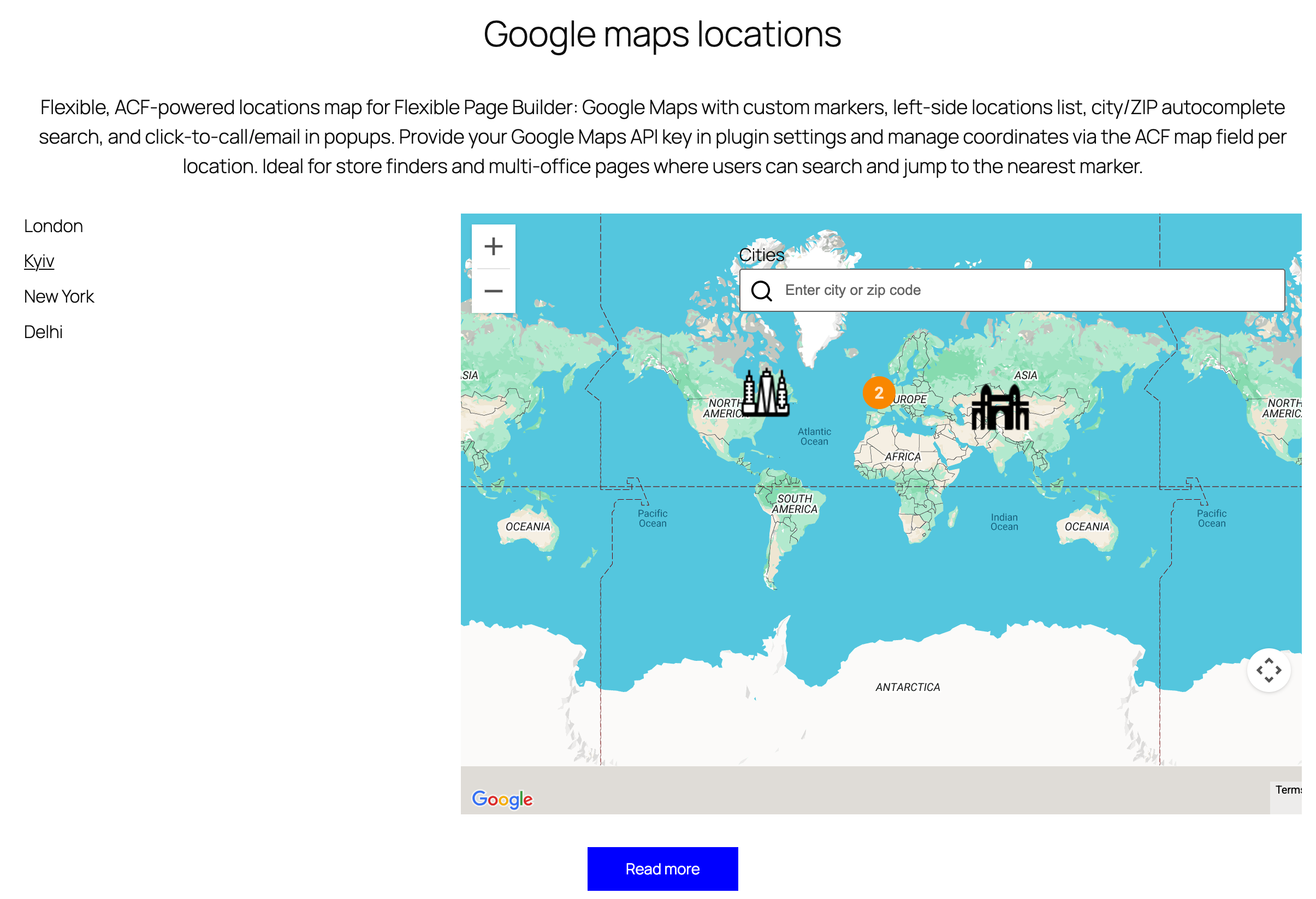
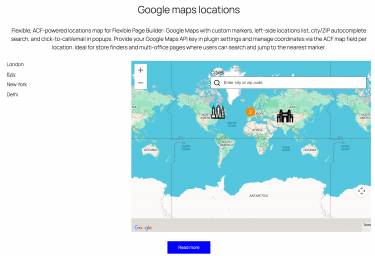
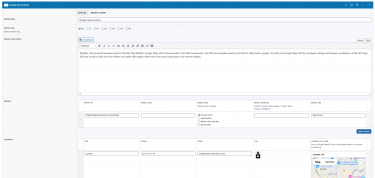
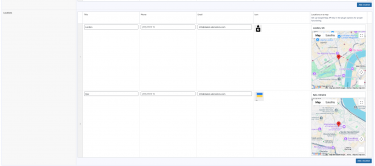
Flexible Locations adds an interactive locations/map section to your Flexible Page Builder layouts. It renders a Google Map with custom markers for each location, a left‑side list for quick navigation, and a city/ZIP search powered by jQuery UI Autocomplete. Each marker popup can show a title, formatted address, phone (click‑to‑call), and email (protected with antispambot).
What you can show in the block
- Multiple locations with title, address (HTML), phone, and email.
- Custom marker icon per location (falls back to a default marker image if none provided).
- City/ZIP search field with autocomplete suggestions populated from your locations.
- Left navigation list of locations that focuses the map on click.
Layout and presentation
- Two‑column layout: a scrollable list on the left and the map on the right (stacks on mobile).
- Markers carry
data-lat,data-lng,data-city, anddata-iconfor front‑end map initialization. - Phone links are auto‑formatted as
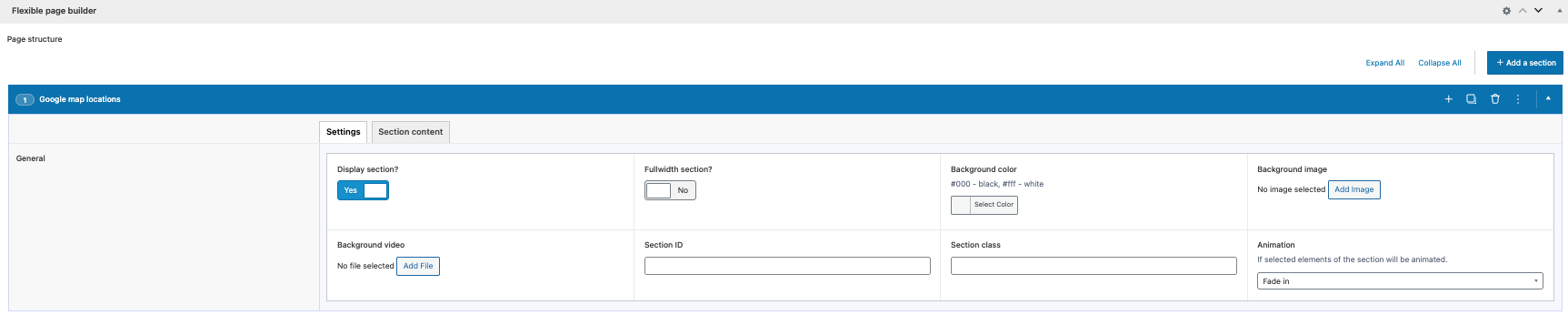
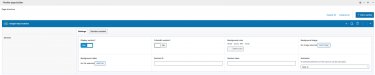
tel:+and email links usemailto:with obfuscation to reduce spam. - Optional animation classes can be applied to the map column via section settings.
Editor experience
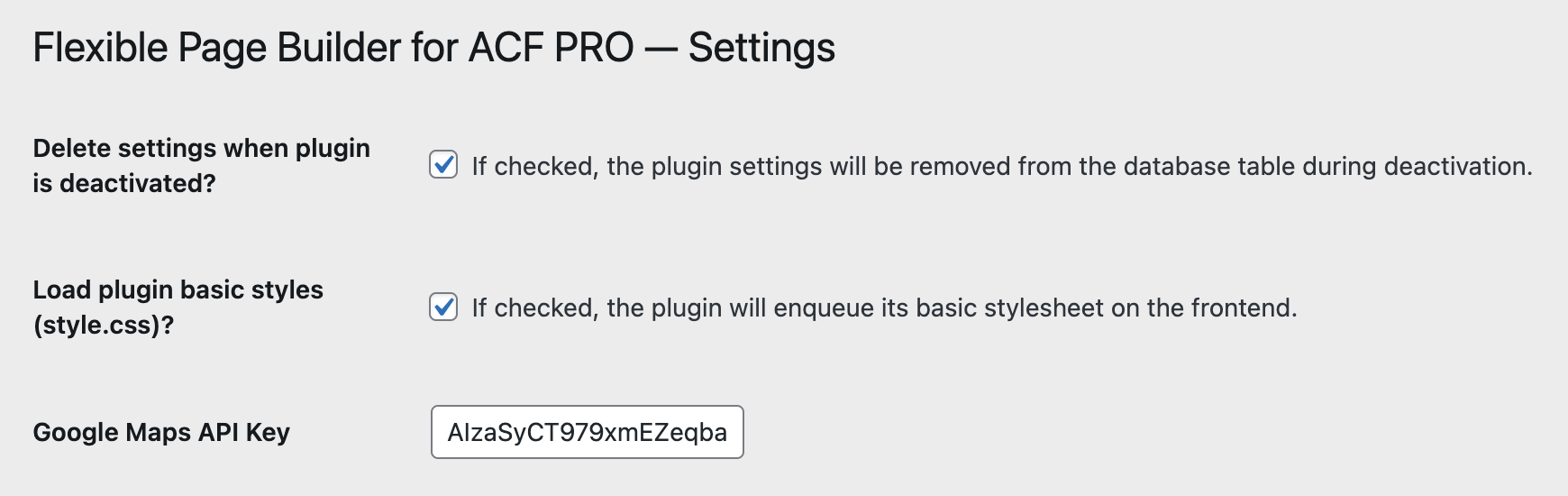
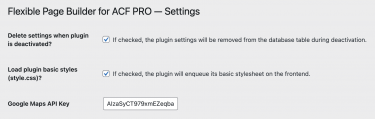
- Google API required (!)
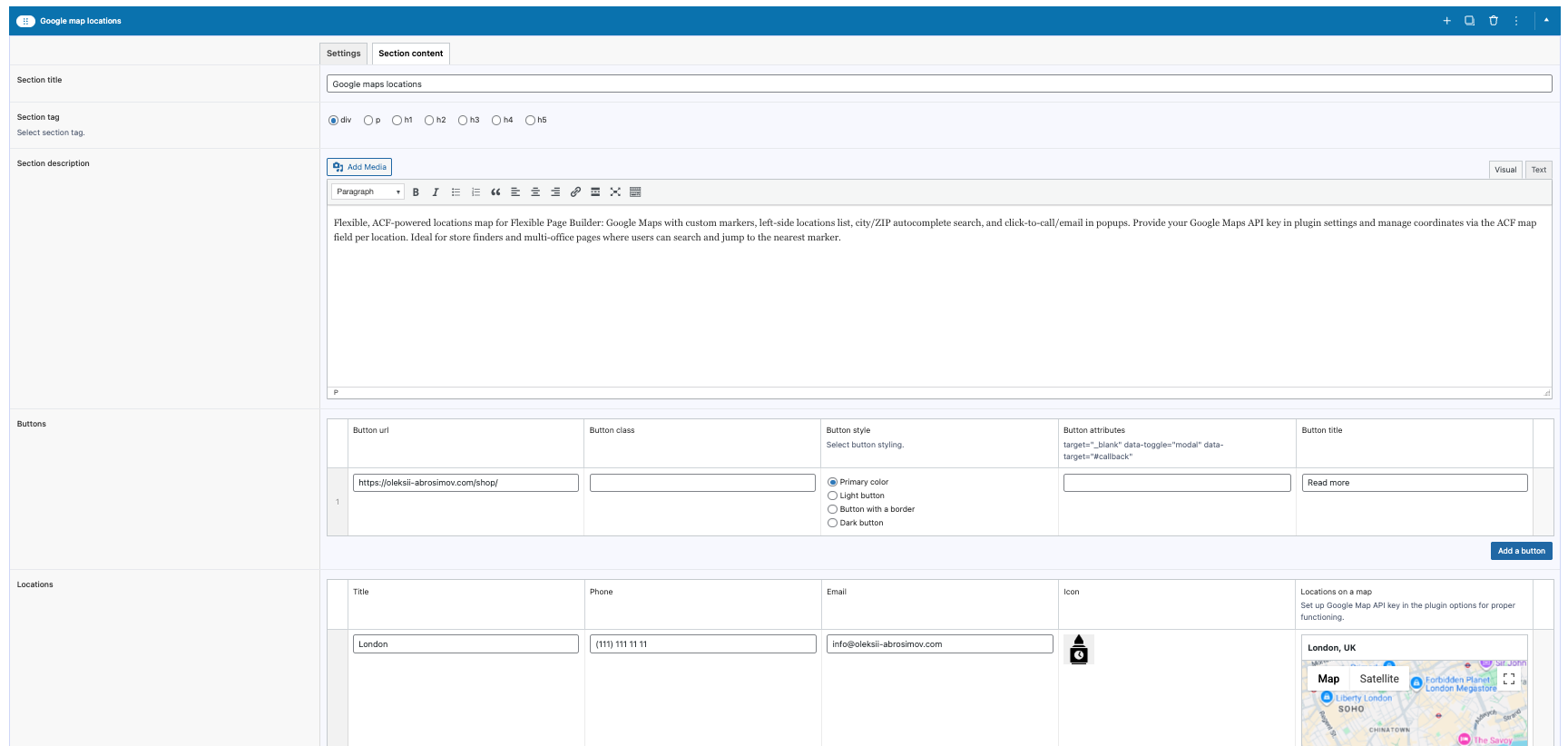
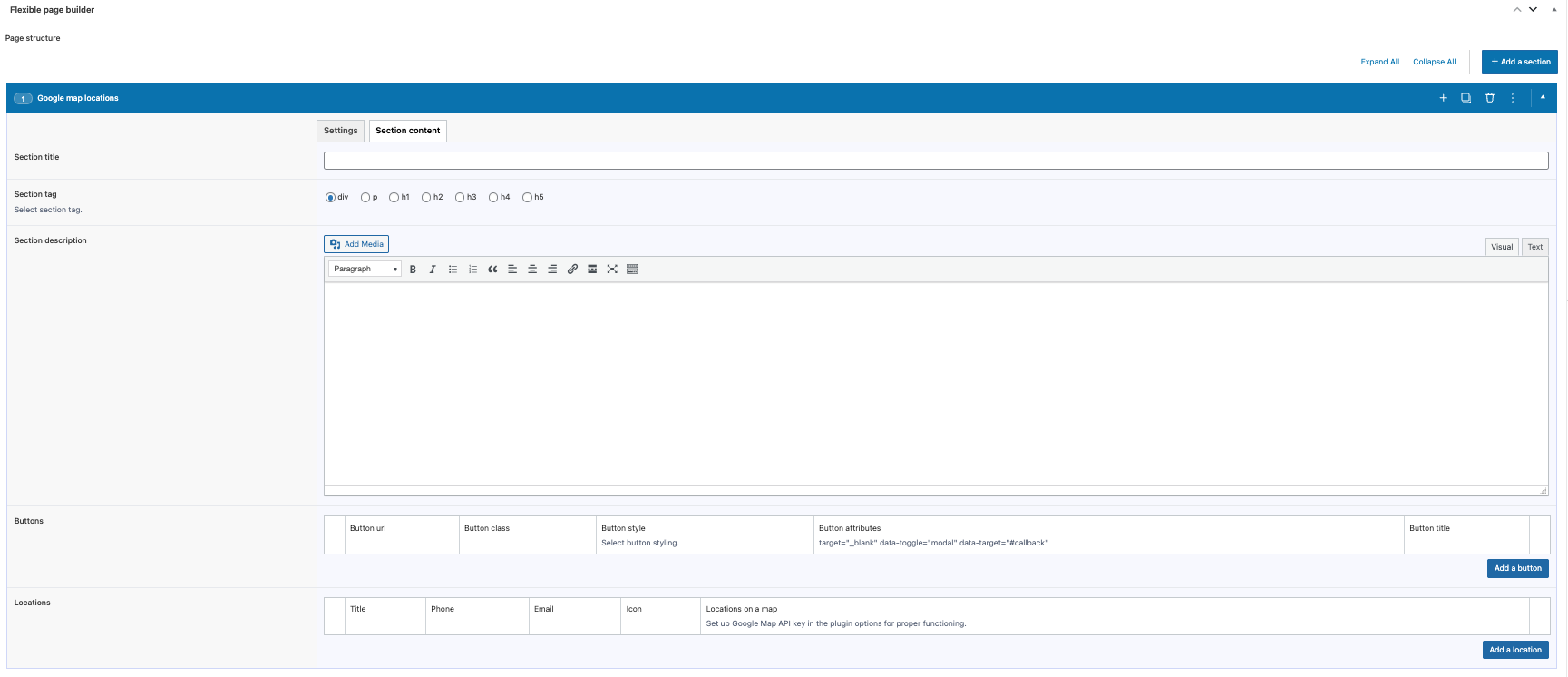
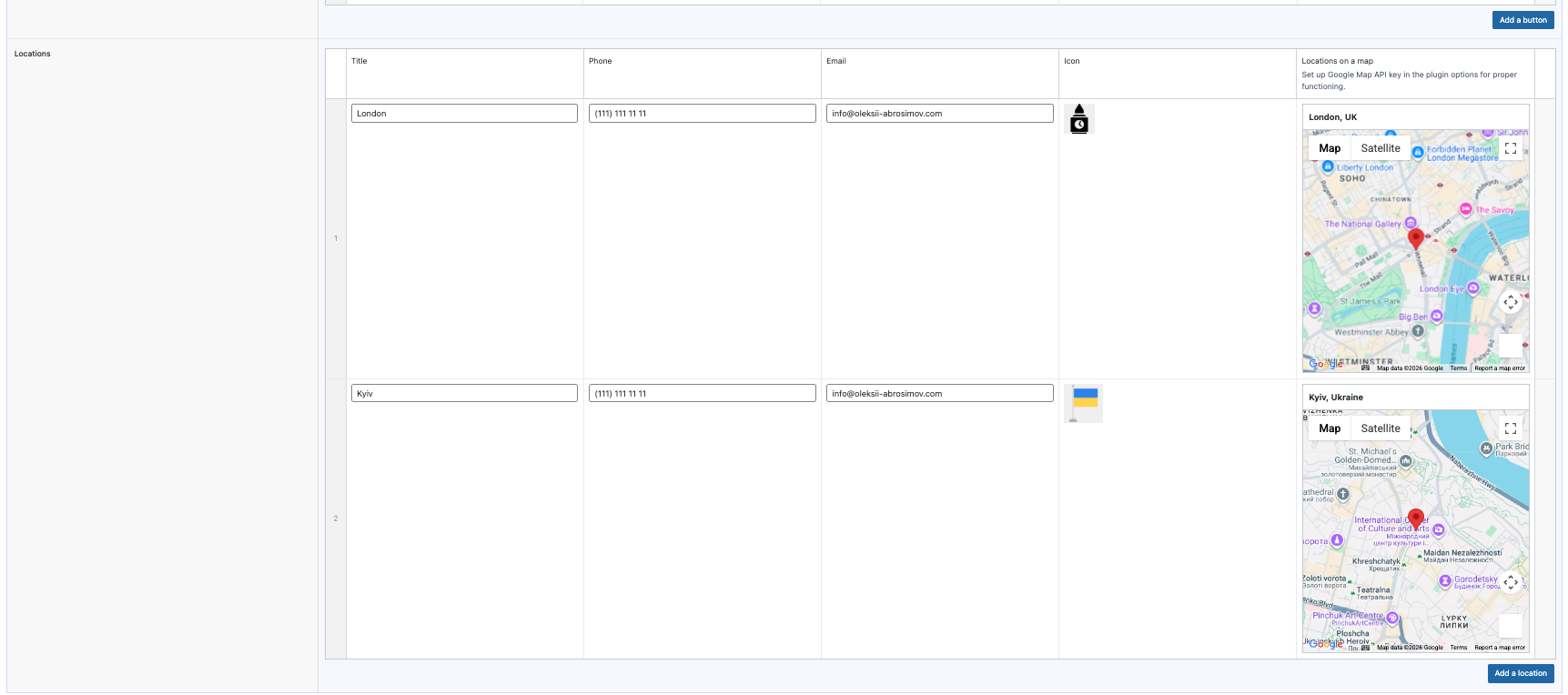
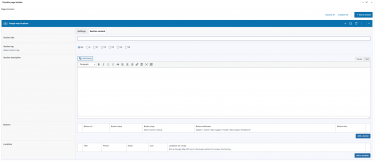
- Manage locations via ACF fields including a Google Map field for lat/lng, city, and formatted address.
- Per‑location settings for title, phone, email, and marker image.
- Reorder locations; the list and marker set update accordingly.
Compatibility and requirements
- Google Maps JavaScript API key stored in the plugin options.
- Enqueues Google Maps JS and jQuery UI (JS + CSS) from CDNs.
- Works with WordPress + Advanced Custom Fields (ACF) Flexible Page Builder layout.
What this module does not do (by design)
- Does not perform geocoding; you provide the coordinates via the ACF Google Map field.
- Does not calculate directions or routes.
- Does not store analytics or track clicks.
Typical use cases
- Store/branch locators with quick search by city or ZIP.
- Contact pages that list multiple offices worldwide.
- Service coverage maps with per‑location details.
