
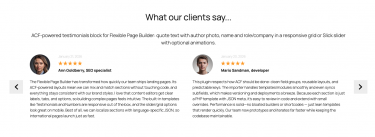
Flexible Page Builder (3 add-ons included)

$0.00
Category: Plugins

Turn WordPress into a true content platform without the bloat of heavy page builders. Flexible Page Builder (FPB) extends ACF PRO with a curated library of reusable, brand‑ready sections you can mix, match, and reorder – no shortcodes, no lock‑in, and code you actually own.

Why teams love it

  • Editor-first workflow: Create rich pages from ready‑made sections (heroes, grids, sliders, FAQs, CTAs, contact blocks) directly in the WordPress editor. No design drift, no broken layouts.
  • Developer-grade flexibility: Sections are plain PHP templates with JSON configs. Version them in Git, customize once, reuse everywhere. Add your own blocks in minutes.
  • Performance by design: Minimal frontend assets, optional base styles, slick slider initialized on demand, optimized image helpers, and smart preload utilities. No page‑weight shock.
  • Multilingual ready: JSON templates per language (e.g., ru/uk) and an AI translation module to translate Flexible content in bulk—perfect for Polylang/WPML setups.
  • Portable content: Export/import Flexible layouts and settings between environments or sites. Ship starter pages and design systems reliably.
  • Future‑proof SEO: Clean markup, no shortcode soup, and total control over semantics, schema, and Core Web Vitals.

What you can build

– Marketing pages, landing funnels, product features, resource hubs, careers pages, and high‑converting contact pages—consistent, on-brand, and quick to iterate.

Ideal for

  • Agencies and product teams who want the speed of a builder with the reliability of code.
  • Developers who refuse vendor lock‑in and need a maintainable component system.
  • Content teams who want guardrails, not limitations.

Ship faster. Edit safer. Perform better. With Flexible Page Builder for ACF PRO, you get a lightweight, multilingual, exportable component library that scales with your site – not against it.

Includes 3 add-ons: hero, rows and icons. See sample add-ons below.

banner 1 1
Flexible Hero add-on
Sample slider build

Build pages faster with reusable sections.
ACF‑powered hero images slider/grid with lazy loading and touch controls.
Showcase your best visuals in a fast, full‑width hero that loads quickly on any device. Ideal for launches, campaigns, and high‑impact storytelling.

banner 3
Beautiful, responsive hero sliders
Optimized images, smooth transitions, consistent branding

Put your message front and center with cover images that scale cleanly across breakpoints. Built‑in performance features keep pages snappy even with large photos. Control timing, navigation, and captions without touching code.

Sample chess order grid

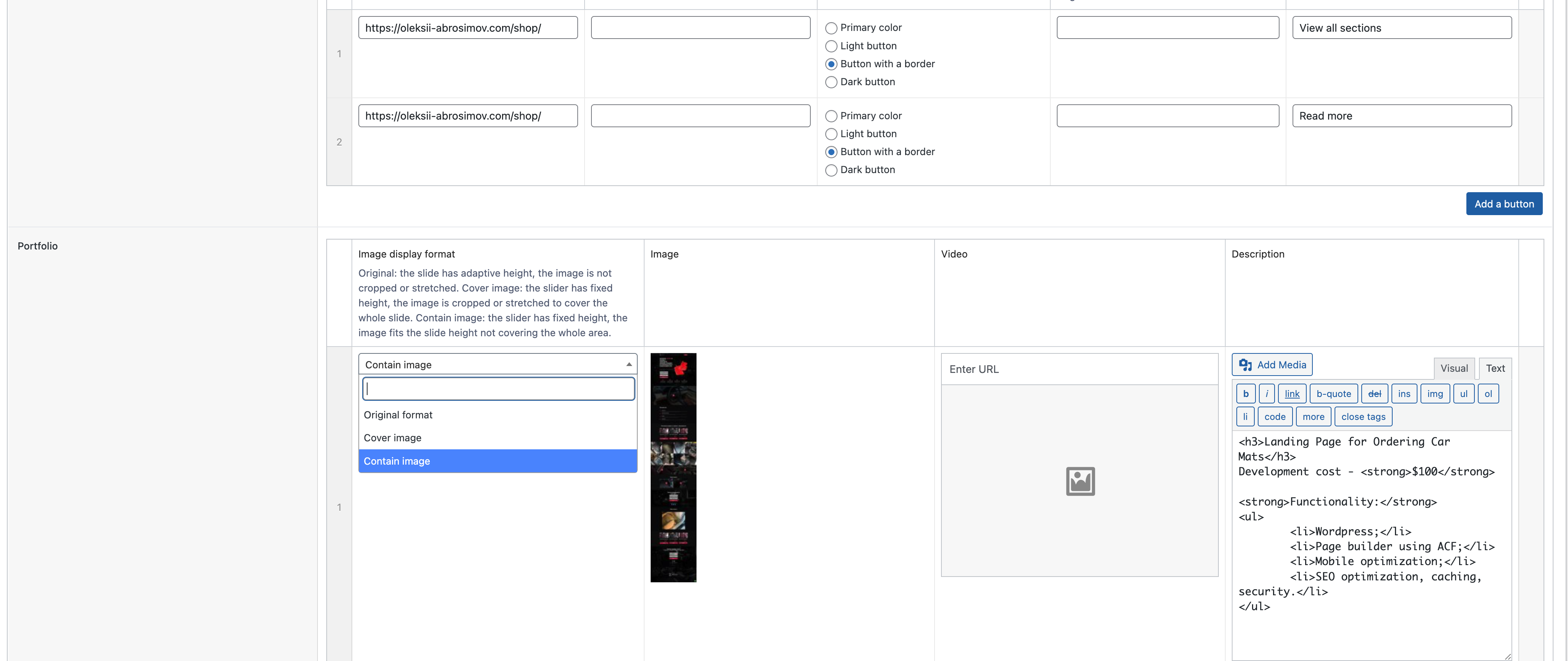
Flexible, ACF‑powered content rows for Flexible Page Builder: image + title + rich text with reusable buttons, responsive two‑column or full‑width layout, and optional animations. Toggle the reverse option to flip image and content columns per row for visual rhythm. Ideal for service highlights, product stories, and CTAs where you want media beside copy.

banner 3
Content & Text sections

Use Content & Text sections to craft product overviews, service descriptions, or editorial articles with consistent hierarchy. Start with a strong header, add concise paragraphs, and highlight key messages with lists or quotes. The module adapts to various page layouts, from landing pages to blog posts, while maintaining performance and readability. It gives editors just enough control to polish the message without risking visual inconsistency.

banner 2
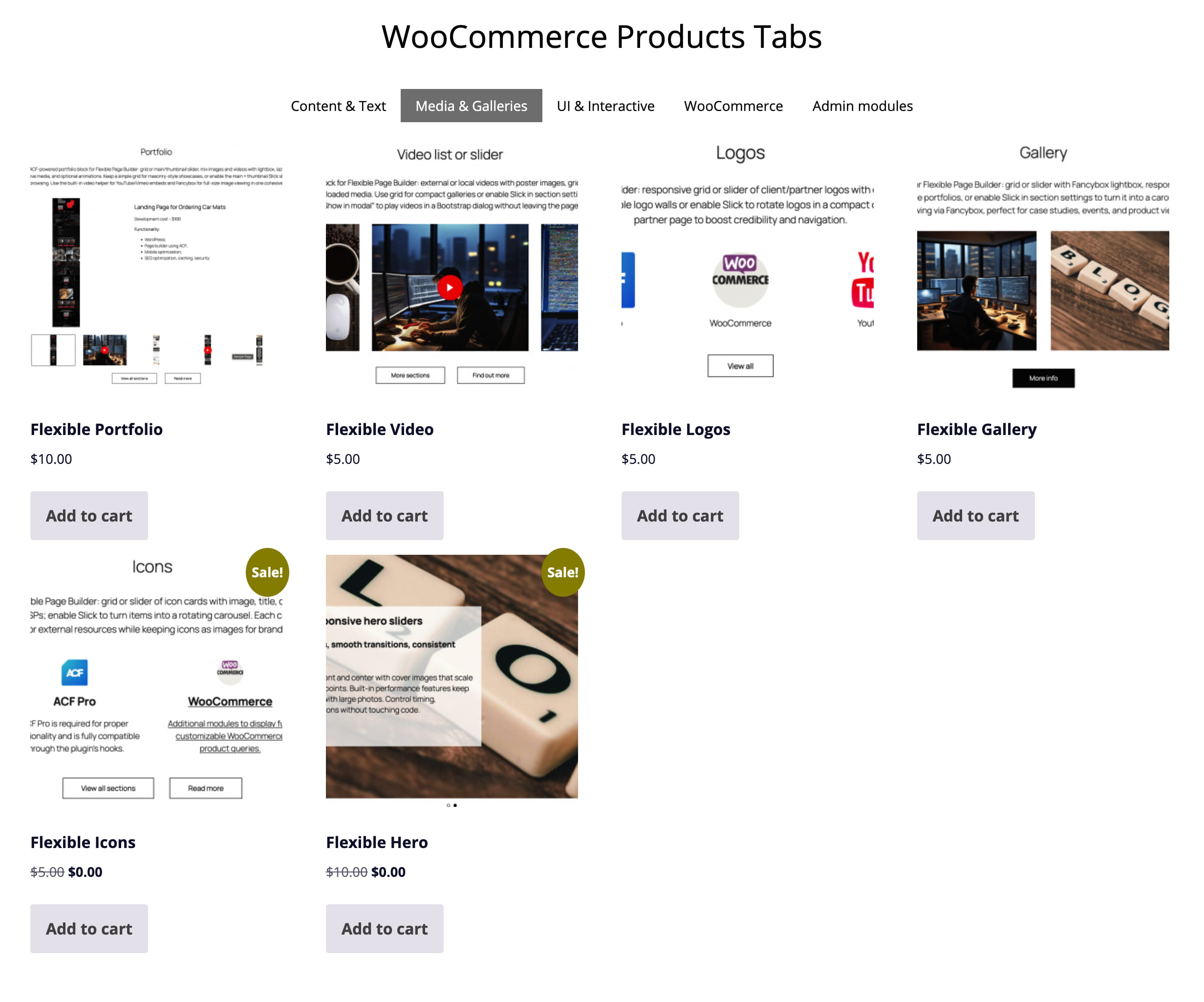
Media & Galleries

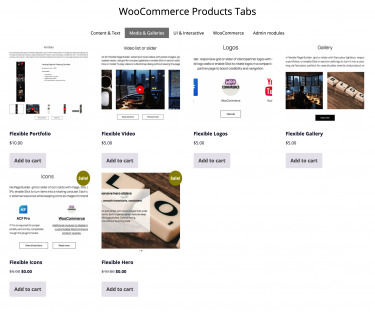
Media & Galleries sections present your visuals in clean, responsive layouts that elevate storytelling. They help you showcase photos, logos, and videos without custom code, so editors move faster and stay on brand. Built‑in lazy loading and optimized sources keep pages quick even with large collections. Clear captions and accessible markup improve comprehension and inclusivity across devices.

banner 4
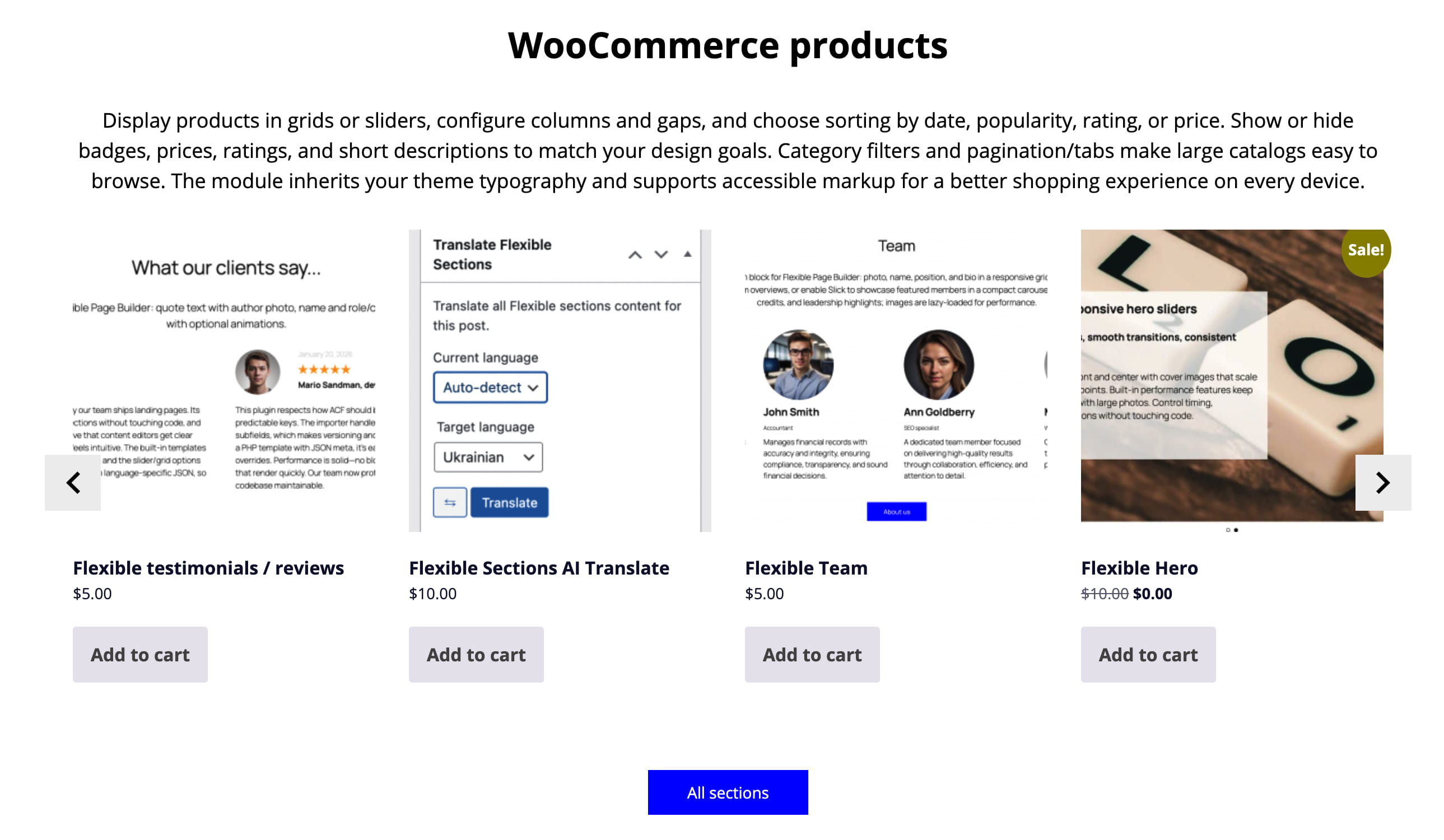
WooCommerce sections

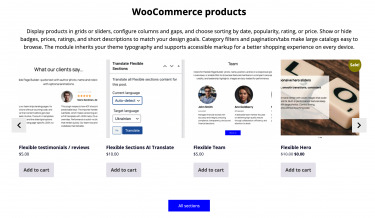
Use WooCommerce sections to craft home promos, category highlights, or seasonal landing pages in a few clicks. Start with a featured row for bestsellers, follow with a tabbed grid for categories, and finish with a deal strip that drives urgency. Add concise copy and trust signals to increase clarity without clutter. Whether you’re spotlighting new arrivals or bundling offers, the layout adapts to your goals and keeps the path to purchase clear.

banner 1 1
UI & Interactive sections

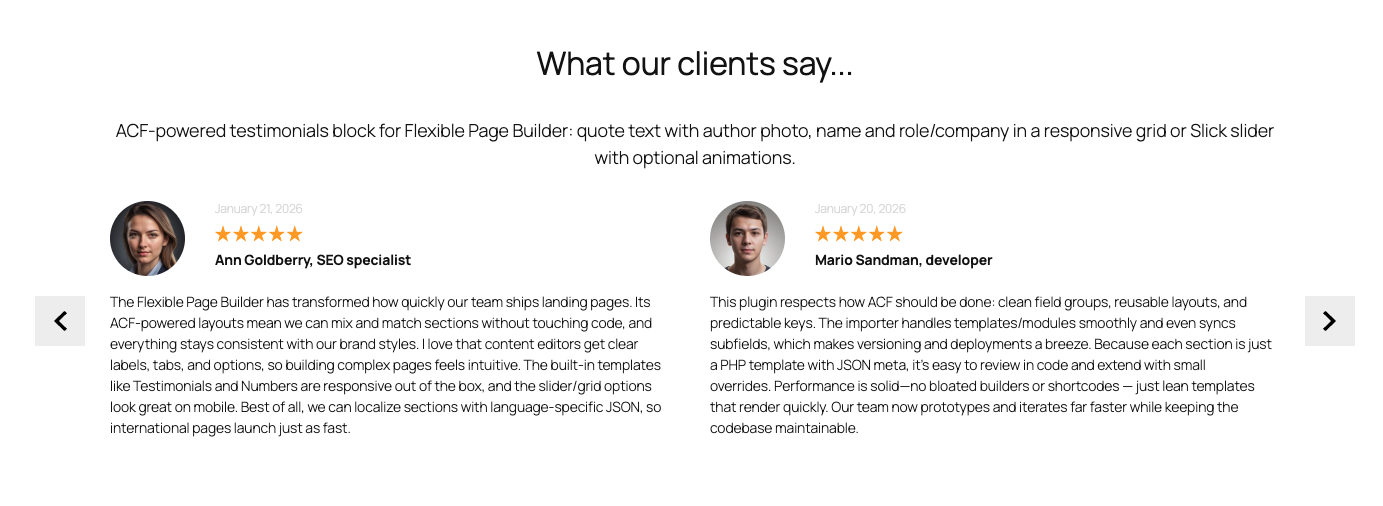
Use UI & Interactive sections to structure FAQs with accordions, highlight key stats with counters, or organize dense content with tabs. Animate elements on scroll to draw attention to calls to action and milestones without distracting from the message. Provide instant feedback on user actions—like expanding details or switching views—to increase clarity and engagement. The components adapt to your theme, so interactive sections feel native across the site.

Sample grid layout

ACF‑powered icons/features add-on for Flexible Page Builder: grid or slider of icon cards with image, title, description, and optional link. Use the grid layout for feature highlights, services, or USPs; enable Slick to turn items into a rotating carousel. Each card can be fully clickable, driving traffic to service pages or external resources while keeping icons as images for brand consistency.

Flexible Page Builder (3 add-ons included)
ACF Pro

ACF Pro is required for proper functionality and is fully compatible through the plugin’s hooks.

Flexible Page Builder (3 add-ons included)
Basic styling

Ready for pixel-perfect project, with basic styling already included.

FAQ

FAQ about Flexible Page Builder for Advanced Custom Fields PRO.

What is Flexible Page Builder for ACF?

It’s a WordPress plugin that lets you build pages from a library of reusable sections powered by ACF Flexible Content. Editors stack sections to create pages; developers get clean, theme‑friendly markup and hooks.

Do I need ACF Pro?

Yes. The plugin relies on ACF 6 Pro features (including Flexible Content). Please install and activate ACF Pro.

Will it work with my current theme or page builder?

Yes. It’s theme‑agnostic and outputs semantic HTML. It works alongside the Block Editor (Gutenberg) and classic editors, and plays nicely with most themes that follow WordPress standards.

Is this a replacement for Gutenberg, Elementor etc.?

No – it’s complementary. You assemble pages from pre‑built, brand‑safe sections instead of freeform drag‑and‑drop, which keeps design consistent and performance strong.

How are pages built?

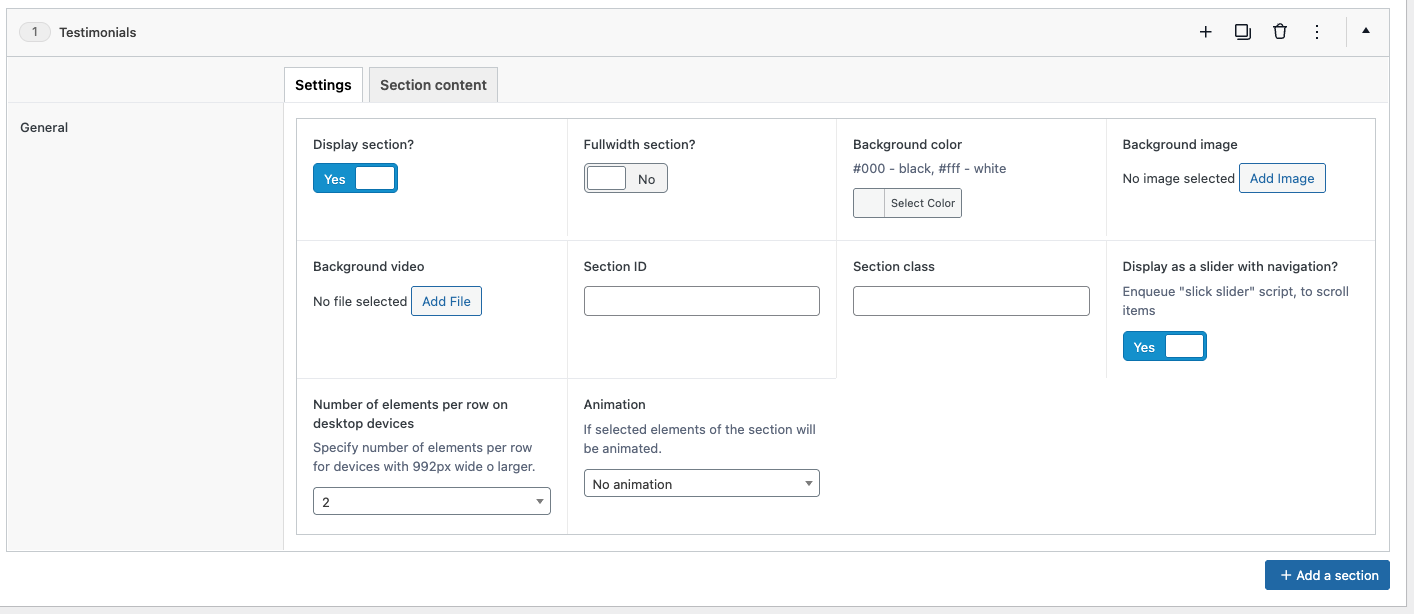
Pick the sections you need (hero, icons, posts, FAQs, etc.), fill in their fields, and drag to reorder. Each section has focused settings to keep editing simple and fool‑proof.

  • Intuitive editing: field‑based inputs for copy, media, icons, buttons, lists.
  • Flexible layout: drag‑reorder, duplicate, show/hide, column options, alignment.
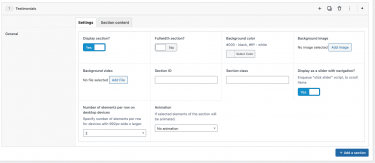
  • Per‑section styling: container width, background color/image/video, section visibility, animation, grid settings, “load more” in/off, slider mode on/off.
  • Accessibility built‑in: proper heading levels, labels, aria attributes.
  • Performance: lean semantic HTML, conditional assets, responsive images, CLS‑safe.
  • Advanced workflows: Export/Import sections; one click AI Translate Flexible Page Builder content.
🚀 How does the Export/Import module help my team ship faster?

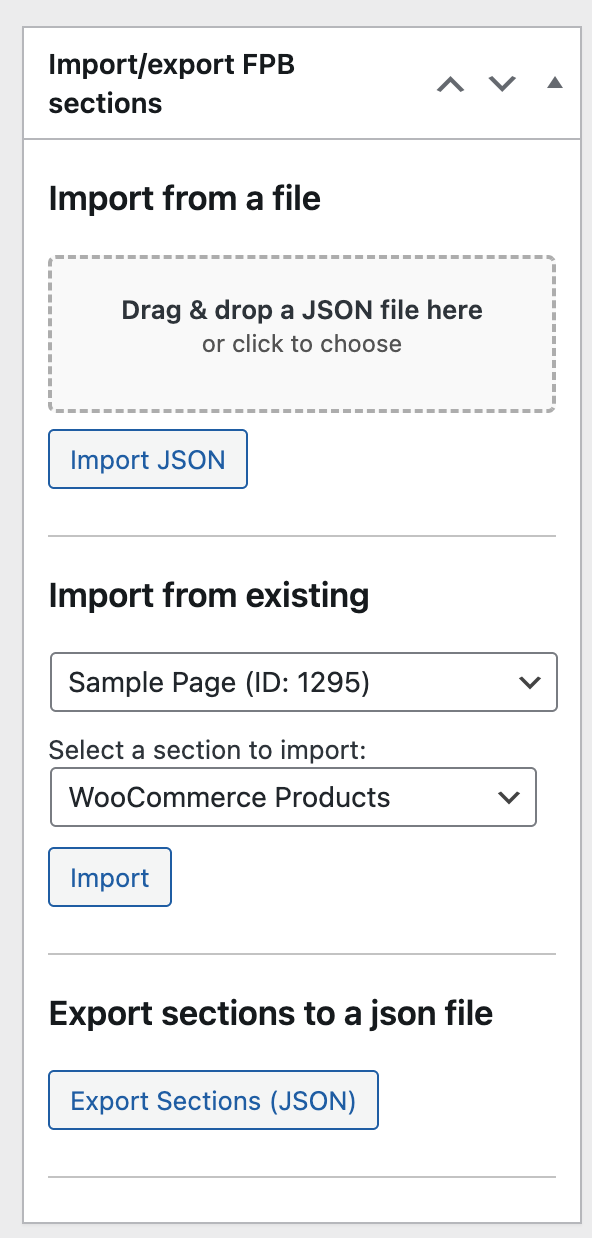
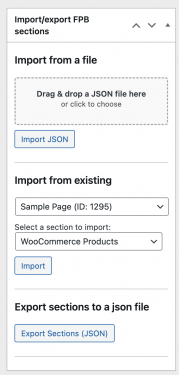
Export/Import moves Flexible Page Builder sections between posts, taxonomies or sites in seconds. Duplicate a winning layout, migrate from staging to production, or share a section library with your team – without rebuilding by hand.

Choose what to move: import all sections or only specific one (e.g., just Flexible Icons)  from another post/taxonomy with filled content. Import a JSON file right inside the editor. It works across Posts, Pages, WooCommerce Products, Taxonomies, and custom post types – the same Flexible Page Builder and modules run everywhere. Fewer clicks, fewer mistakes, faster publishing. Get Export/Import Module Here.

This is a Game Changer!

🌍 What does the AI Translate module do?

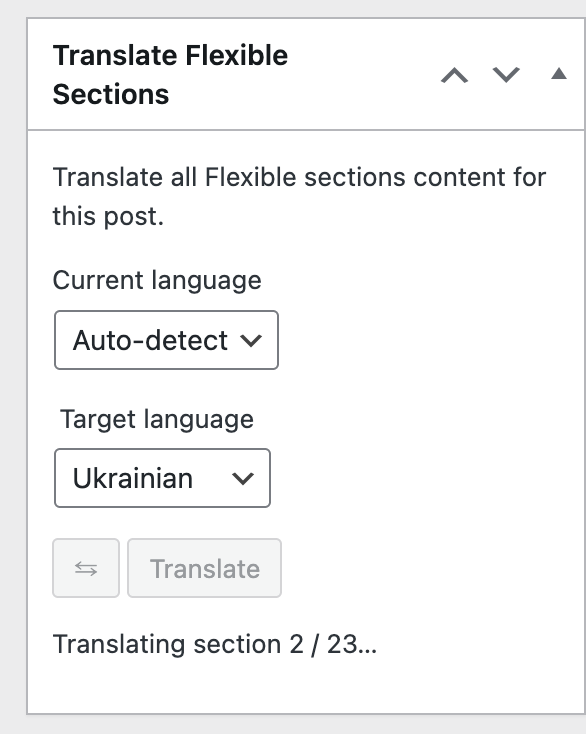
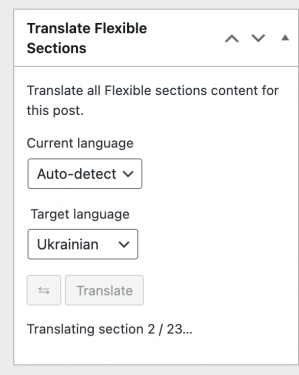
AI Translate adds a simple form to your editor that sends your Flexible Page Builder content to OpenAI for translation. Turn an English landing page into multiple languages in minutes – your layout stays intact, only the text changes.

It works everywhere you build: Posts, Pages, WooCommerce Products, Taxonomies, and custom post types – all powered by the same Flexible Page Builder and modules. Translate, review, tweak copy, and publish fast. Get AI Translate Here.

* Your OpenAI API key is required.

Which sections are free and which are paid add‑ons?

The plugin includes three free sections out of the box: Rows, Icons, and Hero. Everything beyond those is a paid add‑on you can enable as needed. This keeps the core lean and lets you buy only what you’ll use. Add‑ons install like regular modules and integrate seamlessly with your existing sections. You may use any purchased add-ons on any of your sites. This is a onetime purchase.

Can I create my own custom sections?

Yes. Developers can duplicate any existing section in ACF, tweak the fields, and follow the plugin’s structure and conventions in your theme templates. It’s the quickest way to build bespoke layouts that still play nicely with the Flexible Page Builder.

Is it fast? What about Core Web Vitals?

Yes. Markup is lean, assets are conditionally loaded, and sections are optimized to avoid layout shift. Sites typically see solid CLS/LCP/INP scores, especially with caching and a CDN.

Does it support responsive design and accessibility?

Yes. Sections are responsive by default as the plugin provides basic styling. At the same time the final styling is expected to be handled by you.”

Will this affect SEO?

Positively, when used correctly. Clean HTML, logical heading structure, and fast load times help SEO. Keep using your SEO plugin (Yoast, RankMath, etc.) as usual.

Does it work with custom post types and WooCommerce?

Yes. It supports CPTs out of the box (just change the ACF group settings for a CPT) and is great for building marketing or landing pages for WooCommerce products and categories.

What about translations and RTL?

The plugin is translation‑ready (includes a .pot file) and works with WPML/Polylang. RTL is supported when your theme provides RTL styles; the markup is RTL‑safe.

It is also worth mentioning about AI Translate add-on. Get AI Translate Module Here.

Do editors need training?

Very little. Sections have clear labels and helpful instructions. Most teams ship their first pages within minutes. Helpfull videos are available.

Is there a money‑back policy or returns?

We offer a 30‑day money‑back guarantee if there’s a confirmed, non‑trivial bug we can’t fix. In practice, we resolve issues quickly at no cost. As this is a digital product, please review screenshots and walkthrough videos before purchase. If you hit a snag, contact us directly and we’ll prioritize a fix.

Is this a one‑time purchase? Can I use add‑ons on other domains?

Yes – each add‑on is a one‑time purchase. There’s no license key or domain restriction, so you can use the modules on other domains without re‑activating or re‑purchasing. Install them wherever you run the Flexible Page Builder and you’re good to go.

I don’t see the flexible fields in Posts / Products / Taxonomies.

Edit the ACF field group named “Flexible Page Builder” and adjust its Location Rules to target the post types or taxonomies you need (e.g., Post Type equals Page/Product, or Taxonomy equals Category). Clear caches, and check Screen Options to confirm the meta box is visible. If you moved environments, sync/import the ACF JSON so the field group registers on this site.

I created a new flexible fields group and it doesn’t work or won’t import.

The plugin supports only the built‑in field group it ships with. Custom ACF groups aren’t recognized by the plugin’s render logic, so they may not load or display.