

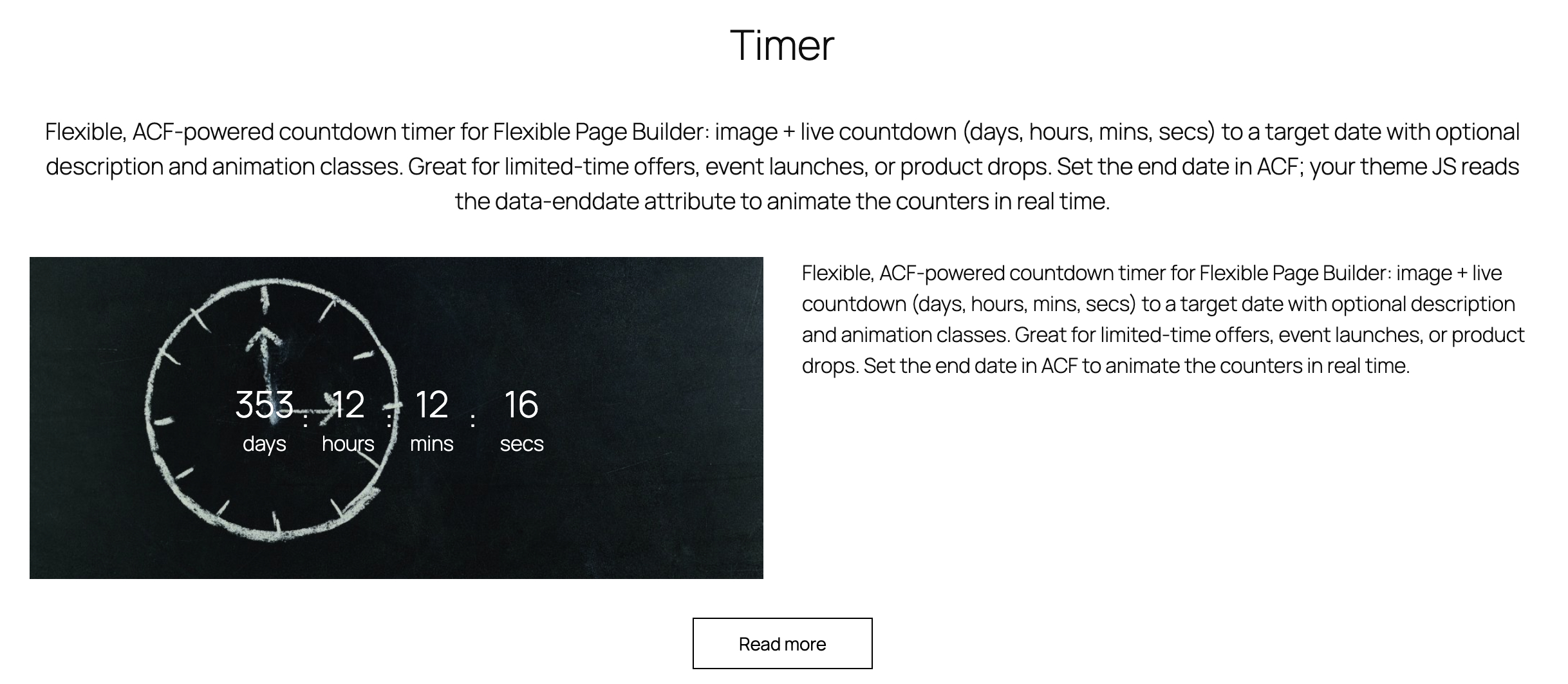
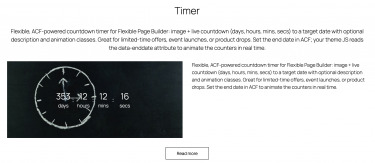
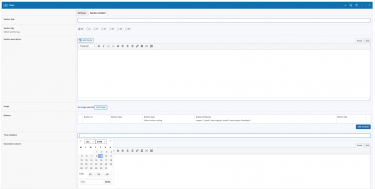
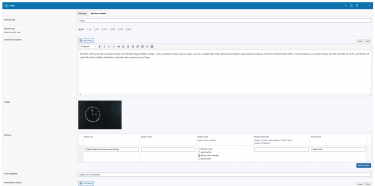
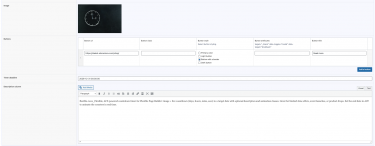
Flexible Timer adds a countdown section to your Flexible Page Builder layouts. It can show an optional image, a live countdown (days, hours, minutes, seconds) to a target date/time, and an optional rich text description. The target date/time is configured via ACF and is injected into the markup so site JavaScript can animate the countdown.
What you can show in the block
- Countdown to a specific end date/time with four counters: Days, Hours, Minutes, Seconds.
- Image (large size) displayed alongside the timer (lazy‑loaded responsive picture for performance).
- Description (rich text allowed) area for promotional copy, event details, or CTAs.
Layout and presentation
- Two‑column layout: when both image (or timer) and description are present, the section splits into two columns on desktop and stacks on mobile.
- Labels: visible labels for each unit (days, hours, mins, secs) with translatable strings.
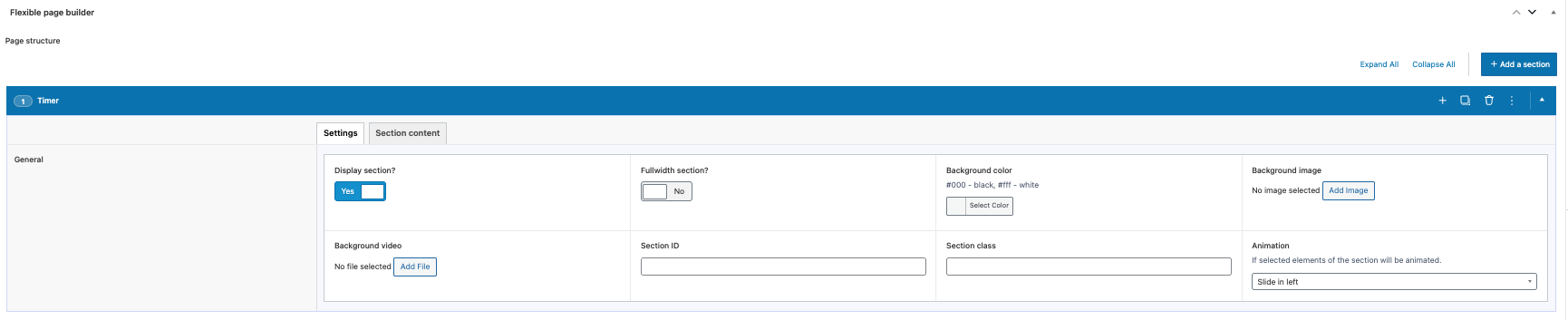
- Motion: optional animation classes can be applied via the section animation setting.
Editor experience
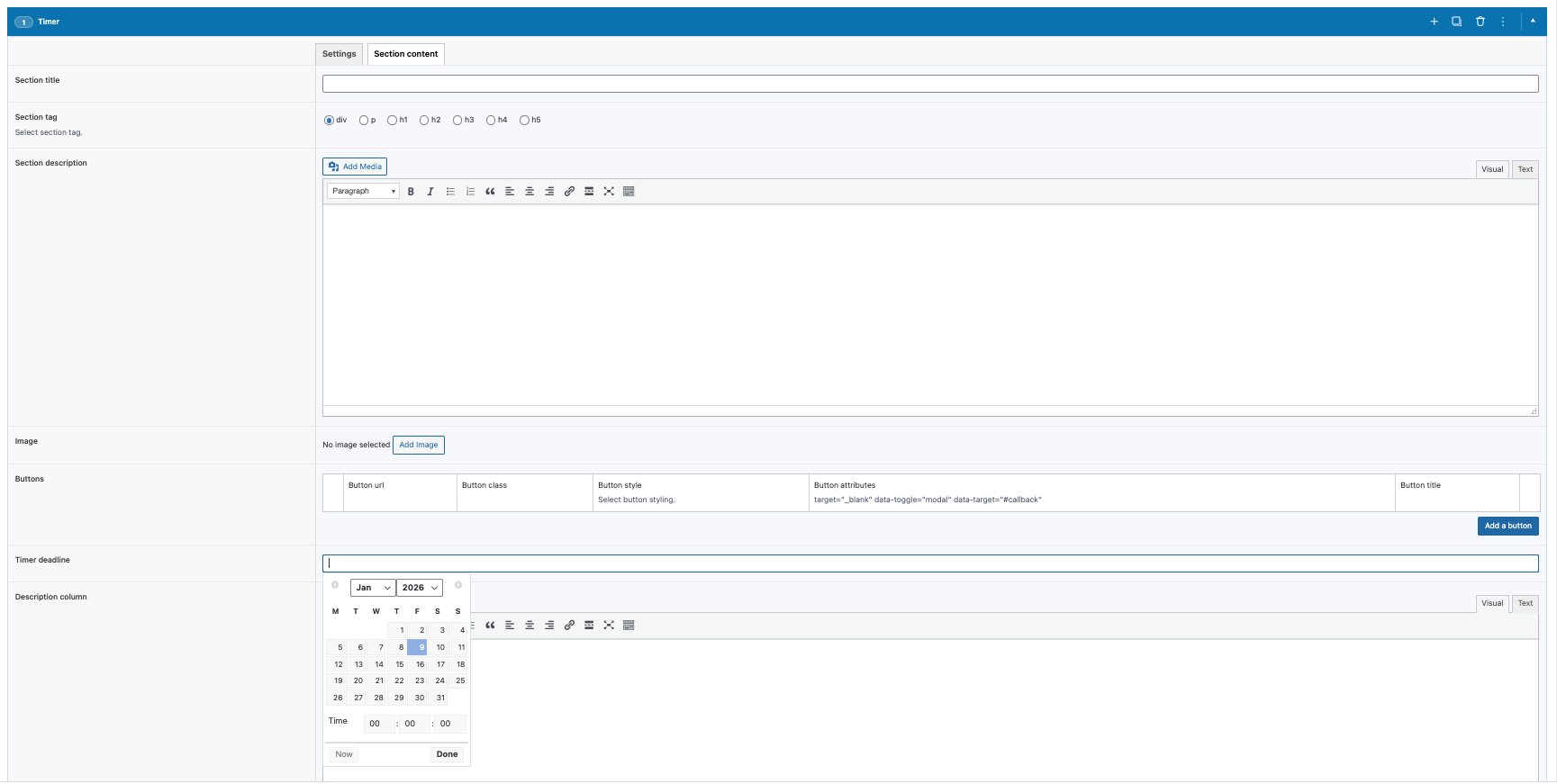
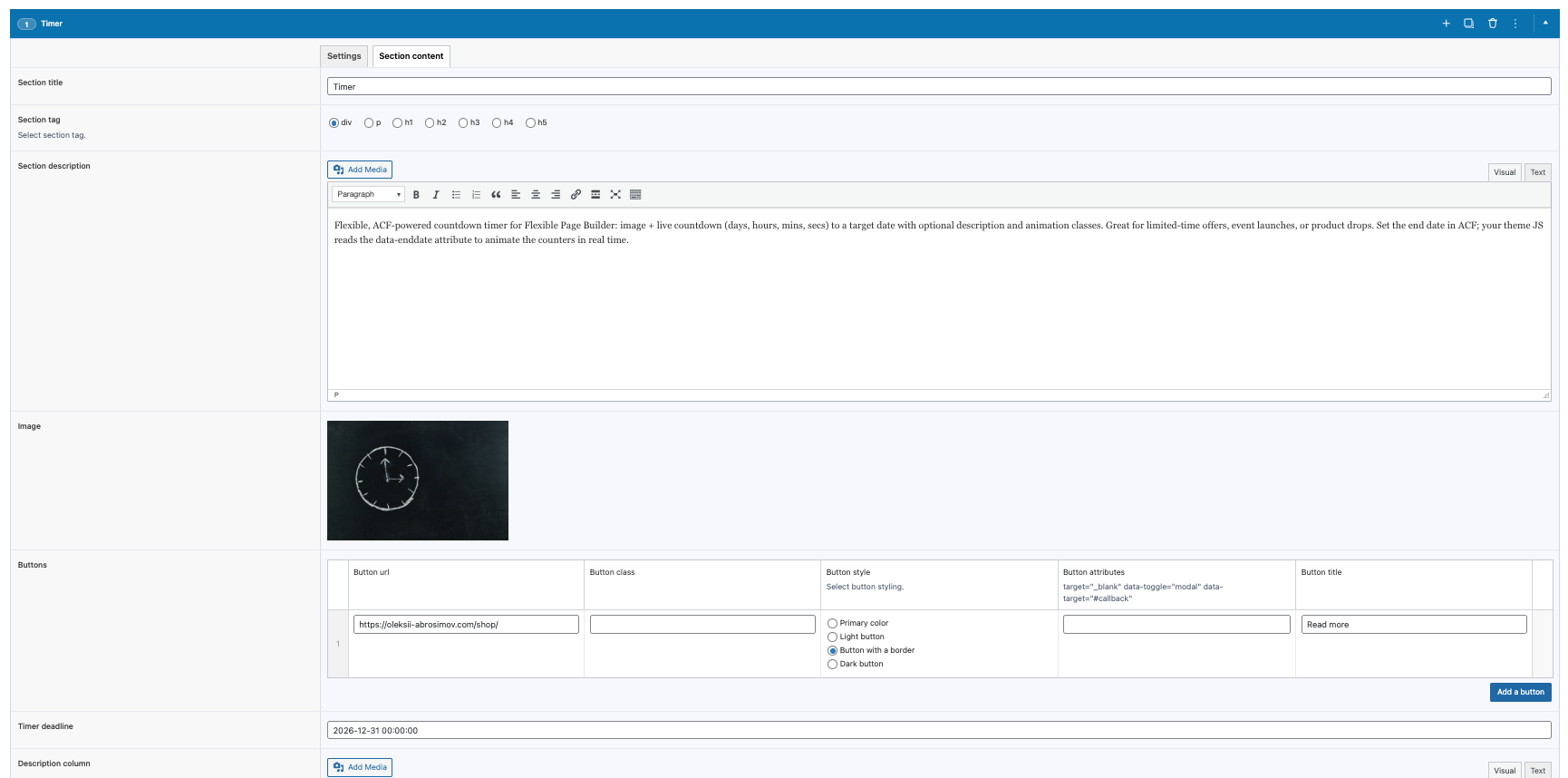
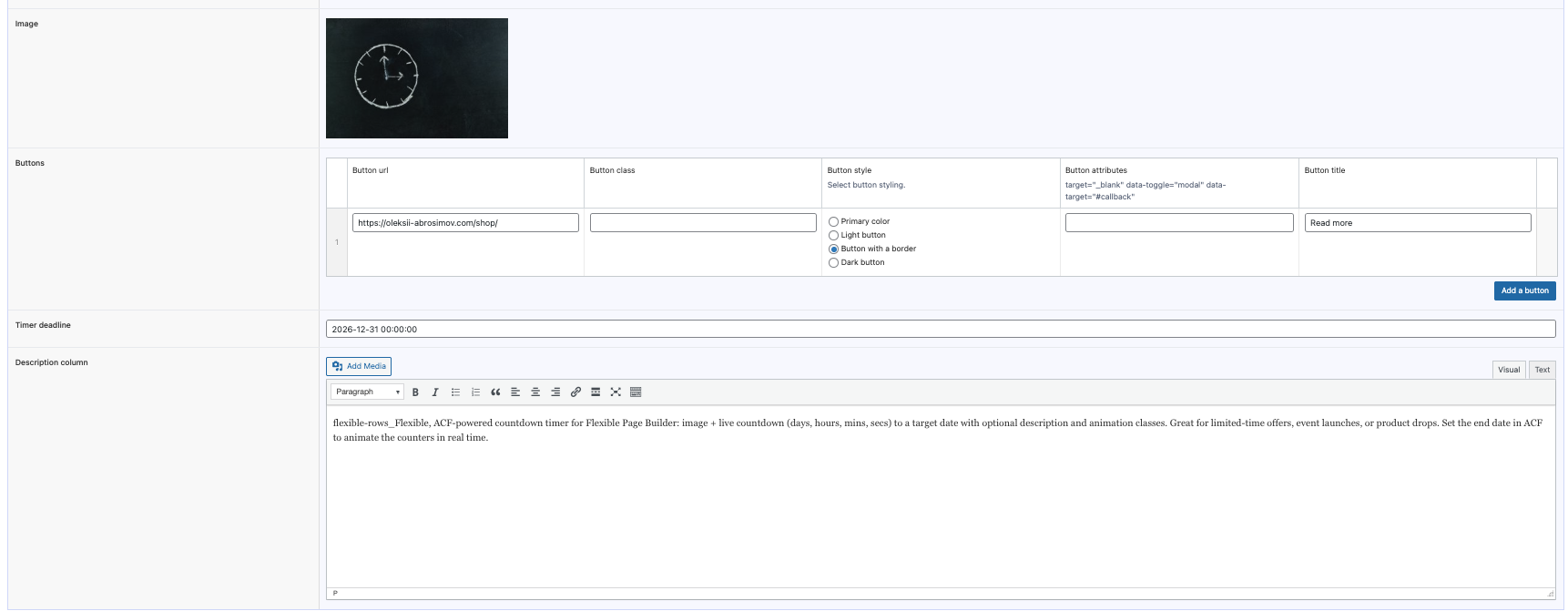
- Set the target date/time in ACF; the module outputs it for JS to run the countdown.
- Optionally upload an image and enter a description in a WYSIWYG field.
- Image and timer share the left column; description appears in the right column when provided.
What this module does not do (by design)
- Does not send notifications or trigger actions when the countdown ends (purely presentational); add custom JS if needed.
- Does not control time zones; the date is printed server‑side and interpreted by client‑side JS (ensure your date/time accounts for your audience time zone).
- Does not auto‑hide or replace the block after expiry (you may add custom logic in your theme JS/CSS).
Typical use cases
- Sale/offer countdowns with an accompanying banner image.
- Event launch timers showing the exact time remaining.
- Product drop or pre‑order pages with urgency messaging.