

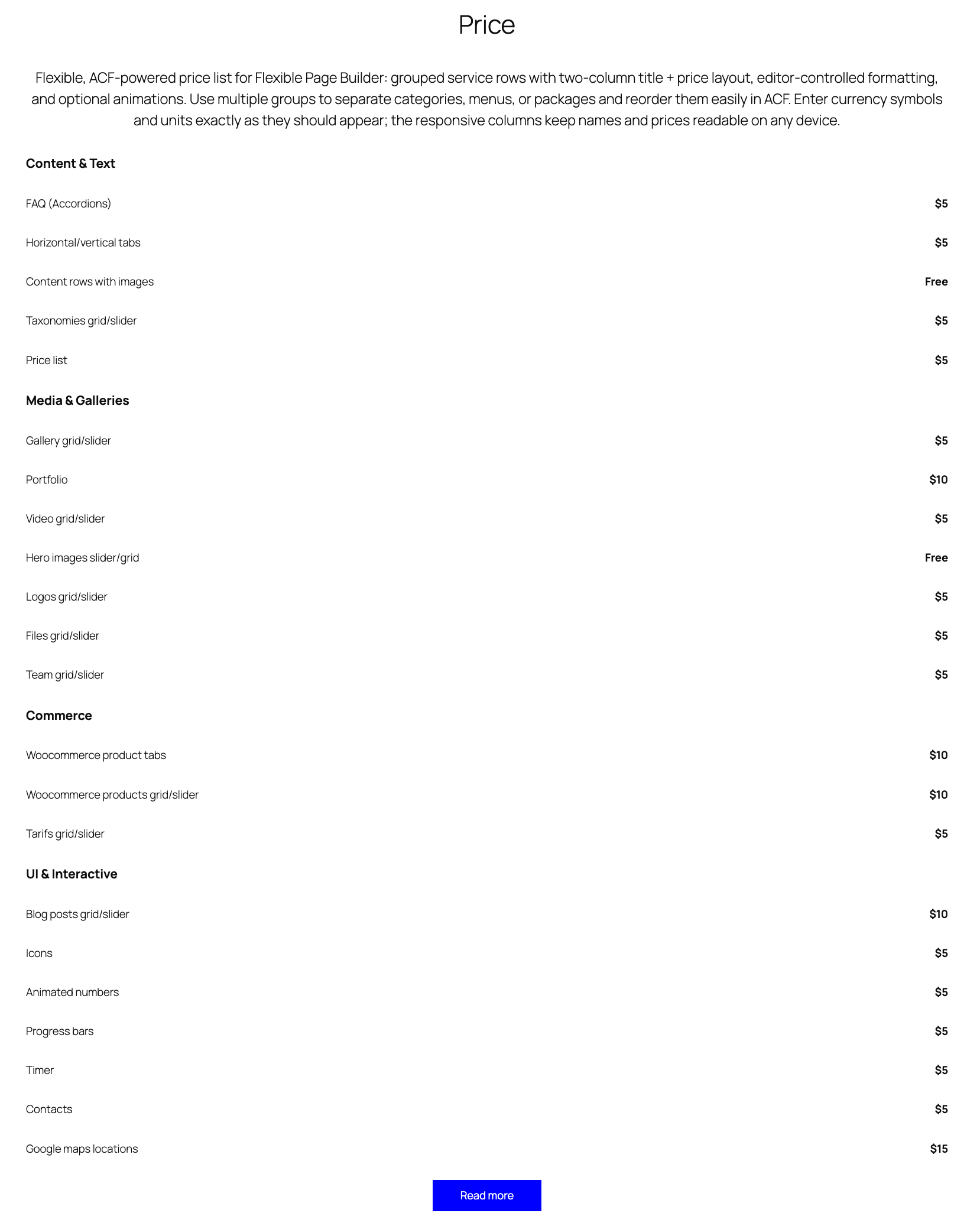
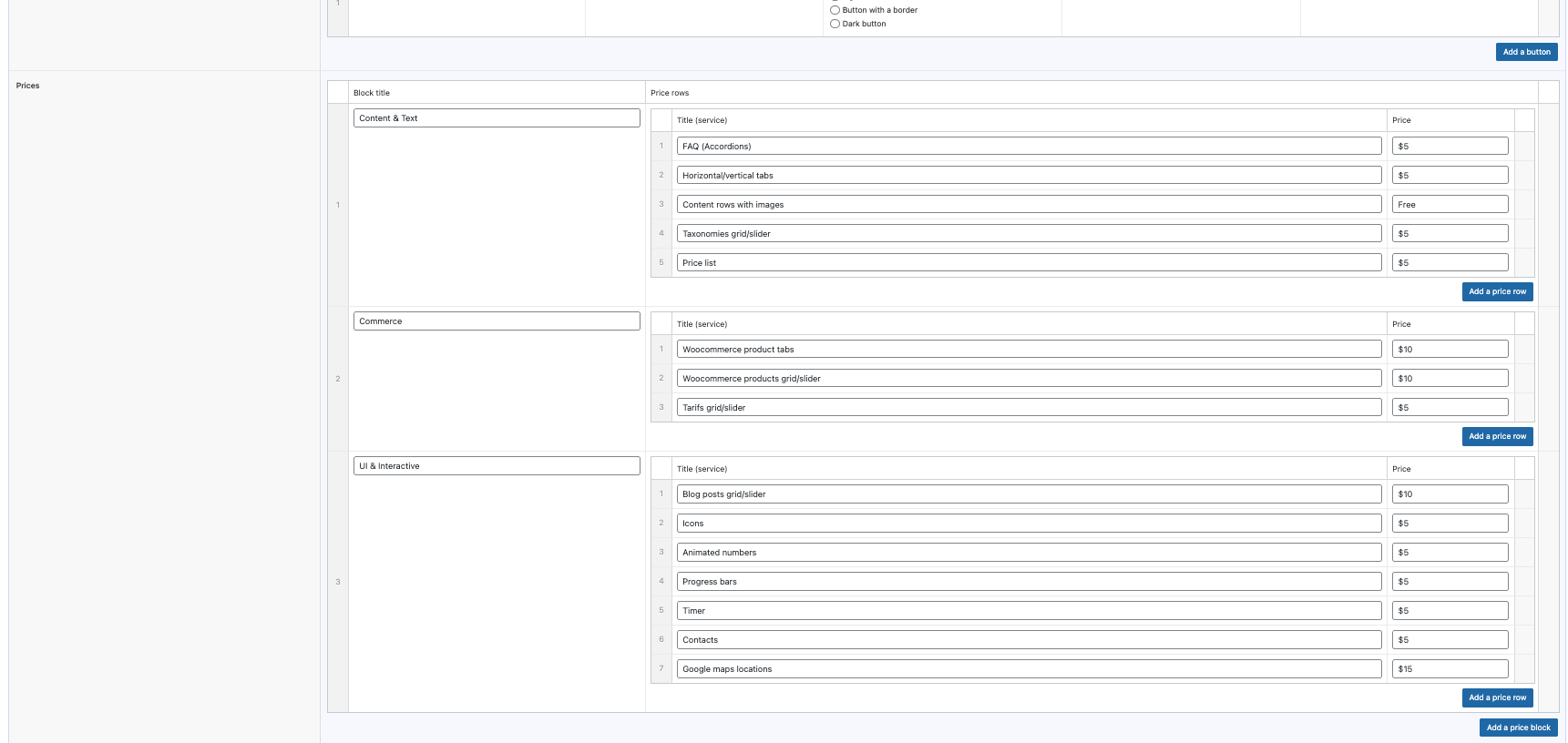
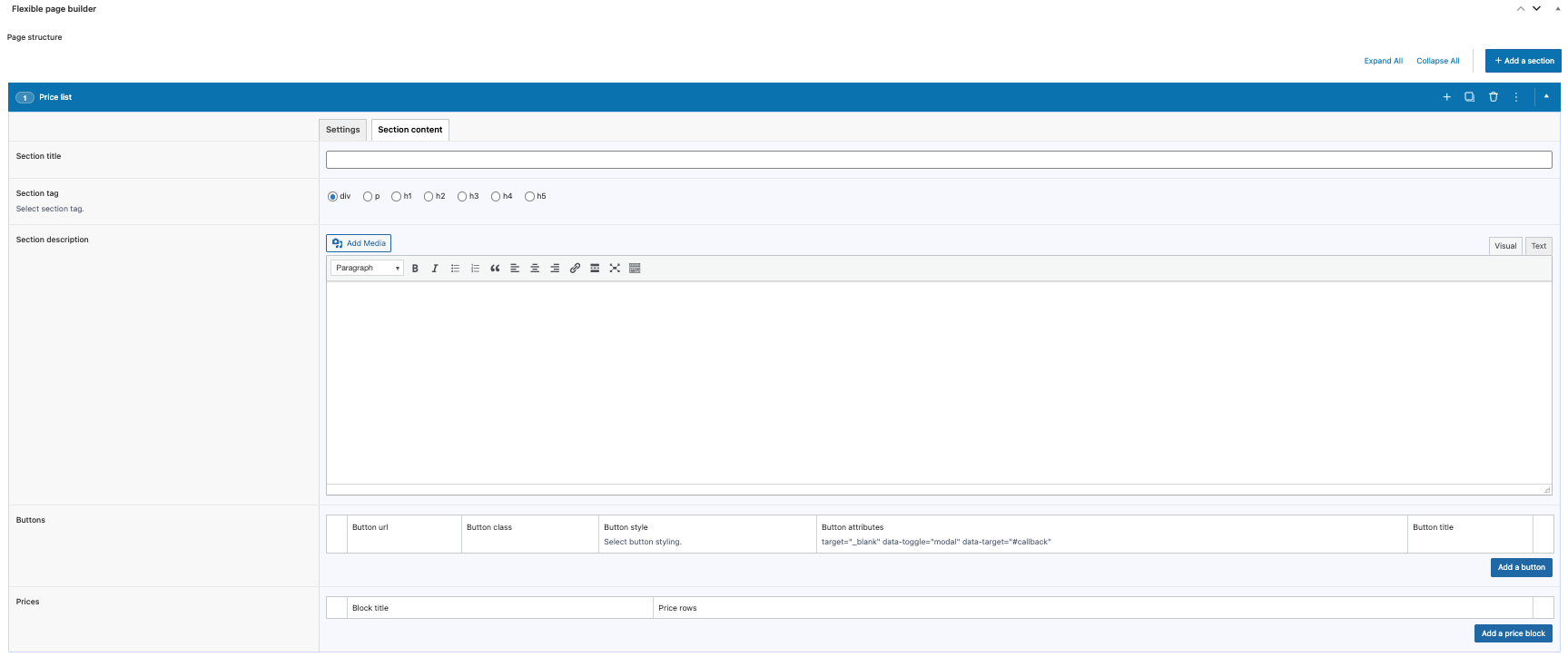
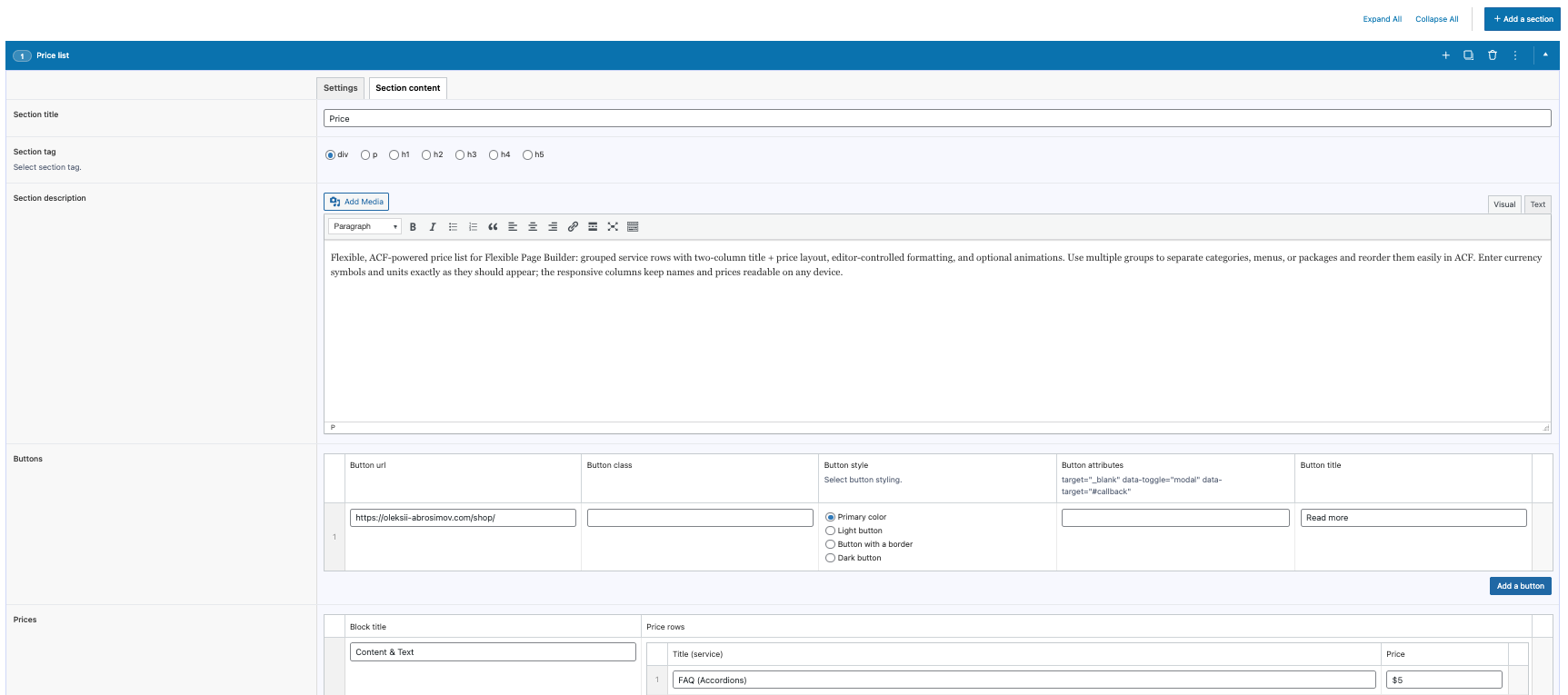
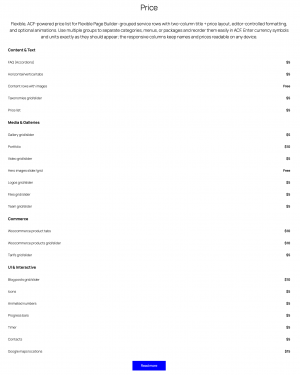
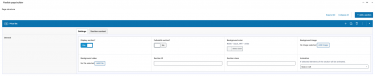
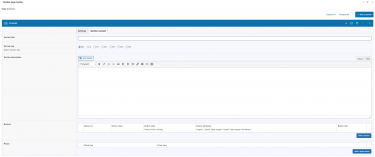
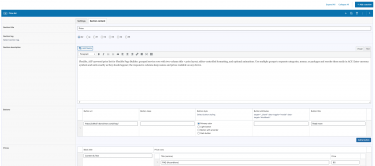
Flexible Price outputs clean, responsive price lists inside your Flexible Page Builder layouts. Create one or more price groups (e.g., categories) with a title, and add service rows where each row contains a service name and a price. The module focuses on simple, readable markup and layout; currency symbols and formatting are entered by the editor as plain text.
What you can show in the block
- Group title (optional) shown above each group of items.
- Service name in the left column.
- Price in the right column (text as entered—supports any currency symbol or unit).
Layout and presentation
- Each service row is a two‑column layout: service title (wider column) and price (narrow column).
- Responsive grid classes ensure readability on mobile and desktop (e.g.,
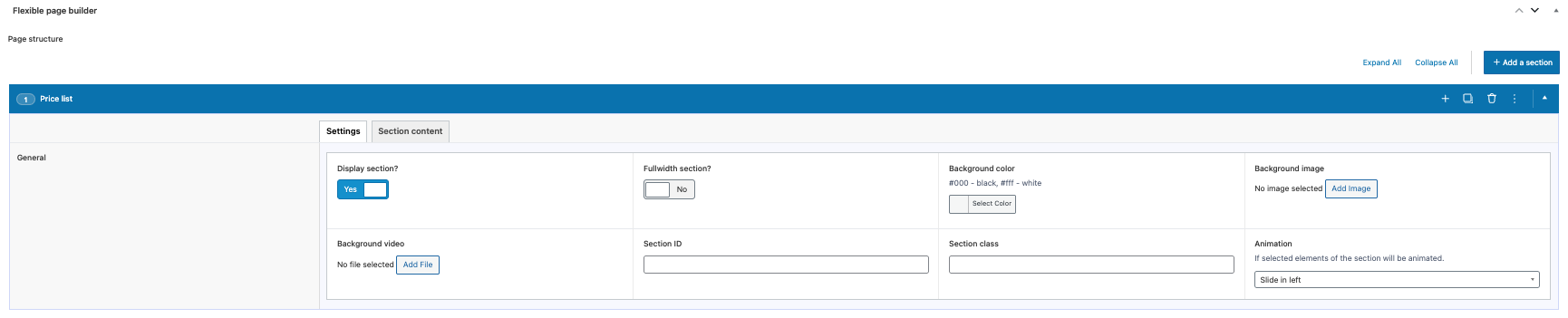
col-9 col-md-10for title andcol-3 col-md-2for price). - Optional animation classes can be applied to group titles and rows via the section settings.
Editor experience
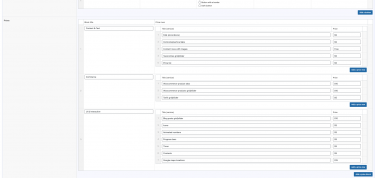
- Manage content via ACF: add groups with a title and a repeater of service rows (name + price).
- Reorder groups and rows with drag‑and‑drop; add or remove items without coding.
- Enter prices exactly as you want them displayed (e.g., “$49”, “€120”, “from 1000 UAH”).
What this module does not do (by design)
- Does not auto‑format numbers or currencies.
- Does not sort items automatically – order follows the editor’s input.
- Does not include discount logic, carts, or checkout.
- No pricing calculations or currency conversions are performed; output is purely presentational.
Typical use cases
- Service price lists (salons, clinics, repairs, consulting).
- Menu‑style listings with simple item + price rows.
- Category‑grouped tariffs or packages with clear pricing.